How do you check your baggage allowance and buy extra baggage?
Where to find the baggage allowance printed on your ticket, and how to add extra baggage through the airline's own channel.
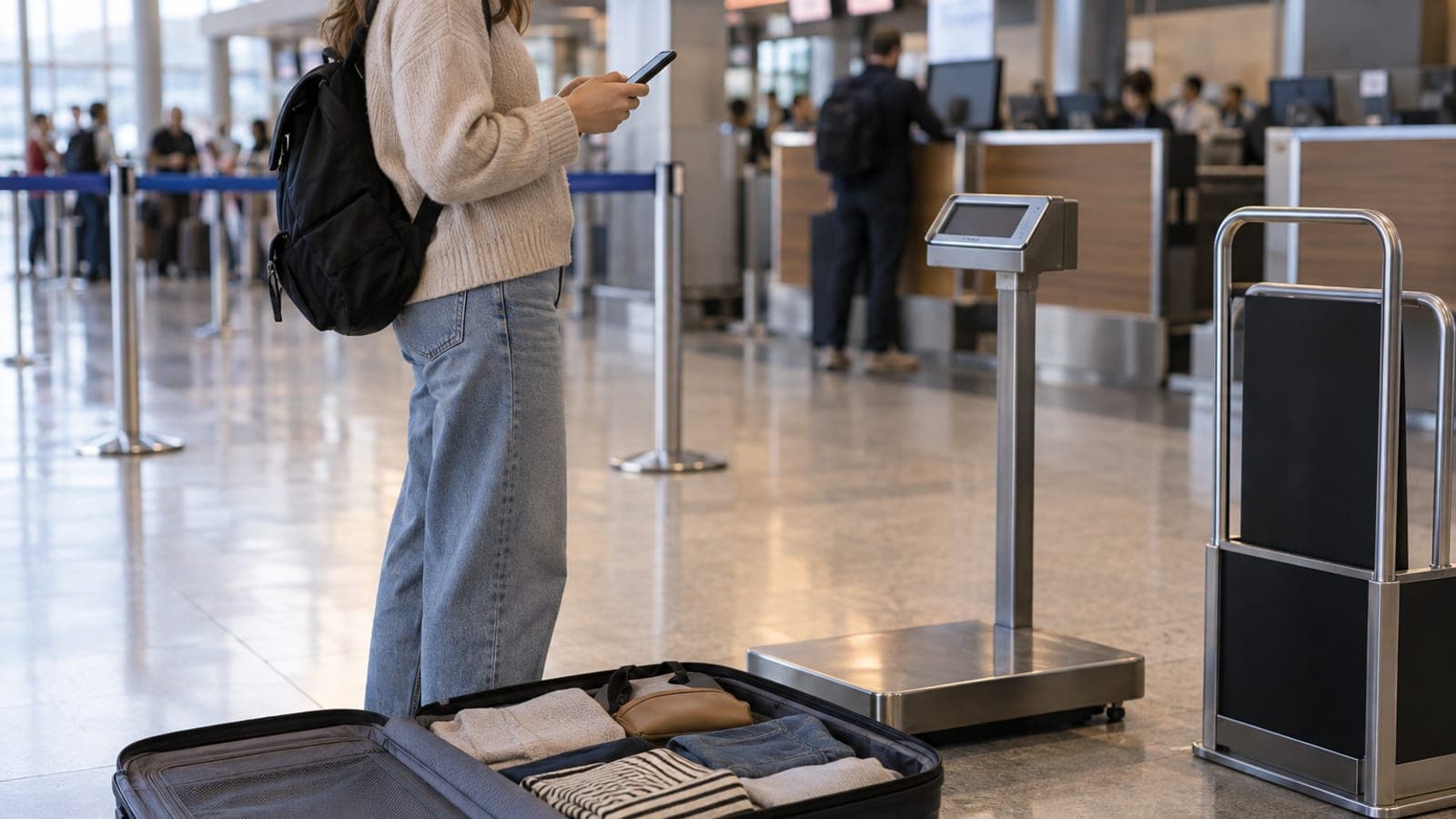
Short answer
Your allowance is printed on the "Baggage" line of your e-ticket and shown in the airline's "My Bookings" screen. Pull up your flight with the booking reference and surname, open "Extra Services" and choose "Extra Baggage" or "Baggage Package", tick the passenger and direction, then pay. An updated e-ticket lands in your inbox, and that is the document you show at the airport.
What you need
Step by step
Gather your ticket details
Pull the booking reference (PNR) and the surname exactly as written on the ticket from your confirmation email. If you booked through an agency or a travel site, keep that company's own reference number handy too. Without these two pieces of information no screen will retrieve your flight.
Read the baggage line on the e-ticket
Under each flight leg the e-ticket carries a "Baggage Allowance" field. It states your allowance either in pieces (PC) or in weight (KG), with cabin baggage listed on a separate line. If your fare is a promotional economy type, this field may say that no checked allowance is included.
Retrieve the flight on the airline's own screen
On the airline's site or app, open the "My Bookings", "My Flights" or "My Trip" menu. Enter the booking reference and surname to open the flight. Confirm the allowance you saw on the e-ticket here as well; if the two screens disagree, the airline's own record is the one that counts.
Pick baggage from Extra Services
On the flight detail screen open "Extra Services", "Extras" or "Personalise Your Trip". Tap the "Extra Baggage", "Baggage Package" or "Excess Baggage" card in the list. The screen shows the allowance already included alongside the tiers you can add on top of it.
Choose the passenger and direction
Watch which passenger and which direction you are buying for; outbound and return are separate lines on most screens. Connecting tickets may ask for a selection on each leg. Confirm with "Add to Cart" and move on to "Proceed to Payment".
Pay and keep the new e-ticket
Enter your card details and clear the verification step. At the end you get an "Extra Service Purchase" confirmation and an updated e-ticket by email; check that the baggage line now shows the new allowance. Keep that document available offline on your phone.
Weigh and measure your case at home
Once packed, put the case on the scale and measure the length, width and depth of your cabin bag with a tape measure. Read the airline's cabin baggage dimensions from its own "Baggage" page and compare. If you are just under the limit, moving one heavy item into your hand luggage avoids a surprise.
Drop the bag at the airport
At the check-in desk or a kiosk, go to the "Bag Drop" step, show the extra service you bought and have the tag printed. Keep the tag stub until the end of the trip; it is the first document anyone asks for if a bag is lost or delayed.
Tips
Watch out
Online extra baggage sales close at a set point before departure, and after that the airport rate is your only option. Adding the baggage to the wrong passenger, or to only one direction, is also a very common mistake, so check the passenger name and the outbound and return lines one by one on the payment confirmation.
Frequently asked questions
+Can I buy extra baggage at the airport?
Yes, excess baggage is handled at the desk. The airport rate is higher than the online one, so add it over the internet before your flight if you can.
+Can I cancel extra baggage I bought and get a refund?
Refunds for extra services depend on the airline's extra service rules, and most fares are non-refundable. Check your own ticket's rule on the airline's "Extra Services" or "Baggage Rules" page, or with its contact centre.
+Can two passengers pool their allowance into one suitcase?
Many airlines allow pooling for passengers on the same booking who travel together. This flexibility varies by airline, so get confirmation from the carrier in advance to avoid trouble at the desk.
+Why is my allowance shown in kilograms rather than pieces?
Airlines apply either the piece (PC) or the weight (KG) system depending on the route type, and the e-ticket shows whichever applies. Under the piece system, remember each case has its own weight and size limit.
+I bought a promotional fare, do I have no checked baggage at all?
The lowest fares may cover cabin baggage only. An empty or "not included" baggage line on the e-ticket signals this, so you need to buy extra baggage if you want to check a case.
Sources and verification
Last verified: 13 Eylül 2026. tell us.
This content is for information only; for official procedures the relevant institution’s current announcements take precedence. Details: disclaimer.