How do you secure an eSIM and prevent SIM swap attacks?
An eSIM can be swapped just like a physical SIM, but locking your carrier account and dropping SMS codes closes most of the risk.
Short answer
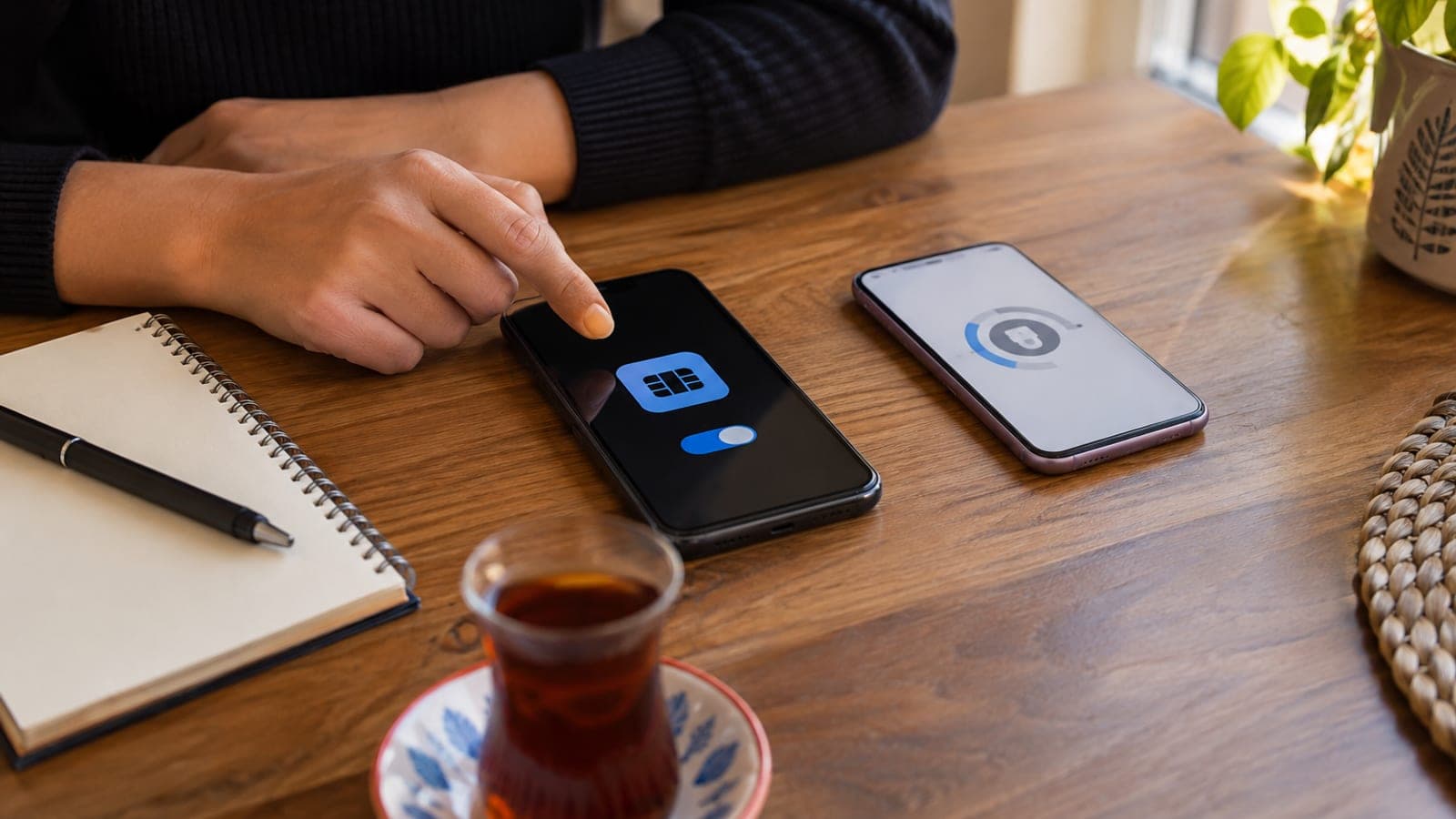
Turn on SIM PIN under Settings > Cellular > SIM PIN. Add two-step verification to your mobile carrier account and app. Move verification codes off SMS to an app like Google Authenticator or Microsoft Authenticator. Keep your number off public profiles and never tap links in unexpected text messages.
What you need
Step by step
Turn on SIM PIN
On iPhone go to Settings > Cellular > SIM PIN, flip the switch on and set a PIN. On Android the same option sits under Settings > Security > SIM card lock. This way, if your phone leaves your hands, the line cannot be used on another device without the PIN.
Lock down your carrier account
Open your carrier's app, find the account security section and enable two-step verification. If your provider supports identity verification or a mobile signature for login, prefer that over a password alone. Most SIM swap attacks start here, which makes this the single most important step.
Move off SMS verification
Switch two-factor authentication on your bank, email and social accounts from SMS to app-based codes. Install Google Authenticator or Microsoft Authenticator and scan the QR code from each account's security settings. Even if your line is hijacked, the codes never reach the attacker.
Spot and delete phishing texts
Do not tap links in messages claiming to be from a courier, the post office, your bank or a tax office. Broken spelling, an unknown sender, shortened links and urgent wording are the clearest signals. If you think something needs action, check inside the institution's own app instead.
Be selective about app installs
Install apps only from the App Store or Google Play and avoid sideloading APK files. Before installing something unfamiliar, look at the review count, the developer name and the permissions it requests. Malware on the handset is a common path to your accounts and codes.
Limit public Wi-Fi use
Skip cafe, hotel and airport networks unless you have no choice, and use mobile data when it is available. If you must connect, turn on a VPN and ask staff for the password-protected network rather than the open one. Traffic on open networks is easy to watch.
Keep your number out of circulation
Do not enter your phone number on shopping sites, forums or social profiles unless it is genuinely required. Reserve it for real needs such as account recovery and delivery tracking. The fewer places your number appears, the harder a SIM swap attempt becomes.
Act immediately if the line goes dead
If your phone suddenly shows no service and calls will not go through, a SIM swap may be underway. Call your carrier from another line and have the number blocked, then change your bank and email passwords. File a formal complaint or police report if money or accounts were touched.
Tips
Watch out
The most common mistake is tying every verification to SMS. The moment an attacker moves your number to their device, bank, email and social codes go to them. A SIM PIN protects the handset, not ownership of the number; the real lock is two-step verification on your carrier account.
Frequently asked questions
+Is an eSIM safer than a physical SIM?
It is safer against theft because there is no card to remove and insert into another phone. But an eSIM is just as exposed to a SIM swap carried out through your carrier.
+What happens if I forget my SIM PIN?
After three wrong attempts the line locks and you need the PUK code from your carrier. You can usually find the PUK in your carrier app or by calling customer service.
+How can I tell if my number was moved to someone else's device?
Signal drops completely, calls and texts stop working, but internet over Wi-Fi keeps running. Call your carrier right away and have the line blocked.
+Does a VPN protect an eSIM from being hacked?
Not directly. A VPN only encrypts your traffic on open networks and hides your IP address. Real protection against SIM swaps comes from carrier account security and app-based verification.
+What if my bank only offers SMS verification?
Use the approval notification inside the bank's own mobile app, or a mobile signature if offered. If SMS is the only option, add a separate transaction password and keep notifications turned on.
Sources and verification
Official pages for this process
Published: September 12, 2026. tell us. Menu paths reflect current iOS and Android naming; carrier account security screens vary by provider.
This content is for information only; for official procedures the relevant institution’s current announcements take precedence. Details: disclaimer.