How is a medication report obtained and renewed?
Apply to the appropriate healthcare provider, then track your medication report through e-Nabız and e-Government services.
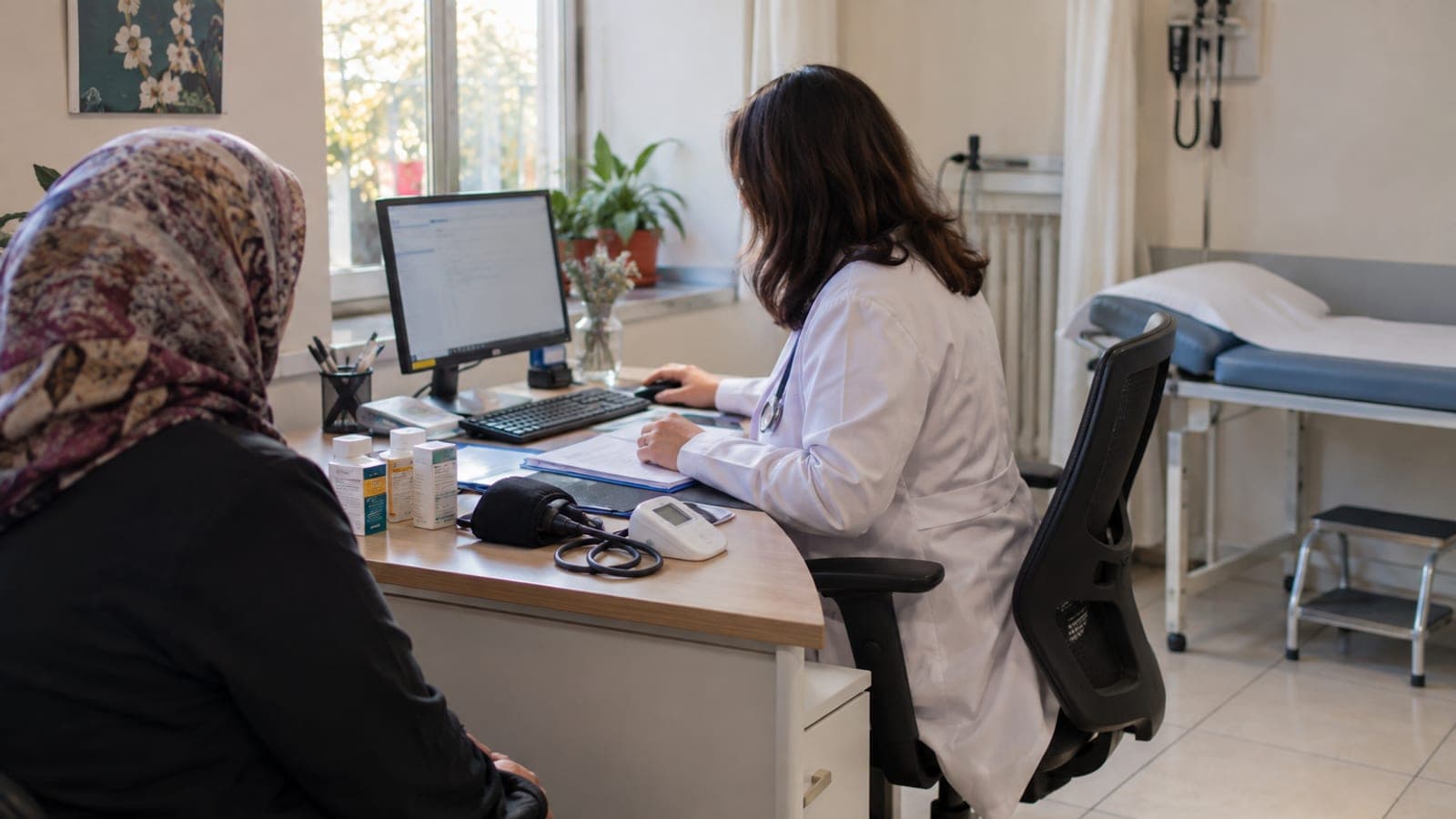
Short answer
Patients cannot create medication reports themselves. Book an appointment with the relevant specialist through MHRS, bring your identity document and medical records, and explain whether you need a new or renewed report. After evaluation, check e-Nabız under “My Reports” and the e-Government service “Signed Electronic Medication Reports Inquiry.”
What you need
Step by step
Check your report status
Open the e-Nabız app or website and select “My Reports.” Review whether your current medication report is listed, its validity period, and the medicines included. This information helps the physician assess your renewal request.
Book an appointment with the relevant specialty
Open “Book an Appointment” in the MHRS app or on the MHRS website. Select the specialty related to your condition and medicine, choose an appropriate healthcare facility, and select “Outpatient Clinic.” Mention that you need a report renewal if the system allows appointment notes.
Explain your request during the examination
Attend the appointment with your identity document, current report, prescriptions, and relevant test records. Clearly explain whether you need continued medication, a renewal, or a new report. The physician and healthcare facility determine the required assessment and report type.
Complete requested evaluations
Follow the instructions if the physician requests additional examinations, tests, or a medical board review. Complete any registration steps required by the hospital’s “Medical Board,” “Report Unit,” or relevant outpatient clinic. Do not assume the report is final until these steps are finished.
Check the electronic report
Search e-Government for “Signed Electronic Medication Reports Inquiry” and open the relevant service. You can also review “My Reports” in e-Nabız. If the report is missing from both systems, contact the issuing facility’s report unit or clinic secretary.
Use the prescription at a pharmacy
After the report is finalized, visit a pharmacy with the prescription issued by your physician. The pharmacy verifies the report scope, medicine eligibility, and reimbursement conditions in its systems. If the details do not match, contact the healthcare facility that issued the report.
Tips
Watch out
A report appearing in e-Nabız does not guarantee that the medicine will be dispensed or reimbursed. The diagnosis, medicine, specialist approval, usage conditions, and reimbursement rules may be checked separately by the healthcare provider, the insurer, and the pharmacy. Do not take medicine based only on an old report.
Frequently asked questions
+Can a patient create a medication report independently?
No. A patient can submit the application and track its progress, but an authorized physician or medical board must prepare, renew, and sign the report.
+Which department should handle a medication report renewal?
The appropriate department depends on the condition and medicine involved. Before booking through MHRS, confirm the authorized specialty with the hospital that issued the current report or with the relevant clinic.
+What should I do if the new report does not appear in e-Nabız?
First check the e-Government service “Signed Electronic Medication Reports Inquiry” as well. If the report is missing from both systems, ask the issuing hospital’s report unit or clinic secretary whether electronic transmission has been completed.
+Does renewing the report automatically create a prescription?
No. A report may document the conditions for using a medicine, but a physician must assess the patient and issue a prescription separately. The pharmacy checks both records in the relevant systems.
Sources and verification
Official pages for this process
Last verified: September 23, 2026. tell us.
This content is for information only; for official procedures the relevant institution’s current announcements take precedence. Details: disclaimer.