How do you change your family doctor in Turkey?
A step-by-step walkthrough for switching your family doctor online through e-Devlet or in person at a family health centre.
Short answer
Sign in to the e-Devlet Kapısı portal and type "Aile Hekimi Değişiklik Talebi" in the search box. Open the Ministry of Health service, pick your province, district and family health centre, tick the new doctor in the list, then confirm the request. Your registration moves to the new doctor as soon as the confirmation screen appears, and you can check it under "Aile Hekimim" in e-Nabız.
What you need
Step by step
Sign in to e-Devlet
Go to turkiye.gov.tr and press the "Giriş Yap" button at the top right. Enter your national ID number, then choose one of the tabs: "e-Devlet Şifresi", "Mobil İmza", "e-İmza" or "T.C. Kimlik Kartı". If you do not have a password yet, you can collect one from a PTT branch with your ID.
Search for the service
Type "Aile Hekimi Değişiklik Talebi" into the search box at the top of the page. If the result shows "Sağlık Bakanlığı" underneath the service name, you are in the right place. Tap the service and read the information text on the opening screen before continuing.
Check your current registration
The screen lists the family doctor you are currently registered with, along with the family health centre and unit details. Confirm that these records belong to you. If something looks wrong, contact the centre before making any change, since a faulty record can carry over.
Pick the new doctor
Under "Yeni Aile Hekimi Seçimi", select the province, district and family health centre in that order. Then tick the doctor you want from the list that appears. Units that have reached their population capacity show as inactive or cannot be selected, so try another unit in that case.
Confirm the request
Tick the consent box and press "Değişiklik Talebini Gönder". A message appears on screen telling you the transaction is complete. Take a screenshot or print that page; it is your proof if the record does not reach the centre's system.
Verify it in e-Nabız
Open the e-Nabız app or enabiz.gov.tr and go to the "Aile Hekimim" section. Your new doctor's name, phone number and family health centre should be listed there. If the details have not refreshed yet, log out and sign back in.
Go to the centre instead
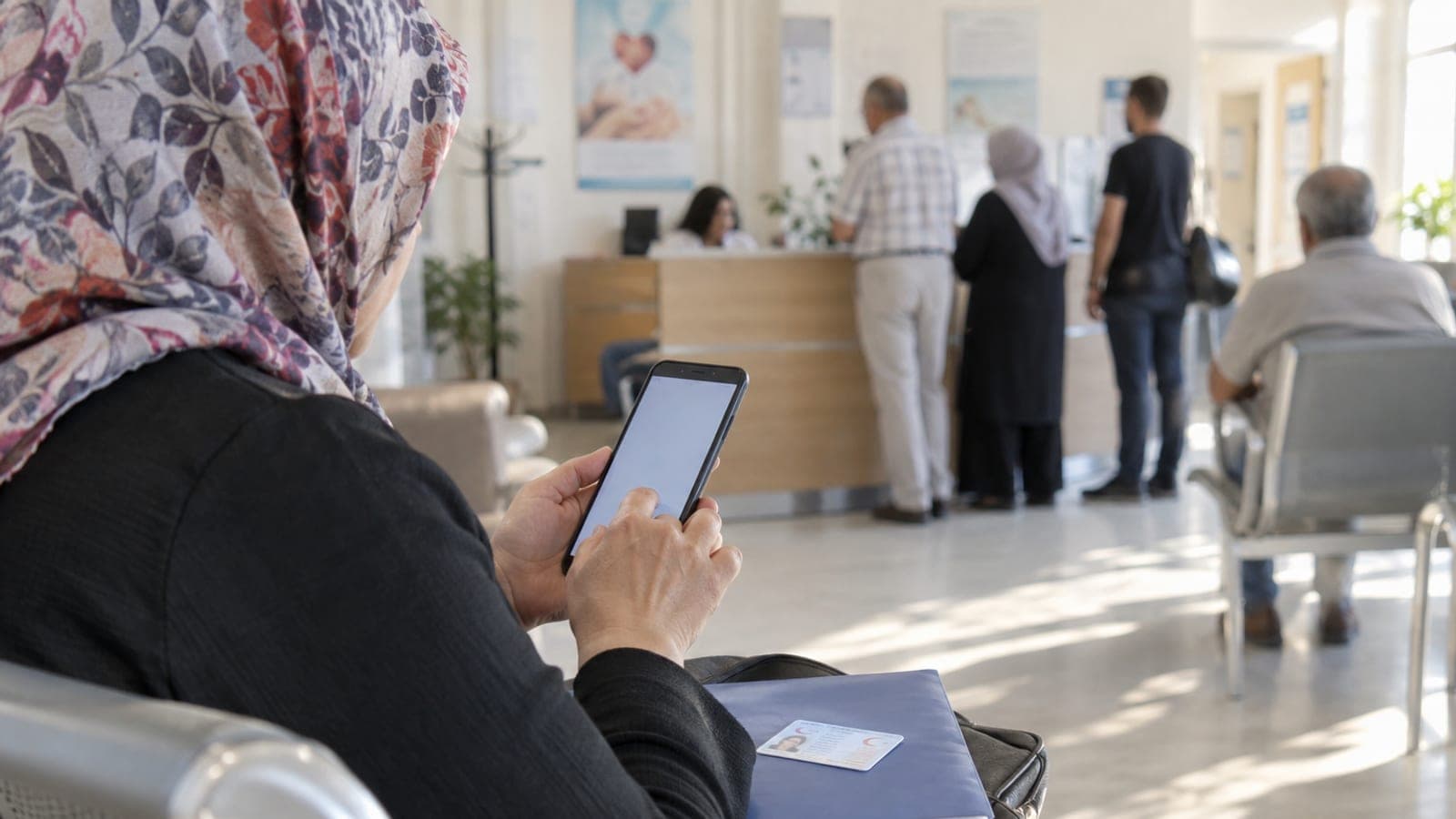
If you cannot complete the process online, visit the family health centre you want to move to and bring your ID. Ask at the registration desk for the family doctor change request form, fill it in and sign it. Staff will transfer your record through the system.
Book an appointment with the new doctor
Open the MHRS app or mhrs.gov.tr and go to the "Aile Hekimliği" section. Your new doctor is listed automatically, so pick a suitable slot and create the appointment. At the first visit, ask them to review your chronic medication reports and vaccination records.
Tips
Watch out
After a change the system may block a new request for a set period, so check the doctor's location, working pattern and remaining capacity before you commit. Rushed decisions can interrupt chronic illness monitoring and medication report renewals.
Frequently asked questions
+Is changing your family doctor free?
There is no fee for changing your family doctor through e-Devlet. Filling in the form in person at a family health centre is also free of charge.
+The doctor I want is not in the list, what should I do?
The doctor's patient capacity may be full, or the unit may be temporarily closed. Call the family health centre to ask, and submit your request again once a place opens up.
+Can I choose a doctor in another province?
The province and district lists are open, so you can select a unit in a different province. Since monitoring, vaccinations and examinations happen in person, a centre near where you live is far more practical.
+When does the change take effect?
Your registration moves to the new doctor once the confirmation screen appears. You may still need to refresh or sign in again to see current details in MHRS and e-Nabız; confirm the final status with the family health centre.
+Will my records with the old doctor be lost?
Your examinations, tests, prescriptions and vaccination records stay in your personal file in e-Nabız. Your new doctor can view that history within the limits of their authorisation.
Sources and verification
Official pages for this process
Published: September 12, 2026. tell us. Service, menu and button names are kept in Turkish because they appear that way in e-Devlet, e-Nabız and MHRS.
This content is for information only; for official procedures the relevant institution’s current announcements take precedence. Details: disclaimer.