How do you view lab results and reports on e-Nabiz?
Sign in to e-Nabiz through e-Devlet and read your own lab values, reference ranges and medical reports.
Short answer
Go to enabiz.gov.tr, press Giris Yap and verify your identity through the e-Devlet Kapisi screen. In the left menu open Saglik Kayitlarim, then Tahlil ve Tetkiklerim, and open the record to see the measured value next to its reference range. Use Raporlarim for medical reports and Goruntulerim for radiology records; the Indir icon saves the document as a PDF.
What you need
Step by step
Sign in through e-Devlet
Open enabiz.gov.tr in your browser and press the Giris Yap button. On the e-Devlet Kapisi screen that opens, verify your identity with your ID number and e-Devlet password, or with mobile signature, e-signature, your ID card or internet banking. Your health records only unlock after this verification.
Open Tahlil ve Tetkiklerim
From the left menu, click Saglik Kayitlarim and then Tahlil ve Tetkiklerim. The list is sorted newest first, and the search and filter fields at the top let you narrow it down by institution or test name. If the record you want is missing, the lab may not have sent the result yet.
Read the value against its reference range
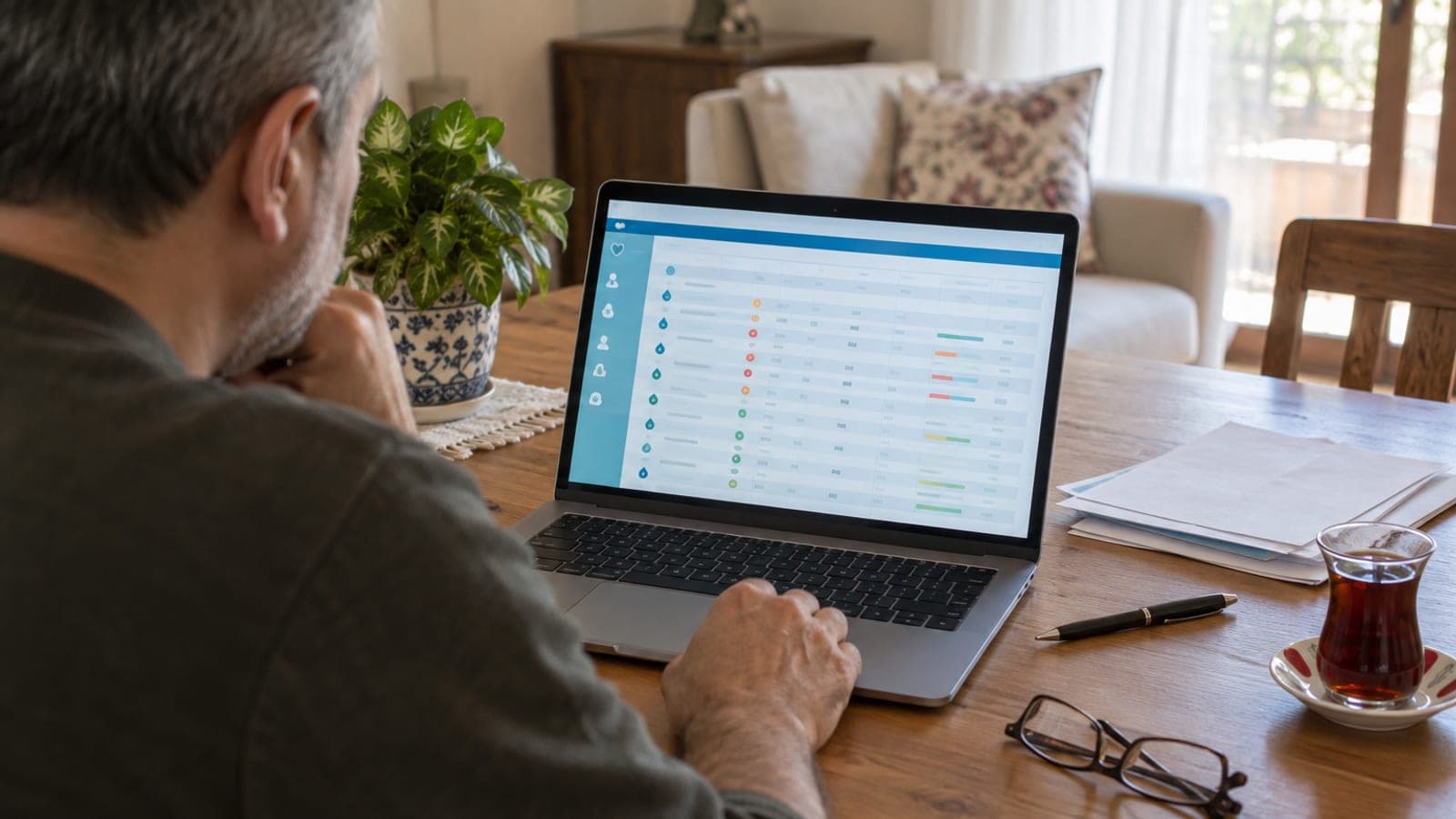
Click the row you care about to open the Detay screen. The test name, measured value, unit and reference range sit side by side, and values outside the range are marked in a different color. The Grafik tab compares past measurements of the same test so you can see a trend.
Find reports and imaging records
In the same menu, choose Raporlarim, where medication, device, sick leave and disability reports are listed under separate headings. For X-ray, CT and MRI records use the Goruntulerim section instead. The radiology interpretation is available through the report link on each record.
Download or print the document
On any open result or report screen, use the Indir icon in the top corner to save it as a PDF, or Yazdir to print a copy. If you need to submit it somewhere, ask in advance whether a signed and stamped original is required. If it is, request a certified copy from the issuing hospital's archive or outpatient unit.
Manage doctor and family permissions
Open Yetkilendirme Islemleri from the profile menu at the top right. Hekim Yetkilendirme lets a doctor see your records during an appointment, and Aile Bildirimi lets you follow a minor child's results from your own account as their parent. You can revoke any permission from the same screen.
Use the mobile app for the same records
Install the e-Nabiz app from the App Store or Google Play and sign in with your e-Devlet credentials. The Saglik Kayitlarim section in the bottom menu holds the same Tahlil ve Tetkikler and Raporlar headings, and you can download documents straight to your phone.
Chase a missing record with the institution
If an expected result is not listed, first clear the filters and check the institution and date range selections. If the record genuinely is not there, contact the lab or IT unit of the hospital that ran the test, since the institution controls the data transfer. Report system-level problems through Ministry of Health contact channels.
Tips
Watch out
Never share your e-Devlet password with anyone; the correct way to let a doctor see your records is the Hekim Yetkilendirme step under Yetkilendirme Islemleri. Interpreting the values yourself and changing a medication dose or stopping treatment carries serious risk.
Frequently asked questions
+My lab result is not showing in e-Nabiz, what should I do?
The record is sent by the institution that ran the test and may not be approved yet. Clear the filters and look again; if it is still missing, contact the relevant lab or the hospital's IT unit.
+Does an e-Nabiz printout count as an official document?
Many institutions accept it for information purposes, but some require a signed and stamped copy. Ask the office you are submitting it to which format they accept.
+Can I see my child's lab results?
Yes. Use the Aile Bildirimi step under Yetkilendirme Islemleri in the profile menu to view a minor child's records from your own account as their parent.
+How can a doctor see my records?
During the appointment you have to approve the doctor's access request on the Hekim Yetkilendirme screen. You can revoke that permission at any time from the same screen.
Sources and verification
Official pages for this process
Published: September 12, 2026. tell us. Interface labels are kept in Turkish as they appear on e-Nabiz and e-Devlet screens; the service is available to holders of a Turkish national ID number.
This content is for information only; for official procedures the relevant institution’s current announcements take precedence. Details: disclaimer.