How do you pay the Turkish passport fee?
Ways to pay the passport fee and valuable paper charge online, through a bank app, at PTT or at a tax office counter.
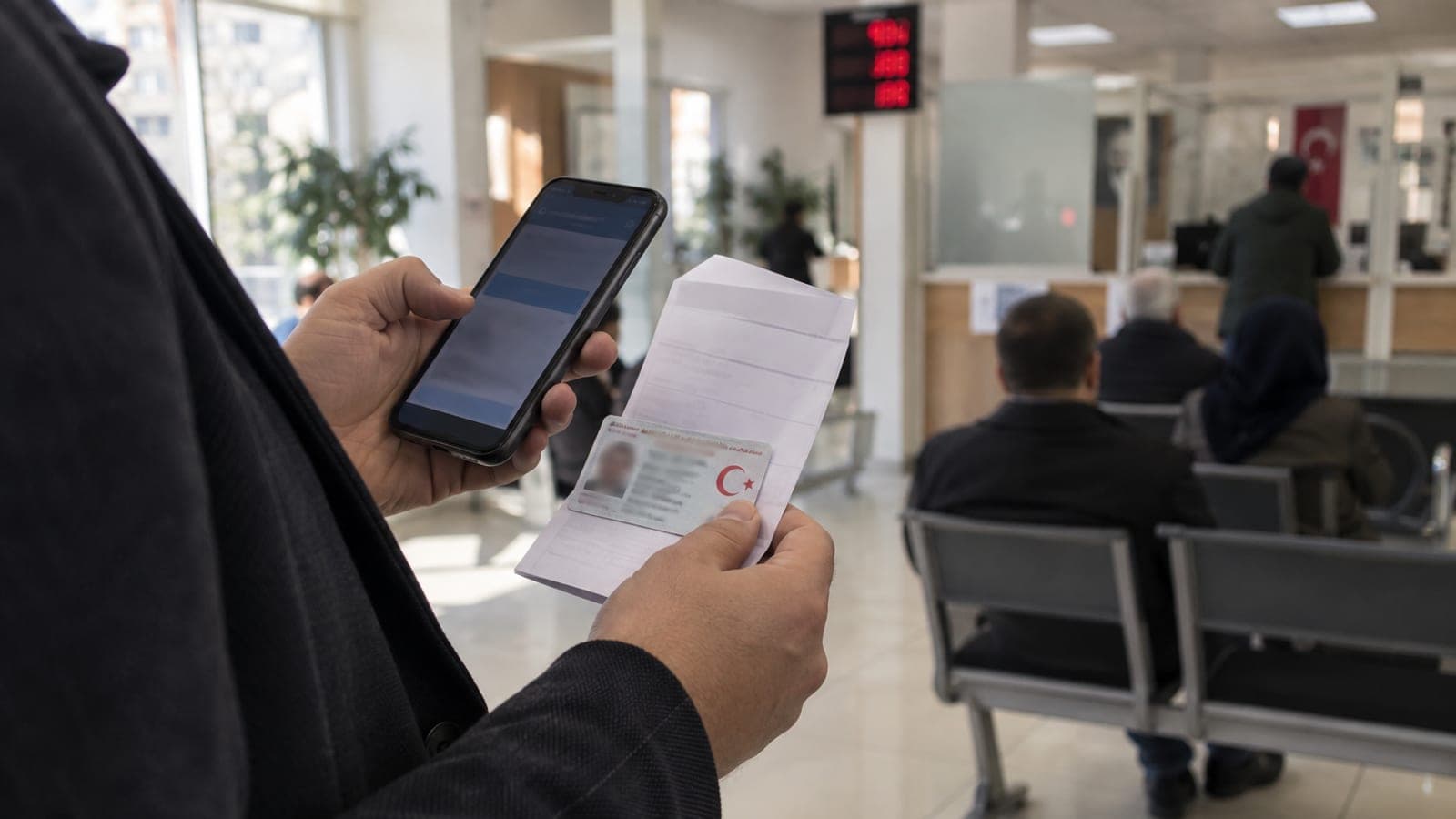
Short answer
You can pay the passport fee and the valuable paper charge through the passport fee service on e-Devlet, through the Revenue Administration's Digital Tax Office, from the "Tax and Fee Payments" section of your bank's mobile app, at a PTT branch, or at a tax office counter. Always register the payment under the applicant's own national ID number and keep the receipt until your appointment day.
What you need
Step by step
Book the appointment and confirm the passport type
Search for "pasaport randevu" on turkiye.gov.tr and open the appointment service of the Directorate General of Civil Registration and Nationality, or call 199. The fee depends on the validity period you choose, so lock that decision in before paying. Paying for the wrong period means settling a difference at the counter.
Pay through e-Devlet
Log in to turkiye.gov.tr, type "pasaport harç" in the search box and open the Revenue Administration's fee payment service. Select the passport validity period and fee type, continue to the "Öde" step and enter your card details. When the payment goes through, download the receipt as a PDF.
Use the Digital Tax Office as an alternative
Sign in at dijital.gib.gov.tr with identity verification, open the "Ödemeler" section from the top menu and choose the option for document charge and fee payment. The passport fee and the valuable paper charge appear as two separate line items on the same screen. This is the most practical route when the e-Devlet service is unavailable.
Pay from your bank's mobile app
Open the "Ödemeler" menu in your bank app, choose "Vergi ve Harç Ödemeleri" or "Kurum Ödemeleri" and select the Revenue Administration as the institution. Pick passport as the fee type and enter the national ID number of the applicant. Save the receipt from the app once the transaction completes.
Go to a counter if you want to pay cash
If you would rather not use a card, visit a PTT branch, a tax office cashier or a bank branch authorised to collect fees, and bring your ID. At the counter, say you want to pay the passport fee and the valuable paper charge, and state the validity period. Keep the till receipt, because it is your only proof if the record does not reach the system.
Verify the payment and bring proof
The payment is recorded against the national ID number and shows up on the registry office screen, but print a copy of the receipt or save it to your phone anyway. If the officer cannot pull up the payment on your appointment day, the receipt lets the process continue. Any shortfall can usually be topped up the same day on the card terminal at the office.
Tips
Watch out
A payment made for the wrong validity period, or registered under someone else's national ID number, will not be accepted at your appointment. Getting it back requires filing a correction petition with the tax office, which takes time. Always check the name and ID number on the payment screen before confirming.
Frequently asked questions
+Should I pay the fee before my appointment?
Paying in advance is the smoothest option, but many registry offices also accept card payment at the counter during the appointment. Check the practice at the office you are visiting.
+Can I pay with someone else's card?
Yes. What matters is that the payment is recorded under the passport holder's national ID number; the cardholder can be a different person.
+Can I get a refund if I drop my passport application?
You can apply to your tax office with a correction and refund request for an unused fee. The tax office you are registered with sets the conditions for the process.
+I lost the receipt, what should I do?
You can view and download it again from the payment history screen on e-Devlet or the Digital Tax Office. For counter payments, the relevant tax office or PTT branch can print a copy from their records.
+Will my appointment be cancelled if the payment does not appear in the system?
No. You can continue by presenting the receipt, and the officer can check the payment manually in the institution's records if needed.
Sources and verification
Official pages for this process
Published: September 13, 2026. tell us. Service names, menu labels and search terms are kept in Turkish as they appear on the official sites; procedures and fees apply to Türkiye only.
This content is for information only; for official procedures the relevant institution’s current announcements take precedence. Details: disclaimer.