How do you save money when buying a smart TV?
Protect your budget on a new or refurbished smart TV with the right timing, the right screen size, and no paid extras you will never use.
Short answer
Decide which features you will actually use (8K and 144Hz are wasted on most homes), pick the smallest screen that suits your seating distance, wait for a discount window, look at last year's model or a refurbished/open-box unit, and compare the final price across at least three sellers before you buy.
What you need
Step by step
List the features you need
Before you shop, learn what resolution, panel type, and refresh rate mean, then write down which ones matter to you. There is almost no 8K content and even 4K broadcast is limited, so if you do not game, paying extra for a 120Hz or 144Hz panel gives you nothing back.
Match the screen size to your distance
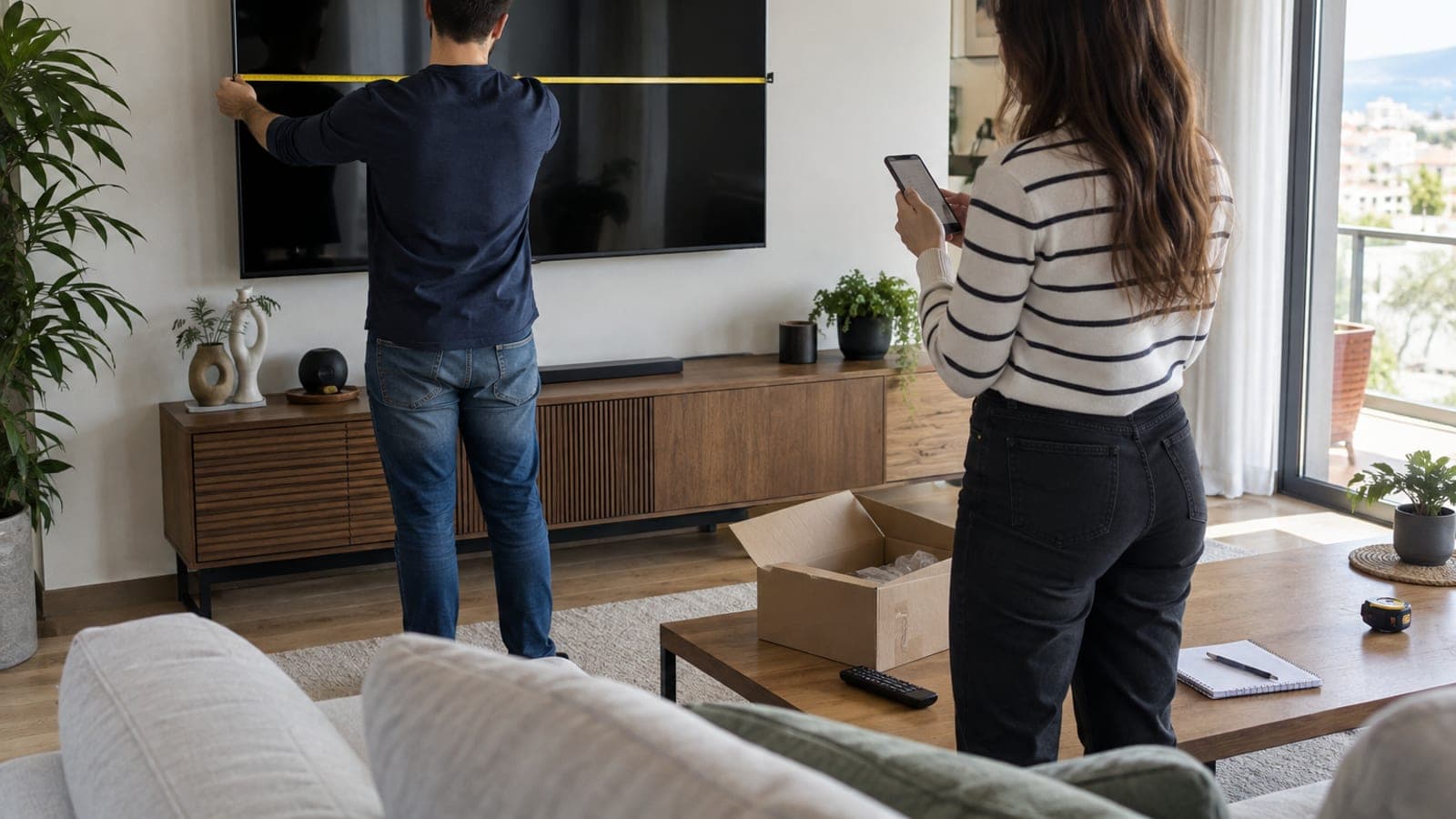
Measure the distance between your seat and the spot where the TV will sit, then pick a size that fits it. Larger versions of the same model cost far more, and moving from 65 to 75 inches pushes the price up sharply. A screen too big for the room hurts both your budget and your viewing comfort.
Wait for a discount window
Black Friday and Cyber Monday in November, the pre-holiday stretch, and back-to-school season bring the most aggressive TV discounts. If your need is not urgent, line your purchase up with one of these windows, but check the price history so you can spot fake markdowns.
Look at last year's model
When manufacturers launch a new series, they cut prices hard to clear the previous year's stock. The differences are usually minor software and design tweaks. A prior-year model in the same class can drop to nearly half its launch price.
Check refurbished and open-box units
Brand stores and large retailers sell refurbished, display, and returned units well below new prices, and refurbished stock comes with at least a short warranty. Open-box deals are easier to find in physical stores, so inspect the panel for marks and dead pixels before you pay.
Question the extended warranty
The standard warranty in the box runs two years with most brands and longer on some models. Failures tend to show up in the first few months or long after coverage ends, so a pricey extension rarely pays for itself. If you skip it, choose a brand with a strong service network instead of an unknown budget label.
Compare prices across sellers
Once you have the exact model number, check marketplaces, brand stores, and electronics chains one by one. Price comparison sites and price-alert services let you see the history and tell a real discount from a staged one. Add shipping, installation, and installment fees to the total.
Do a final check at payment and delivery
Have the invoice issued in your name, and keep the warranty card and serial number. At delivery, open the package and confirm the panel is not cracked before you sign anything. Factor in installments, gift vouchers, and bank promotions when you compare the real final cost.
Tips
Watch out
The most common mistake is trusting a sale tag without checking the model's real price history, since some sellers raise the list price before a campaign and then show a discount. Open-box units also bring risk: panel scratches and missing accessories turn into disputes after purchase, so inspect everything at delivery.
Frequently asked questions
+Is there any point in buying an 8K TV?
Not in practice right now. There is almost no 8K content on streaming platforms or broadcast, and even 4K is limited. Spending the same money on a better panel and sound makes more sense.
+Do I need a 120Hz panel?
If you game on a console or PC, the difference is noticeable. If you only watch shows, films, and sports, you do not need to pay extra for a high refresh rate.
+Should I buy an extended warranty?
Usually not. The standard warranty is two years with most brands, and failures tend to appear either very early or long after coverage ends. If you skip the extension, pick a brand with wide service coverage.
+Are refurbished TVs safe to buy?
Generally yes when they come from a brand store or a large retailer, because they are tested and sold with a warranty. From unknown sellers, always confirm the warranty length and the return window.
+When is the best time of year to buy a TV?
The Black Friday and Cyber Monday period in November brings the deepest discounts. Spring is also good, since prior-year models drop fast as new lineups reach the shelves.
Sources and verification
Published: September 13, 2026. tell us. Adapted from a Turkish source; sale-period names generalized to Black Friday and Cyber Monday, and the two-year warranty reflects EU/Turkish consumer law rather than US practice.
This content is for information only; for official procedures the relevant institution’s current announcements take precedence. Details: disclaimer.