How do you use your phone line and an eSIM abroad?
Install an eSIM before you board and get cheap data from your first hour in a new country.
Short answer
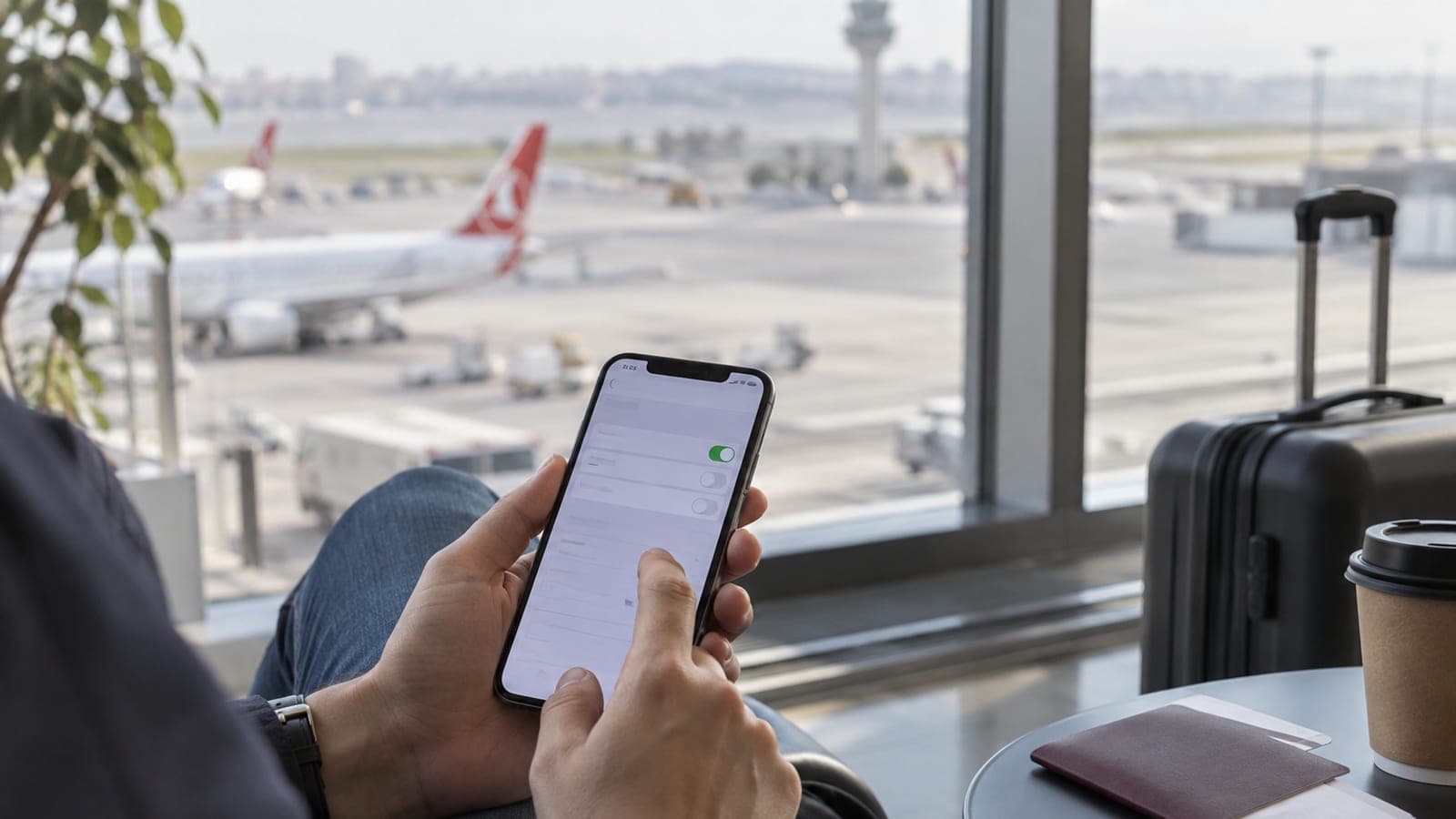
Before you leave home, go to Settings > Cellular > Add eSIM and install a data plan for your destination. On arrival, turn the eSIM line on and enable Data Roaming for that line only, leaving roaming off on your home line. Your own number stays reachable for calls and texts, data runs over the eSIM, and your bill holds no surprises.
What you need
Step by step
Confirm your phone supports eSIM
Dial *#06# on the keypad; if a 15-digit EID appears under the IMEI, the device handles eSIM. On iPhone, scroll to Available SIM or EID under Settings > General > About; on Samsung, look for Add eSIM under Settings > Connections > SIM manager. Carrier-locked handsets bought abroad usually refuse third-party eSIMs.
Set your home line's roaming status
Open your carrier app and check under the International or Roaming section that your line is cleared for international use. Postpaid lines usually have roaming enabled by default, while prepaid lines may need a call to customer service. Do not buy a roaming data bundle if you only want calls and texts, since the eSIM will carry your data.
Buy the eSIM plan before the flight
On a provider like Airalo, Nomad or Saily, pick the country, then the number of days and the data allowance. For a 10-day European trip, 5 GB is comfortable and 3 GB works for maps and messaging only; budget roughly 300-500 MB per day. The QR code arrives by email within one to five minutes of payment.
Install the eSIM while still at home
On iPhone, follow Settings > Cellular > Add eSIM > Use QR Code and scan the code. On Samsung, use Settings > Connections > SIM manager > Add eSIM > Scan QR code. When setup finishes, label the line something like "Travel" and leave it turned off for now, because most providers start the clock at your first network connection.
Turn the eSIM on when you land
After you get off the plane, open Settings > Cellular, tap the Travel line and choose Turn On This Line. On the same screen, switch Data Roaming on for that line only and keep Data Roaming off under your home line. Finding a network can take one to three minutes; if it stalls, toggle Airplane Mode for ten seconds.
Decide what each line does
Under Settings > Cellular > Cellular Data, set the data line to the travel eSIM and set Default Voice Line to your home number. Turn off "Allow Cellular Data Switching", otherwise the phone quietly falls back to your expensive home line when the eSIM allowance runs out. WhatsApp and bank verification texts keep arriving on your home number.
Track usage and switch off on the way back
Check the remaining data daily in the provider app or under Settings > Cellular > Travel line usage counter. If it is running low, top up from the same app rather than buying a new plan. Back home, turn the eSIM line off; keeping it off instead of deleting it saves you a reinstall if you return to the same country.
Tips
Watch out
The costliest mistake is leaving data roaming on for your home line. Without a bundle, roaming data is billed per megabyte, and background backups and app updates can run up a bill worth thousands within a few hours. After activating the eSIM, look at the screen and confirm the Data Roaming switch under your home line is off.
Frequently asked questions
+Does my home number keep working while I use an eSIM?
Yes. If you leave the line on, it still receives calls and texts, including bank verification codes. Only internet traffic moves over the eSIM.
+If I install the eSIM at home, does the allowance start right away?
With most providers the plan starts when the line first connects to a network in your destination country. Installation and activation are separate, but keeping the line off until you land is the safest habit.
+What can I do if my phone does not support eSIM?
Buy one of your carrier's international roaming bundles, or pick up a physical prepaid SIM from an airport shop after you land. Most countries require a passport for that purchase.
+How many eSIMs can one phone hold?
Recent iPhone models store up to eight eSIMs but keep at most two active at once. On Android the limit is usually lower and varies by device model.
+Can I make calls from a local number with an eSIM?
Data-only plans do not come with a phone number. If you need to make calls, choose a plan marked calls and SMS included, or talk over the internet with WhatsApp.
Sources and verification
Official pages for this process
Published: September 13, 2026. tell us. Menu paths reflect iOS and Samsung One UI English labels; wording may differ slightly by version.
This content is for information only; for official procedures the relevant institution’s current announcements take precedence. Details: disclaimer.