How do you choose a budget-friendly 65% mechanical keyboard?
Using the Razer Reclusa X Mini 65% as a reference point, here is what actually matters in an affordable compact mechanical keyboard.
Short answer
On a compact mechanical keyboard, check hot-swap support first (it should accept both 3-pin and 5-pin switches), then sound dampening such as dual silicone layers, keycap material (double-shot ABS or PBT), a 1,000 Hz polling rate, and software support. The Reclusa X Mini 65% covers that list around the 50 dollar mark, so look for comparable specs in your local mid-range price band.
What you need
Step by step
Measure your desk and pick the layout
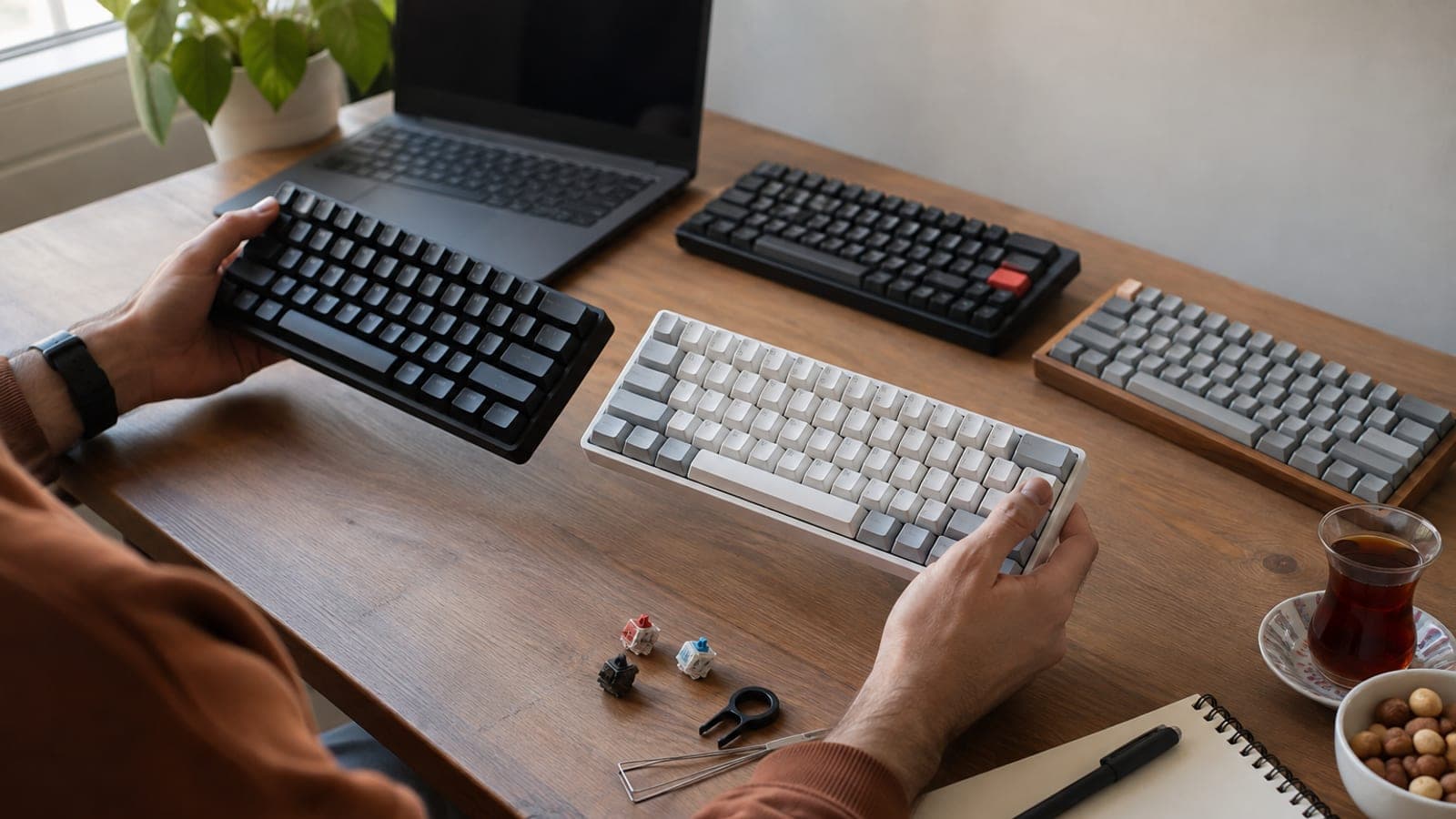
A 65% layout drops the F row but keeps the arrow keys and Delete, fitting 68 keys into roughly half the width of a full-size board. If you lean on the number pad for accounting or data entry, this layout will slow you down. For gaming and everyday typing it frees up real mouse space.
Check the switch type and hot-swap support
The Reclusa X Mini ships with Razer Orange Tactile Gen-3 switches: no click, but a noticeable bump. Look for the phrase "hot-swappable, 3-pin and 5-pin" in the product description. With that, you can pull switches without soldering and retune the feel whenever you want.
Inspect dampening and keycap material
A mention of dual silicone layers inside the case means less hollow plastic rattle. Double-shot ABS legends will not wear off, while PBT lasts longer but is rare at this price. Typing acoustics on cheap boards vary key to key, so try one in person if you can.
Look at RGB orientation and legends
South-facing RGB clears aftermarket keycaps and lights the legends more evenly. On the Reclusa X Mini two keys oddly have north-facing LEDs, and details like that show up in reviews. Confirm with the seller which physical layout and legend set you are getting.
Settle the cable and connectivity question
This model is wired, with a braided USB-C to USB-A cable in the box and no Bluetooth or 2.4 GHz option. If you want wireless, wait for a HyperSpeed variant or shop competitors. Wired keeps latency low in games and removes battery worries entirely.
Weigh software support and macro needs
Razer Synapse handles Snap Tap, Snap Flex, Dual Keypress Priority, key remaps, and profiles. Media controls run off Fn shortcuts. Check whether the software runs outside Windows and, if you are on macOS, whether the modifier order works for you.
Ask what is actually in the box
At this price most accessories are cut: no keycap or switch puller, no screwdriver, no macOS keycaps, no spare switches. Get the box contents from the seller in writing before ordering. Missing tools are cheap to buy separately as a small kit.
Compare prices and confirm the warranty
Local pricing can sit well above the foreign sticker once currency and tax are applied. Check price history on comparison sites and pick a seller with official distributor warranty. Grey-import units often cannot be serviced locally at all.
Tips
Watch out
Do not expect to pay the foreign sticker price locally; currency, tax, and shipping can nearly double the total. And with an unwarranted import, a failed switch or dead controller board leaves you with no service option and a keyboard you cannot repair.
Frequently asked questions
+Does a 65% keyboard have no F1-F12 keys at all?
Not physically, but you reach all of them by holding Fn and pressing the number row. It slows you down in Excel and in-game shortcuts for a few days, then becomes muscle memory.
+What does hot-swap mean, and do I need it?
It lets you pull and replace switches by hand, no soldering. If you dislike the feel, you change the switches instead of the whole keyboard, which saves money long term.
+Is it hard to find a local keyboard layout in this price band?
Most global models ship with the US layout. For a regional layout you usually have to look at local brands or a seller that explicitly lists that layout option.
+Is a wired keyboard a disadvantage for gaming?
No, the opposite. Wired keeps latency at its lowest and there is no battery to die; wireless only wins on desk tidiness and portability.
+Should I buy ABS or PBT keycaps?
PBT lasts longer and resists shine, while ABS feels smoother and dominates this price band. With double-shot ABS the legends are molded in, so they will not rub off.
Sources and verification
Published: September 10, 2026. tell us. Prices and layout availability were generalized from the Turkish source; check your own market for current figures.
This content is for information only; for official procedures the relevant institution’s current announcements take precedence. Details: disclaimer.