How do I set up eSIM on a Turkcell, Vodafone or Türk Telekom line?
Application, QR code and phone settings for moving a Turkcell, Vodafone or Türk Telekom line to eSIM, explained step by step.
Short answer
Confirm your phone supports eSIM, request an eSIM through your carrier's app or a store, then scan the QR code you receive under Settings > Cellular (iPhone) or Settings > Connections > SIM manager (Android) and download the profile. The download takes 1-3 minutes; restart the phone afterwards and check that the line has signal. Your old physical SIM is deactivated automatically.
What you need
Step by step
Confirm eSIM support on your phone
On iPhone open Settings > General > About and scroll down; if you see an "Available SIM" or "EID" row, eSIM is supported. On Android look for "Add eSIM" under Settings > Connections > SIM manager. The phone also has to be carrier-unlocked, otherwise the profile will not install.
Request an eSIM from your carrier
In Turkcell'im go to My Account > Line and Device Operations > SIM Card Change, in Vodafone Yanımda to My Line > SIM Card Operations > Switch to eSIM, and in Türk Telekom Online İşlemler to My Line > SIM Operations > eSIM Request. For corporate lines, lines billed to someone else, or failed identity checks, visit the nearest carrier store with your ID.
Get the QR or activation code
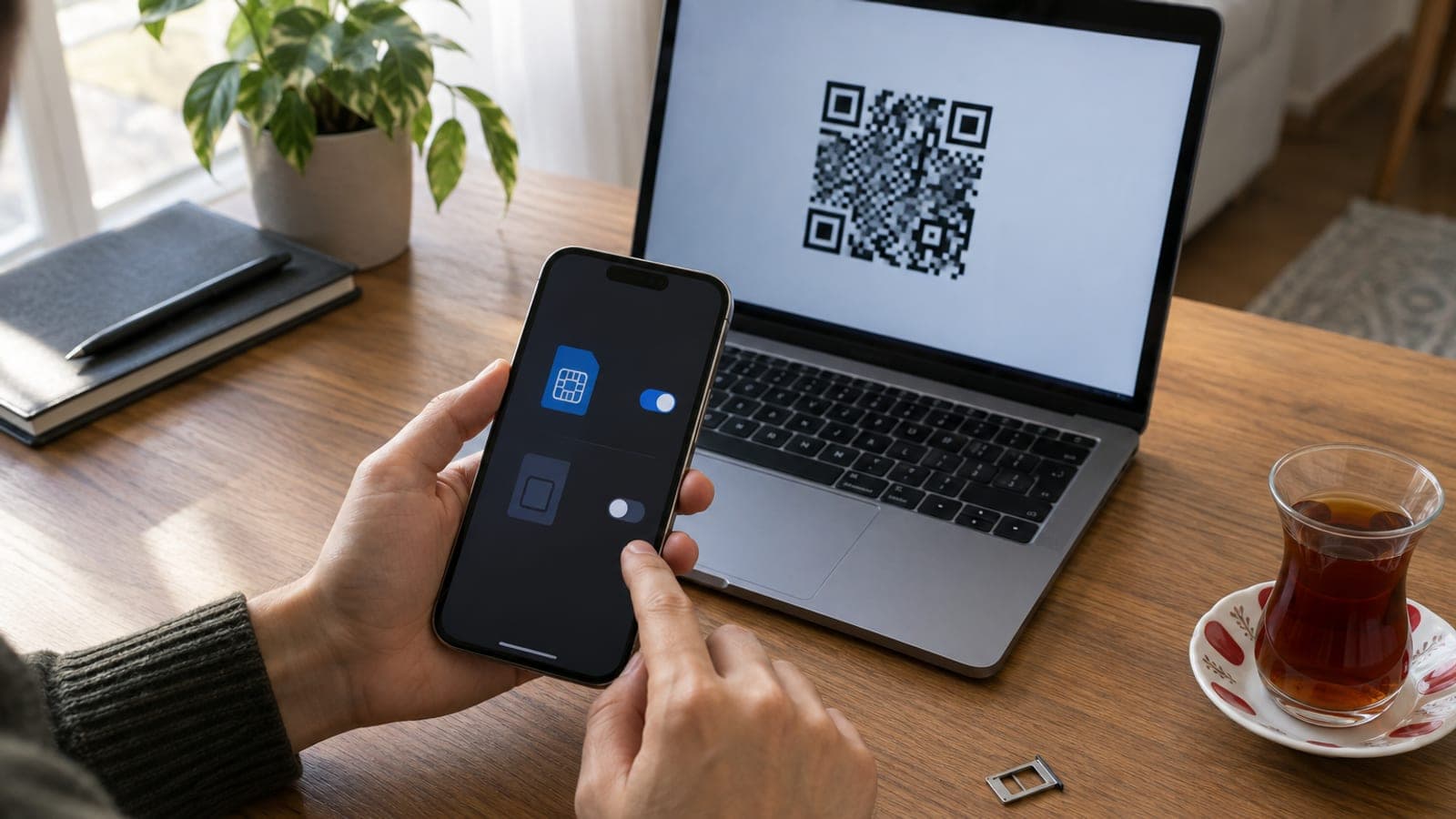
Once the request is approved the QR code arrives by email or appears in the app; if you applied in a store you get an A4 printout. Open the QR on a second screen rather than the phone itself, because the camera cannot read its own display. The code is single use, so take a screenshot before deleting anything.
Download the eSIM profile
On iPhone follow Settings > Cellular > Add eSIM > Use QR Code. On Android choose Settings > Connections > SIM manager > Add eSIM > Scan QR code. The profile download takes 1-3 minutes; do not drop Wi-Fi or switch on airplane mode while it runs.
Label the line and set defaults
At the end of setup the phone asks you to name the line, so pick a label such as "Personal" or "Work". If you run two lines, choose which number handles Default Voice Line, Cellular Data and iMessage/WhatsApp. Any wrong choice can be changed later under Settings > Cellular.
Test the line and remove the old SIM
Restart the phone and check for the carrier name and signal bars at the top of the screen. Call your carrier's 0850 customer service number to test voice, then turn Wi-Fi off and load a web page to test mobile data. If everything works, take the physical SIM out of the tray; it is no longer valid.
Delete the profile and retry if it fails
If you get a "Cellular plan could not be added" error, clear the profile with Settings > Cellular > the plan > Delete Cellular Plan on iPhone, or SIM manager > eSIM > Remove on Android. Then ask the carrier for a new QR code, since the same code never works twice. If the error keeps repeating, have it done in a store.
Tips
Watch out
The moment the eSIM profile is downloaded, your physical SIM becomes permanently invalid. Do not run the setup while travelling, on a low battery, or when that line's mobile data is your only internet source; if it stops halfway, neither the old SIM nor the eSIM will work and you will need to visit a store.
Frequently asked questions
+Does my number change when I switch to eSIM?
No, your number stays the same. An eSIM is just a digital profile replacing the physical card, and your tariff and number continue unchanged.
+Is eSIM paid?
It depends on the carrier and current campaign; usually a SIM swap fee of 0-100 TL appears on your bill. You can see the exact amount on the request screen before confirming.
+How do I cancel the eSIM if I lose my phone?
Call your carrier's customer service and ask for the line to be suspended; the eSIM profile is disabled remotely. For a new device you get a fresh QR code from the app or a store.
+Can I use two lines on the same phone?
Yes, on most eSIM-capable models one physical SIM and one eSIM can be active at the same time. Some models also support two eSIM profiles together.
+Can a prepaid line use eSIM?
All three carriers allow prepaid lines to move to eSIM, though in some cases the switch has to be done in a store with your ID instead of in the app.
Sources and verification
Official pages for this process
Published: September 14, 2026. tell us. Menu paths use the English iOS and Android labels; on a Turkish-language phone the same items appear as Ayarlar > Mobil Veri and Ayarlar > Bağlantılar > SIM yöneticisi. Fees are in Turkish lira and apply to Turkcell, Vodafone and Türk Telekom lines.
This content is for information only; for official procedures the relevant institution’s current announcements take precedence. Details: disclaimer.