How do you switch carriers while keeping your number?
The order of application, verification and cutover steps for moving to a new mobile carrier while keeping your existing number.
Short answer
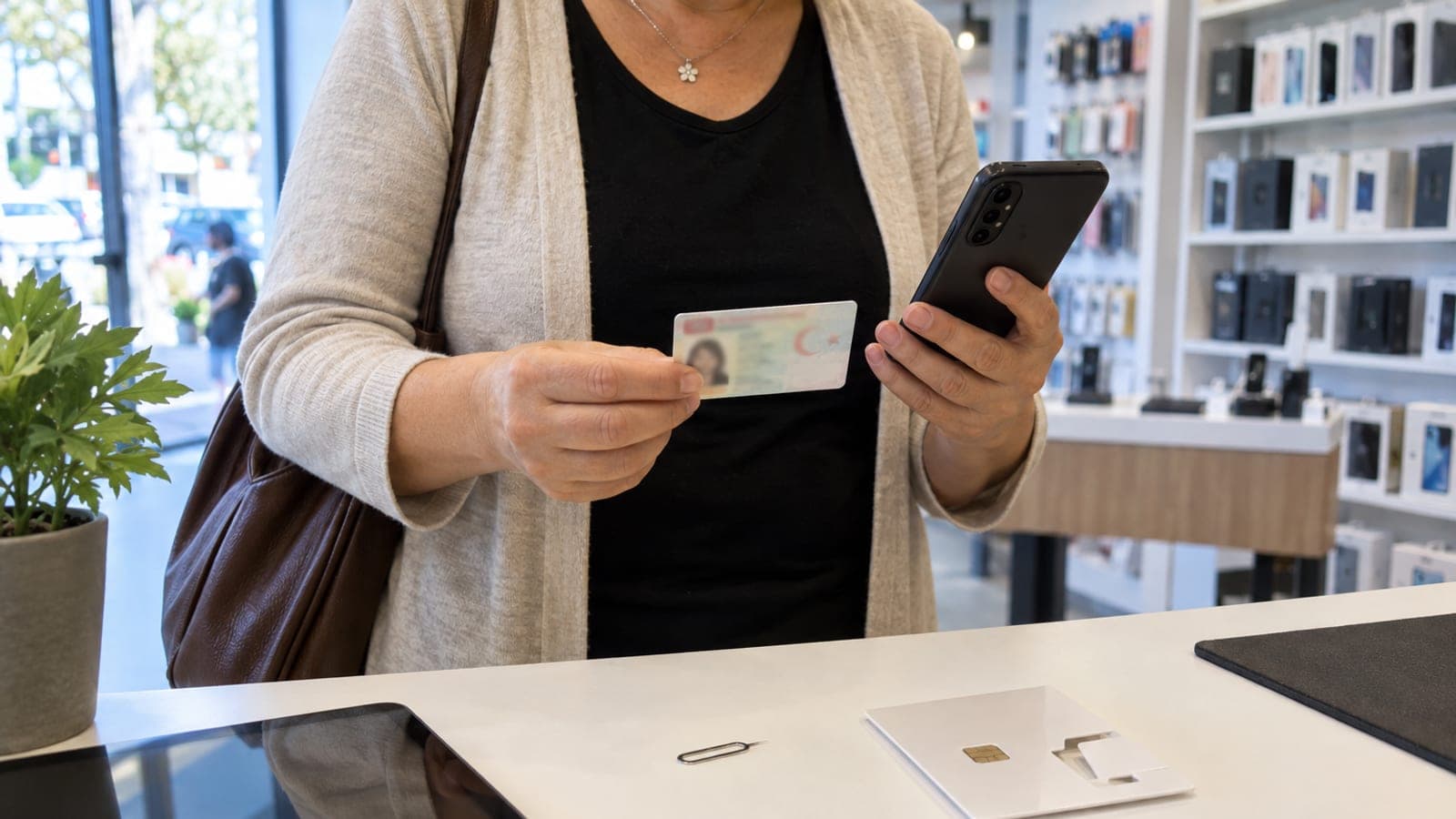
You apply for number porting at the new carrier, not the old one, and you never need to call your current provider. Visit a store with your ID or open the "Port your number" flow in the new carrier's app, confirm that the line is registered in your name, enter the verification code sent by SMS, and collect the new SIM or eSIM. The new SIM activates by itself once the port completes.
What you need
Step by step
Check the status of your line
Open the "My Line" or "My Account" section of your current carrier's app and confirm the number is registered in your name with no block on it. On postpaid lines, unpaid balances or an active commitment can affect the port. If the line belongs to someone else, ownership has to be transferred first.
Pick the new carrier and plan
Look at the plans the new carrier offers specifically for incoming ported numbers on its site or in its app. Compare commitment length, device campaigns and plan contents. The application always goes to the new carrier, so you do not need to call your old provider or file a cancellation request.
Apply through the new carrier
Go to a store with your ID and ask for a "subscription with number porting", or open the "Port your number" / "Switch to us" step in the new carrier's app. Enter the number being ported, your ID details, and whether the current line is postpaid or prepaid. Then sign or approve the contract and the porting request form.
Confirm the verification code
After you apply, a verification code arrives by SMS on the number being ported. Read it to the store agent or type it into the field in the app. Because the code proves the number is really in your hands, the old SIM must be in the phone at this stage. Without the code, the application will not complete.
Get the new SIM or eSIM ready
Keep the physical SIM you received but do not insert it yet. If you chose an eSIM, have the QR code ready to load from "Settings > Mobile Network > Add eSIM". Your old SIM keeps working right up to the cutover, so follow the notification messages you receive in the meantime.
Wait for the cutover and activate the SIM
When the port is approved, the old SIM loses signal and you see a "No SIM card" or "No service" warning. At that point insert the new SIM and restart the phone, or mark the line as "Activate" if you are on eSIM. Once your number opens on the new network, the signal and carrier name change.
Test calls, data and your apps
Place a test call, send an SMS and try mobile data. If the internet does not work, apply the APN settings your carrier sent from "Settings > Mobile Network > Access Point Names". Check your banking and messaging apps too, since some may ask for SMS verification again after the switch.
Confirm the old subscription closed
The old subscription closes automatically when the port finishes, but check the "My Bills" section of your former carrier's app for a final invoice or remaining balance. Ask them for the early termination fee if one applies, and cancel any add-on services or automatic payment instructions still registered there.
Tips
Watch out
The most common mistake is removing the old SIM or filing a cancellation with the old carrier before the port completes. The verification SMS goes to the number being ported, so the old SIM has to stay reachable. If you close the line in advance, the number cannot be ported and you risk losing it. Applications are also rejected when the line is registered in someone else's name.
Frequently asked questions
+Do I need to call my old carrier to port my number?
No. The application goes only to the new carrier you are switching to, and the old subscription is closed automatically as part of the process.
+Will my phone be completely out of service during the port?
No, there is only a short interruption at the cutover. Once the old SIM loses signal, inserting the new SIM and restarting the phone is enough.
+Can I port my number before my commitment ends?
Yes, but your old carrier may charge an early termination fee for the remaining term. Confirm the amount and conditions with them beforehand.
+Does my prepaid credit move to the new carrier?
Usually not. Remaining balance and packages stay with the old carrier, so it is better to use them up before the switch.
+What should I do if my porting application is rejected?
Ask the new carrier's customer service for the reason. It is normally an ID mismatch, line ownership or unpaid balance, and you can reapply once it is fixed.
Sources and verification
Official pages for this process
Published: September 14, 2026. tell us. Menu names follow common Turkish carrier apps and Android settings; labels may differ slightly on iOS or other carriers.
This content is for information only; for official procedures the relevant institution’s current announcements take precedence. Details: disclaimer.