How do you spot a malicious QR code?
A free QR scanner checks the link inside a code before you open it and warns you about known scam sites.
Short answer
Scan with an app that vets links instead of your phone's plain camera. Install Trend Micro QR Scanner on Android or Trend Micro Mobile Security on iPhone, scan the code, and do not tap the link until the app marks it safe. Both are free and no subscription is needed for scanning.
What you need
Step by step
Install the app
On Android, download "Trend Micro QR Scanner" from Google Play. On iPhone there is no app under that name, so install "Trend Micro Mobile Security" from the App Store instead. Both are usable for free, and QR scanning does not require a paid plan.
Open the scanner
On Android the camera screen appears as soon as you open the app, with no menu to dig through. On iPhone, open Mobile Security and tap the QR code icon in the top right. The first launch asks for camera permission, and scanning will not work until you grant it.
Scan the code
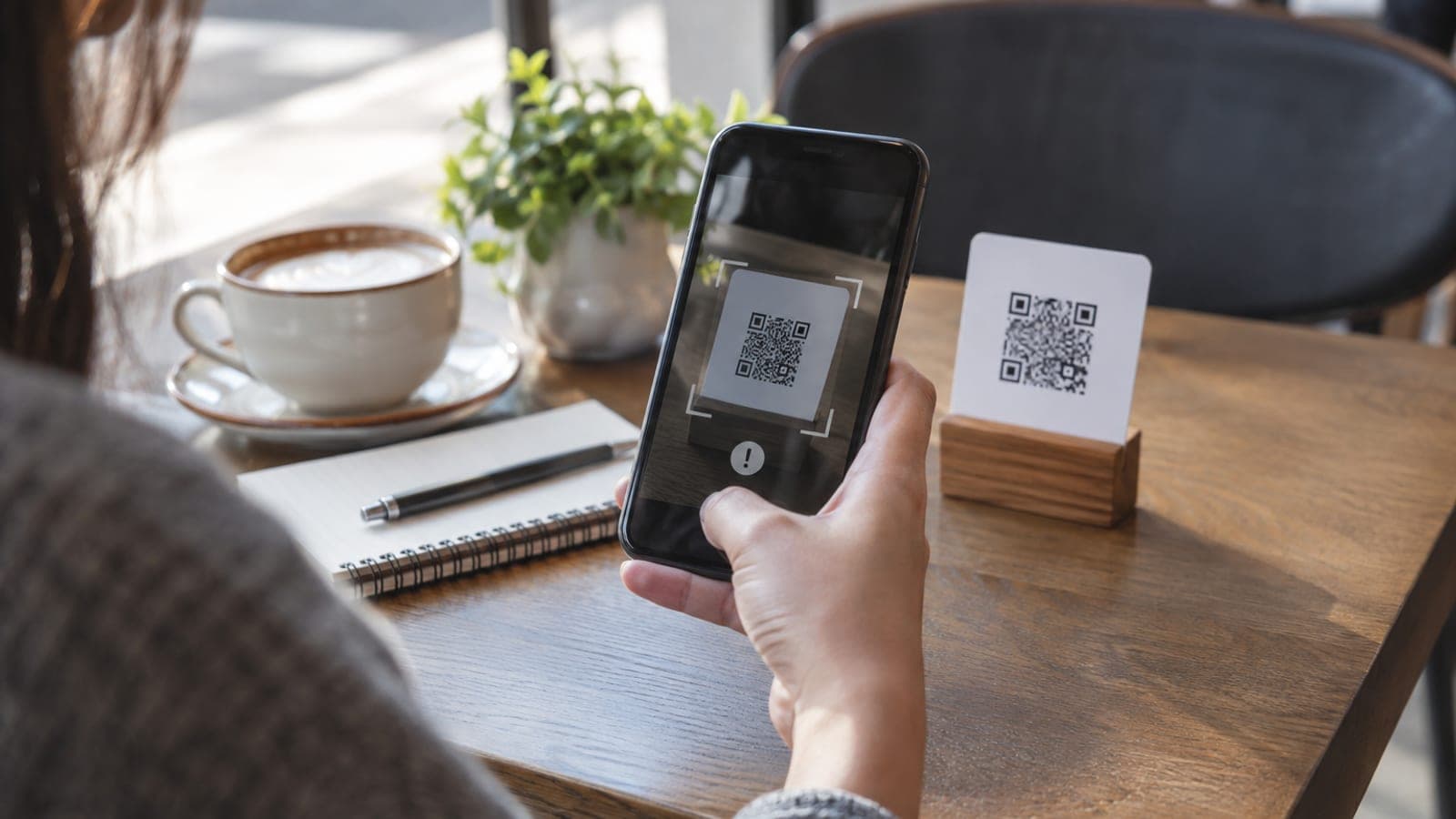
Center the square code inside the on-screen frame and hold the phone steady. Once the app decodes it, the link is checked before anything opens. Restaurant menus, delivery notices, payment codes on invoices: all of them go through the same scan.
Read the verdict before deciding
The app reports the result as safe or dangerous. If it comes back dangerous, do not tap the link and close the screen. Even on a safe result, read the domain name of the page that opens and confirm it really belongs to the organization you expect.
Turn off auto-open in your camera app
Your phone's built-in camera tries to open a QR link with a single tap the moment it sees a code. Turning off "Scan QR codes" or a similarly named option in camera settings reduces the risk of tapping a bad link out of reflex. From then on you scan only through the security app.
Report suspicious codes
If you find a fake code stuck onto a physical surface such as a parking meter, a parcel locker, or a poster, tell the business that owns it. You can report the attempt to your national cybersecurity incident response center, and if money was lost, contact the police cybercrime unit.
Tips
Watch out
A safe verdict is not an absolute guarantee. Freshly created scam sites may not be in any database yet, so never enter card details, government portal passwords, or SMS verification codes on a page you reached from a QR code. Make payments inside the organization's own app instead.
Frequently asked questions
+Is the app really free, or does it ask for a subscription later?
QR scanning and link checking are free. Trend Micro sells paid security bundles, but you do not need to buy one to use the scanner.
+Why do I need a different app on iPhone?
On iOS the scanner is not offered as a standalone app. You install Mobile Security and run the same scan from the QR icon in the top right corner.
+Should I check restaurant menu codes every single time?
Codes sitting on tables are among the easiest to swap. Making the check a habit is safest, and at minimum look for a sticker layered over the original.
+I already opened a malicious link. What should I do?
If you entered nothing, close the tab and clear your browser cookies. If you typed in card or password details, call your bank right away to block the card and change the affected passwords.
+Are there alternatives to this app?
Google Lens and most antivirus apps include their own scanner with link checking. What matters is using a tool that vets the link before opening it.
Sources and verification
Published: September 13, 2026. tell us. Reporting channels differ by country; check your local cybersecurity authority and police cybercrime hotline.
This content is for information only; for official procedures the relevant institution’s current announcements take precedence. Details: disclaimer.