How do you measure electricity use with a smart plug and bulb?
With an energy-metering smart plug you can see exactly how many kWh and how much money each device, from the fridge to a bulb, uses in 7 days.
Short answer
Buy a 16A smart plug that says "energy monitoring" (TP-Link Tapo P110M or a Tuya/Smart Life compatible model). Pair it with your 2.4 GHz Wi-Fi, plug the appliance into it and wait 7 days. Open the device in the app and read the kWh figure under "Energy Usage" (Tapo) or "Statistics / Electricity" (Smart Life), then multiply it by the price per kWh printed on your bill.
What you need
Step by step
Pick the right plug
Smart plugs without "energy monitoring" on the box or product page measure nothing; they only switch power on and off. Choose a model rated 16A (3680W), because 10A units fall short for heaters and kettles. In Turkey the most common metering models are the Tapo P110M and Tuya-based local brands.
Install the app and create an account
Download Tapo or Smart Life from Google Play or the App Store and open a free account with your email. Set the country to Turkey, otherwise your statistics are stored on a server in another region. Turn on Bluetooth and Location permissions for the phone, since pairing will not even start without both.
Add the plug to your Wi-Fi
Plug it into the wall and hold its button for about 5 seconds until the light blinks green and orange. In the app tap + at the top right, follow "Add Device" > "Plug / Socket" and enter the password of your 2.4 GHz network. A 5 GHz network makes pairing fail every time, so broadcast the 2.4 GHz band under a separate name.
Connect the device and name it
Plug the fridge, TV or air conditioner into the smart plug, and connect the smart plug straight into the wall outlet. Give the device a clear name such as "Fridge" in the app, because names get confusing once you own several plugs. Never use an extension lead or a power strip; it hurts both accuracy and safety.
Check the live power draw
Switch the appliance on and look at "Current Power" on the device screen. Expect 60-150 W for a fridge, 50-120 W for an LED TV, 40-80 W for a boiler pump and 400-1400 W for a 1.5 kW split air conditioner. If the value stays at zero, the plug is switched off or the appliance plug is not seated properly.
Measure for 7 days and read the kWh
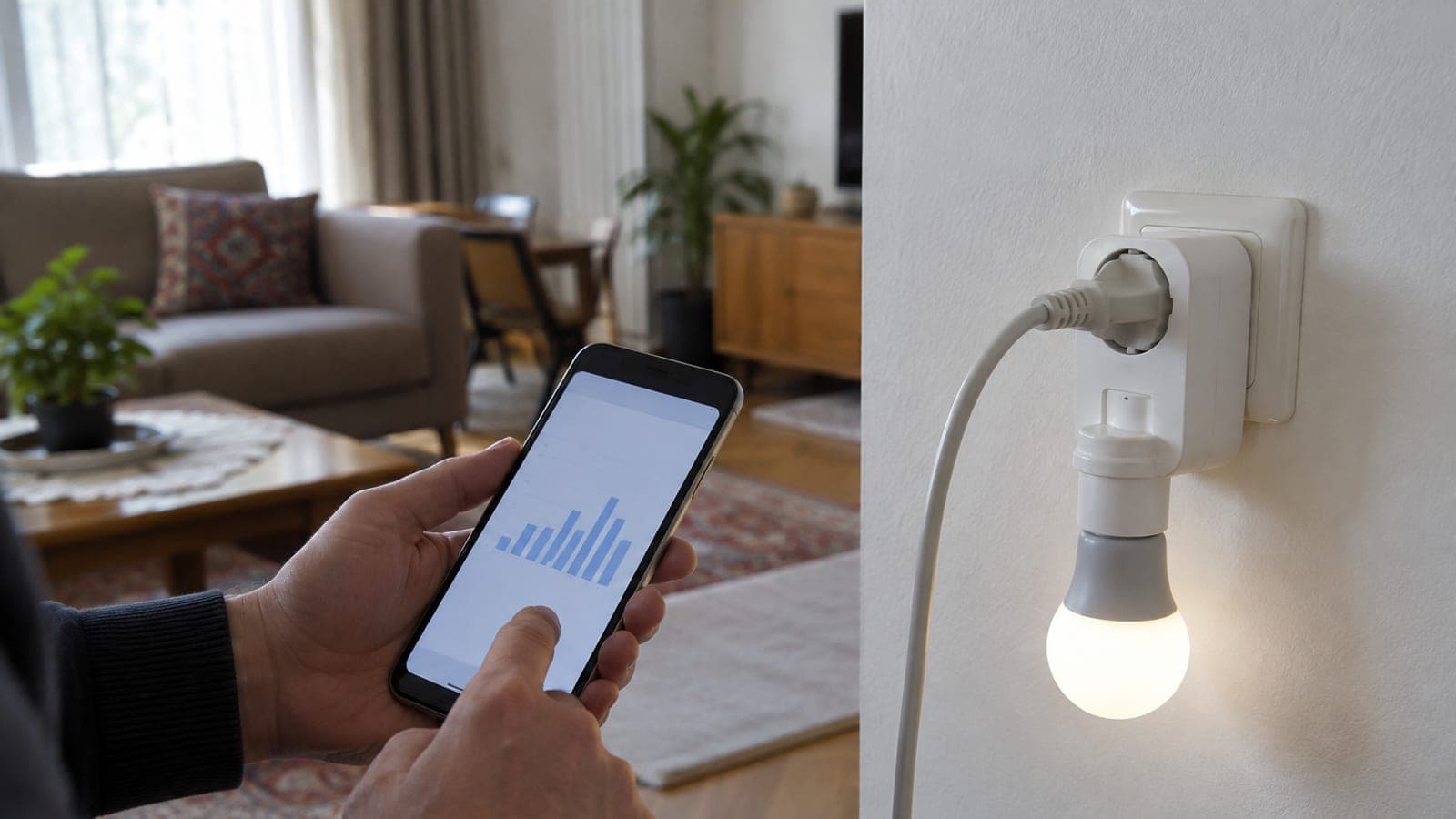
Leave the plug in place for a full week; fridges and boilers cycle on and off, so a single day of data misleads you. In Tapo open "Energy Usage" > "Last 7 Days", in Smart Life open the "Statistics" or "Electricity" tab at the bottom and read the daily or monthly kWh chart. Multiply the weekly kWh by 4.3 for a monthly figure.
Measure a bulb with a socket adapter
Smart bulbs such as the Tapo L530, Yeelight or Philips Hue do not report their own consumption. Screw the bulb into an E27 socket-to-plug adapter and connect that adapter to the smart plug to see real watts. A 9 W LED running 5 hours a day uses only 1.35 kWh a month, so the real saving comes from scheduling and dimming.
Convert kWh into money
Take the price per kWh from the "unit price" line of your bill, or divide the bill total including distribution fees and taxes by the kWh consumed, then multiply by your monthly kWh. In Smart Life you can enter that unit price from the settings icon on the "Statistics" screen and see the cost automatically.
Tips
Watch out
Never exceed the 16A / 3680W limit printed on the plug, and never chain it to a power strip, extension cord or another smart plug. With devices over 2000 W such as electric heaters, irons, kettles and water heaters the plug overheats, the plastic body deforms and there is a fire risk. Never open or rewire the outlet either; this job is done entirely by plugging in and unplugging.
Frequently asked questions
+Does the smart plug itself use electricity?
Yes, it draws roughly 0.5-1 W continuously to stay on Wi-Fi, which is about 0.4-0.7 kWh a month. The plug's own consumption is not included in the figures it reports.
+Do smart bulbs show their own consumption in the app?
No. Tapo, Yeelight and Hue bulbs have no metering hardware, so to see real watts you need to connect the bulb to a metering smart plug through an E27 socket-to-plug adapter.
+Is the data lost if my internet goes down?
The plug buffers readings in its own memory during short outages and uploads them once the connection returns, but an outage lasting days leaves a gap in the chart. A power cut is not a problem, since nothing is being consumed anyway.
+Can I measure an air conditioner or a boiler with a smart plug?
A boiler with a plug or the indoor unit of a 9000-12000 BTU split system can be measured on a 16A plug, but hard-wired installations cannot. Those need a DIN-rail energy meter in the panel, fitted by an electrician.
+How do I compare my readings with the bill?
Adding up the monthly kWh of all measured devices usually accounts for 70-90 percent of the bill total; the rest is lighting, boiler electronics and hard-wired loads. A larger gap points to a hidden load you have not measured.
Sources and verification
Published: September 14, 2026. tell us. Prices and product availability reflect the Turkish market; unit prices per kWh vary by tariff and distribution region.
This content is for information only; for official procedures the relevant institution’s current announcements take precedence. Details: disclaimer.