How do you stop charging at 90% on the Nintendo Switch 2?
Turn on the Switch 2's charge limit setting to slow long-term battery wear.
Short answer
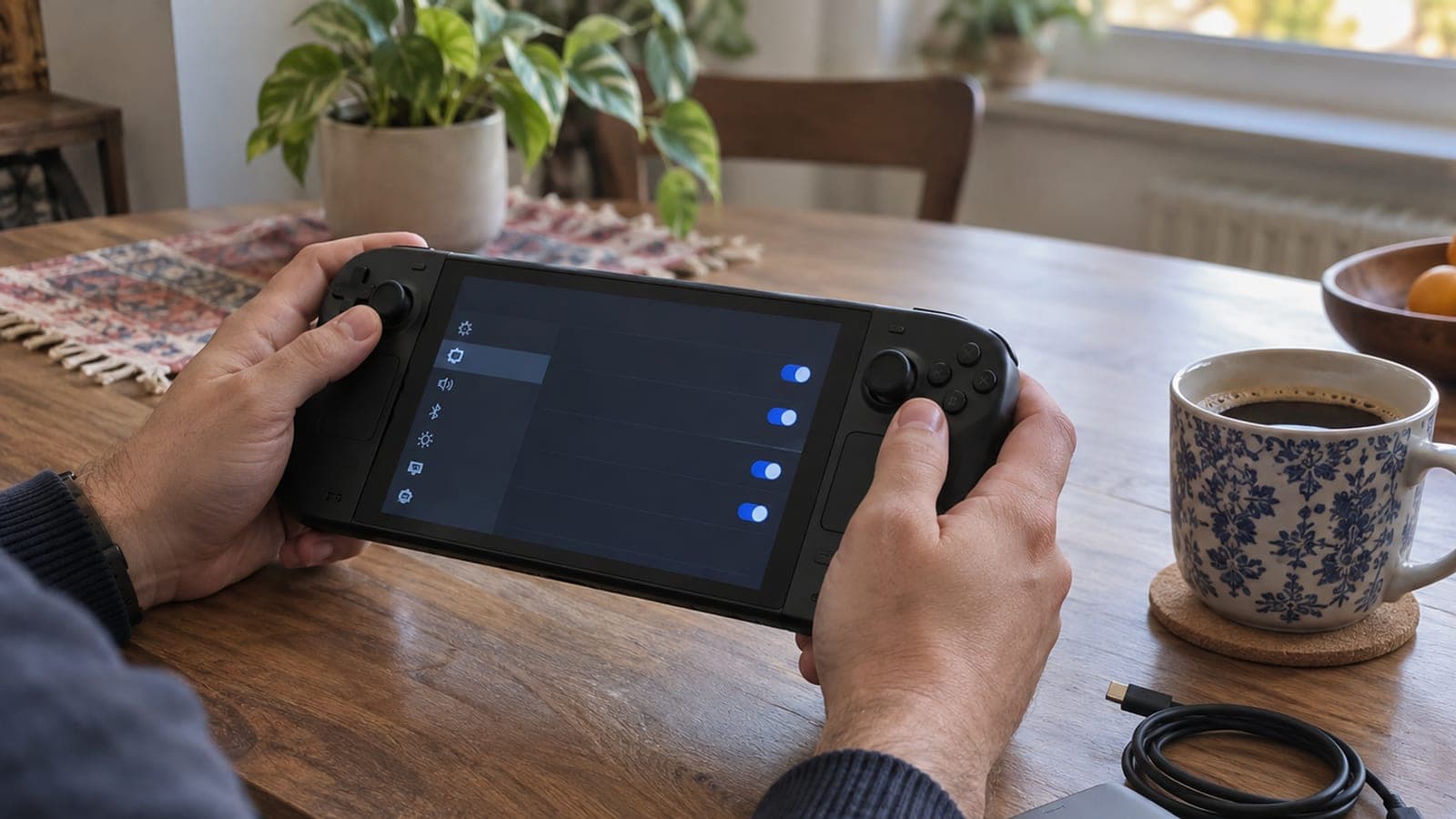
Wake the console, go to System Settings > System, scroll down and turn on "Stop Charging Around 90%". The setting reduces the fast wear caused by sitting at 100% all the time, at the cost of roughly 10% less play time per charge.
What you need
Step by step
Wake the console
You do not need to take the Switch 2 out of the dock. Press the power button and get to the HOME menu. The option lives in the system menu, so simply exiting your game is enough.
Open System Settings
Select the gear icon (System Settings) in the bottom row of the HOME menu. The list on the left side holds every console setting, grouped by category.
Go to the System section
Scroll down the left-hand list and choose "System". Battery and charging options sit inside this section, near the bottom of the page rather than at the top.
Turn on the charge limit
Scroll down on the right side, find the "Stop Charging Around 90%" row and flip the toggle on. There is no confirmation screen; the setting takes effect right away.
Show the battery percentage too
Turn on "Battery Percentage" just above it in the same list. That lets you watch the top-right corner of the screen and confirm charging really does stop around 90%.
Switch it off before a long trip
If you want full capacity before a flight or a long drive, go back to System Settings > System and turn the same toggle off. The Switch 2 has no "charge to 100% just this once" shortcut like phones do, so you have to toggle it manually.
Tips
Watch out
Even with the setting on, the console will occasionally charge the battery all the way to 100%. That is a deliberate Nintendo choice so the battery capacity reading stays accurate, so seeing 100% does not mean the setting broke, and there is nothing for you to fix.
Frequently asked questions
+Does stopping at 90% really extend battery life?
Yes. Lithium-ion cells degrade faster when they are kept fully charged, and capping at 90% slows that down. It does not stop the battery from losing capacity over time entirely.
+Is this setting on the original Switch as well?
No. The charge limit option is not available on the first Nintendo Switch. It only appears in the system settings on the Switch 2.
+How much play time do I lose with it enabled?
Around 10% less per charge. Against Nintendo's stated 2.5 to 6 hour range, that works out to roughly 15 to 35 minutes depending on the game.
+Why does the battery percentage sometimes show 100%?
The console tops the battery off now and then to recalibrate its capacity reading. This is normal and you do not need to do anything about it.
+Is the option available on consoles sold in every region?
Yes. The setting is region independent and part of the system software, and its location stays the same no matter which menu language you pick.
Sources and verification
Published: September 12, 2026. tell us.
This content is for information only; for official procedures the relevant institution’s current announcements take precedence. Details: disclaimer.