How do you keep your modem and internet running in a power cut?
Work out how many watts your modem really draws, pick the matching UPS, and stay online for 3-6 hours when the power goes out.
Short answer
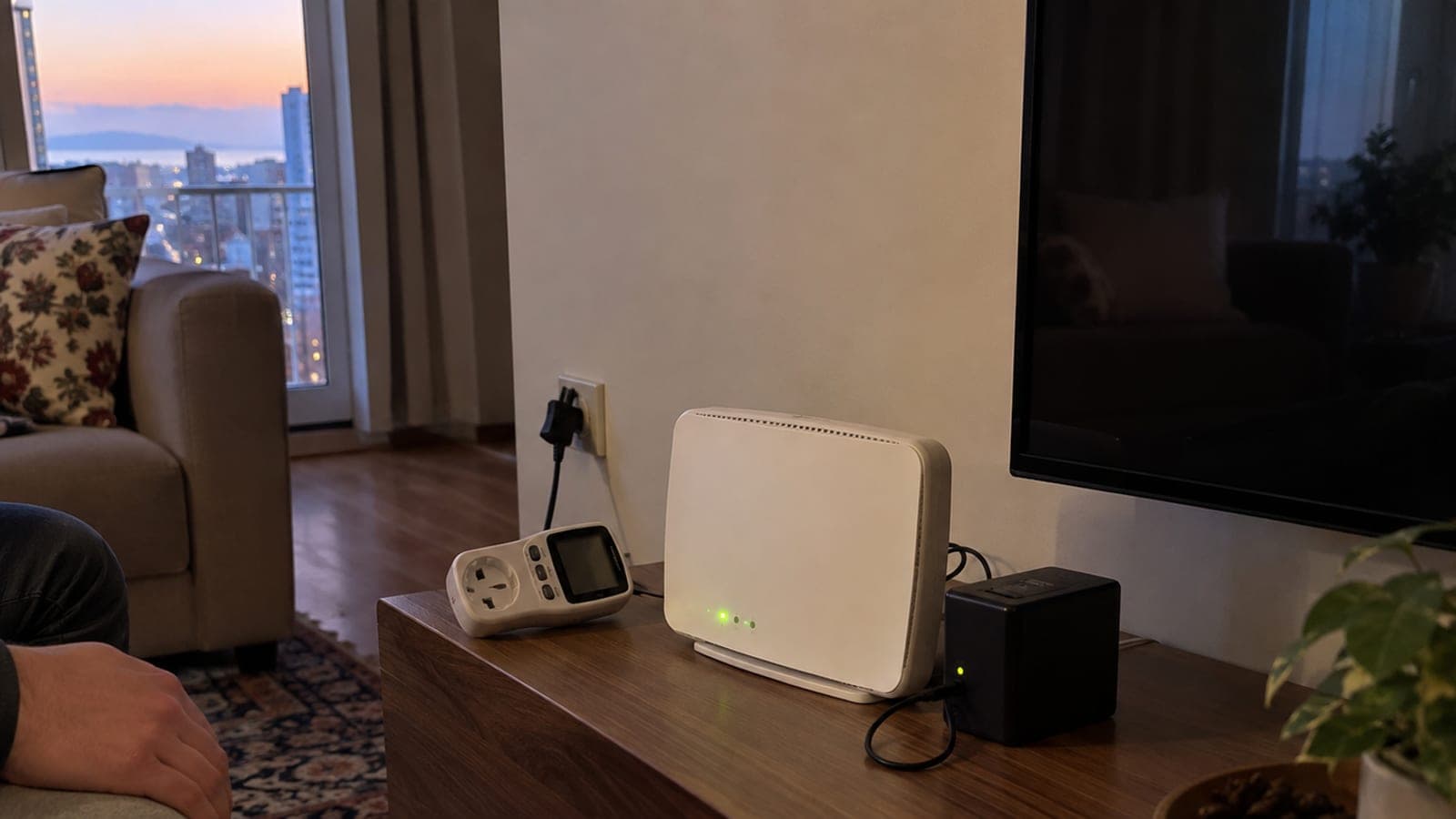
Read the "OUTPUT 12V 1.5A" style label on your modem and ONT adapters, convert to watts and add them up; a home setup usually draws 15-25 W. For a single 12 V device, a mini DC UPS with 12 V 2 A output and at least 33 Wh (8,800 mAh) gives 3-5 hours. For ONT plus modem plus camera, get a 650 VA / 390 W line-interactive UPS. Then pull the plug and time the real runtime yourself.
What you need
Step by step
Calculate the real wattage
Turn over the modem and ONT adapters and read the fine print: "OUTPUT: 12V ⎓ 1.5A" means 12 x 1.5 = 18 W. Add the watts of every device together and put 20 percent on top as headroom. For a precise figure, plug the power strip into the wattmeter and wait 10 minutes; the "W" reading will swing between 8 and 25 W with Wi-Fi traffic, so note the highest value.
Choose the device type
If you only have one 12 V modem, a mini DC UPS is enough: it is silent, has no inverter losses, and 33 Wh carries a 15 W load for 2.5-3.5 hours. If you have more than three devices such as ONT, modem, switch and camera, or anything with a 220 V input, buy a 650 VA / 390 W line-interactive UPS; its 12 V 7 Ah battery holds 84 Wh and, after inverter losses, runs a 15 W load for roughly 3-4 hours.
Set the voltage before plugging in
Move the output selector on the side of the mini UPS to the setting your modem needs from the "9V / 12V / 15V / 24V" positions, then lock it with a screwdriver. Check the output with a multimeter before you connect the jack, which on most modems is 5.5 x 2.1 mm. The wrong setting burns the modem board instantly and the warranty will not cover it.
Charge fully and measure the runtime
Plug the UPS into the wall and wait 8-12 hours until the charge LED on the front panel turns solid green. Then unplug only the UPS, start the stopwatch, and keep a video streaming on your phone. Write down the moment the internet drops: if it is under 3 hours, the capacity does not match your needs, so move up one model.
Cut consumption during the outage
The 5 GHz radio alone draws 3-5 W. Open a browser, go to 192.168.1.1 and sign in to the modem interface; on ZTE units the setting sits under "Network > WLAN > 5 GHz Wireless Settings", on the Huawei HG8245 under "WLAN > 5G Basic Network Settings", where you clear the "Enable" checkbox. Keep the IPTV box, external drive and printer off the UPS.
Set up a mobile fallback
The fiber street cabinet can lose power too, so a second connection is essential. Test it now: on Android open "Settings > Connections > Mobile Hotspot and Tethering", on iPhone "Settings > Personal Hotspot". Keep a 20,000 mAh power bank next to it; that will recharge the phone about twice.
Check outage info at the source
Your local distribution company publishes an outage lookup page, usually named something like "Outage Information" or "Planned Outages". Search by address or installation number to see whether the cut is planned or a fault. For a planned outage, charge the UPS to full the day before.
Test every six months and replace the battery on time
Every six months, pull the plug, measure the runtime again and log it in a notebook. Lead-acid UPS batteries lose half their capacity in 2-3 years; when runtime falls below 50 percent of your first measurement, replace the 12 V 7 Ah battery. If the alarm bothers you, holding the "Mute" button for 5 seconds silences it on most models.
Tips
Watch out
The most common and most expensive mistake is the wrong voltage: connecting a 9 V modem to the 12 V setting of a mini UPS destroys the board in seconds. The second risk is a false expectation, because if the fiber street cabinet, the DSLAM or the cell site also loses power, your modem will run but no internet will arrive. Plan the UPS as one layer, always paired with a mobile backup line.
Frequently asked questions
+My modem is running but there is no internet. Was the UPS a waste?
No, but it is not enough on its own. If the street fiber cabinet or the exchange has run out of backup power, the line drops; keeping the modem alive still makes it easier to switch your devices over to a phone hotspot.
+Is a mini DC UPS better than a classic uninterruptible power supply?
For a single 12 V modem, a mini DC UPS is more efficient, quieter and cheaper. For a multi-device setup with ONT, modem, switch and camera, go with a 650 VA / 390 W line-interactive UPS.
+Can I power the modem from a power bank?
Yes, with a USB-C PD power bank and a 12 V trigger cable. A 20,000 mAh bank runs a 15 W modem for roughly 3-4 hours, but it will not switch over automatically when mains power returns.
+How often does a UPS battery need replacing?
Two to three years is normal for lead-acid batteries and four to five years for lithium mini UPS units. When backup runtime drops to half of your first measurement, it is time to replace it.
+Can I silence the UPS beeping completely?
On most models, holding the "Mute" or "Test/Mute" button on the front panel for 5 seconds stops the alarm. The critical battery warning usually cannot be disabled, since it is the last notice before shutdown.
Sources and verification
Published: September 14, 2026. tell us. Menu paths reflect ZTE and Huawei HG8245 units common on Turkish fiber lines; outage lookup pages are run by regional distribution companies such as BEDAS, AYEDAS and Enerjisa.
This content is for information only; for official procedures the relevant institution’s current announcements take precedence. Details: disclaimer.