How do you spot a fake MagSafe case?
Check the MFi badge, the magnet strength, and the charging behaviour to tell a real MagSafe case from a knock-off in minutes.
Short answer
Look for the "Made for iPhone (MFi)" logo on the box and the product page. Put the case on, bring a MagSafe charger to the back: if the phone snaps to center on its own, the circular MagSafe animation plays on screen, and charging climbs above 15W, the case is genuine. A ring you can slide, no animation, and charging stuck at 7.5W mean you are holding a MagSafe-compatible or counterfeit case.
What you need
Step by step
Check the box for the MFi logo
Look on the back or side panel of the box for the words "Made for iPhone" and Apple's MFi badge. If the badge is there, the product passed Apple's certification standards. If the box only says "MagSafe compatible" or "magnetic", it is not certified and does not have to meet Apple's specs.
Read the exact wording in the listing
On the seller's page, watch the gap between "MagSafe certified" and "MagSafe compatible". Compatible cases just embed a magnet ring, so performance swings from brand to brand. If MFi is never mentioned anywhere in the description, treat the case as uncertified.
Test the magnet strength by hand
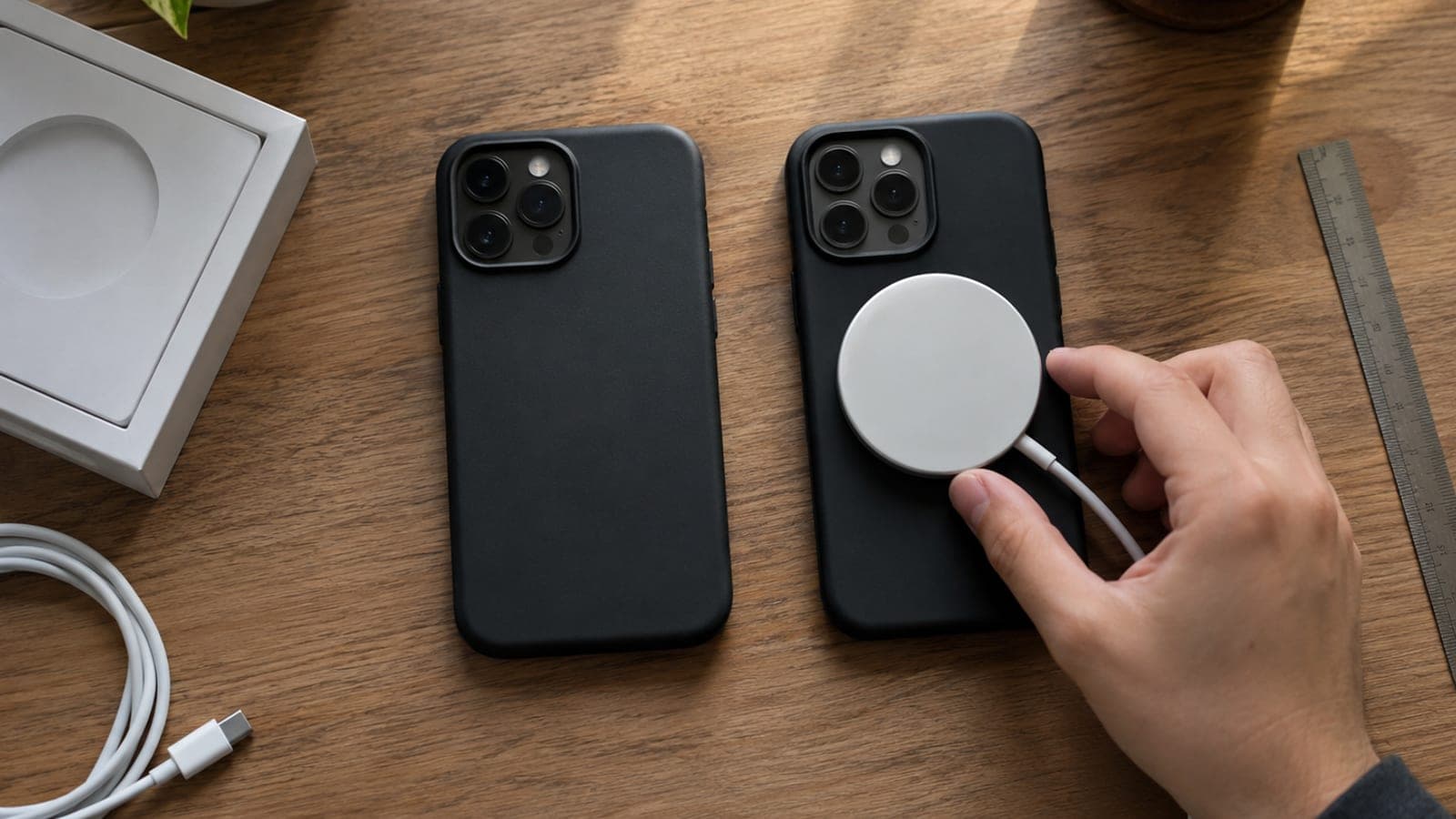
Put the case on and bring the MagSafe charger to the back of the phone. With real MagSafe the phone clicks into place and centers itself, and you can lift the phone by the charger without it dropping off. If the ring slides around or separates with a light nudge, the magnet is below spec.
Watch for the on-screen animation
Set the cased phone onto an MFi-certified MagSafe charger. A certified pairing triggers the circular MagSafe animation on the display. If nothing appears, or you only get the standard wireless charging icon, some part of the accessory chain is not certified.
Measure and compare charging speed
Start charging between 30 and 50 percent and watch the behaviour under Settings > Battery > Battery Health & Charging. An MFi setup delivers roughly 15W to 25W depending on the model, while uncertified accessories stay capped at 7.5W Qi and charge noticeably slower.
Decide inside the return window
If the tests fail, stop using the case and open a return. Keep the box and the invoice so the seller cannot argue about condition. On a marketplace, file the return request inside the app; the seller usually covers return shipping on a faulty or misdescribed item.
Tips
Watch out
Uncontrolled magnets and low-grade coils in cheap fake cases can overheat during wireless charging. If the back of the phone gets hot enough to be uncomfortable to hold, take the case off right away: sustained heat accelerates battery wear, and stray magnetic fields can damage magnetic-stripe cards such as credit cards and hotel keys.
Frequently asked questions
+Is buying a MagSafe-compatible case a problem?
No. Compatible cases just are not held to Apple's spec, so magnet strength and charging speed vary by brand. Pick a known brand and it is usually fine for daily use.
+Can a case slow down my charging?
Yes, if the case or charger is uncertified. In those setups the iPhone stays capped at 7.5W Qi, while an MFi setup delivers roughly 15W to 25W depending on the model.
+Can the MFi logo itself be faked?
It can. Do not trust the logo on its own. Run the magnet, animation, and charging speed tests together, and buy from an authorized seller.
+What can I do if I already bought a fake case?
Use your distance-selling right of withdrawal to return it within the statutory window, usually 14 days. If the seller stalls, escalate through your local consumer protection body or arbitration committee.
+Which iPhone models have MagSafe?
Every model from the iPhone 12 onward has the MagSafe magnet ring. Older models only support standard Qi wireless charging, with no magnetic alignment.
Sources and verification
Official pages for this process
Published: September 13, 2026. tell us. Charging wattage figures follow Apple's published specs. Return and withdrawal periods reflect distance-selling rules in Turkey (14 days), where complaints can be escalated to the consumer arbitration committee via the Ministry of Trade's complaint system.
This content is for information only; for official procedures the relevant institution’s current announcements take precedence. Details: disclaimer.