How do you build a study schedule before an exam?
Count the days you have left and drop each topic into Google Calendar as fixed blocks to build a plan you can actually follow.
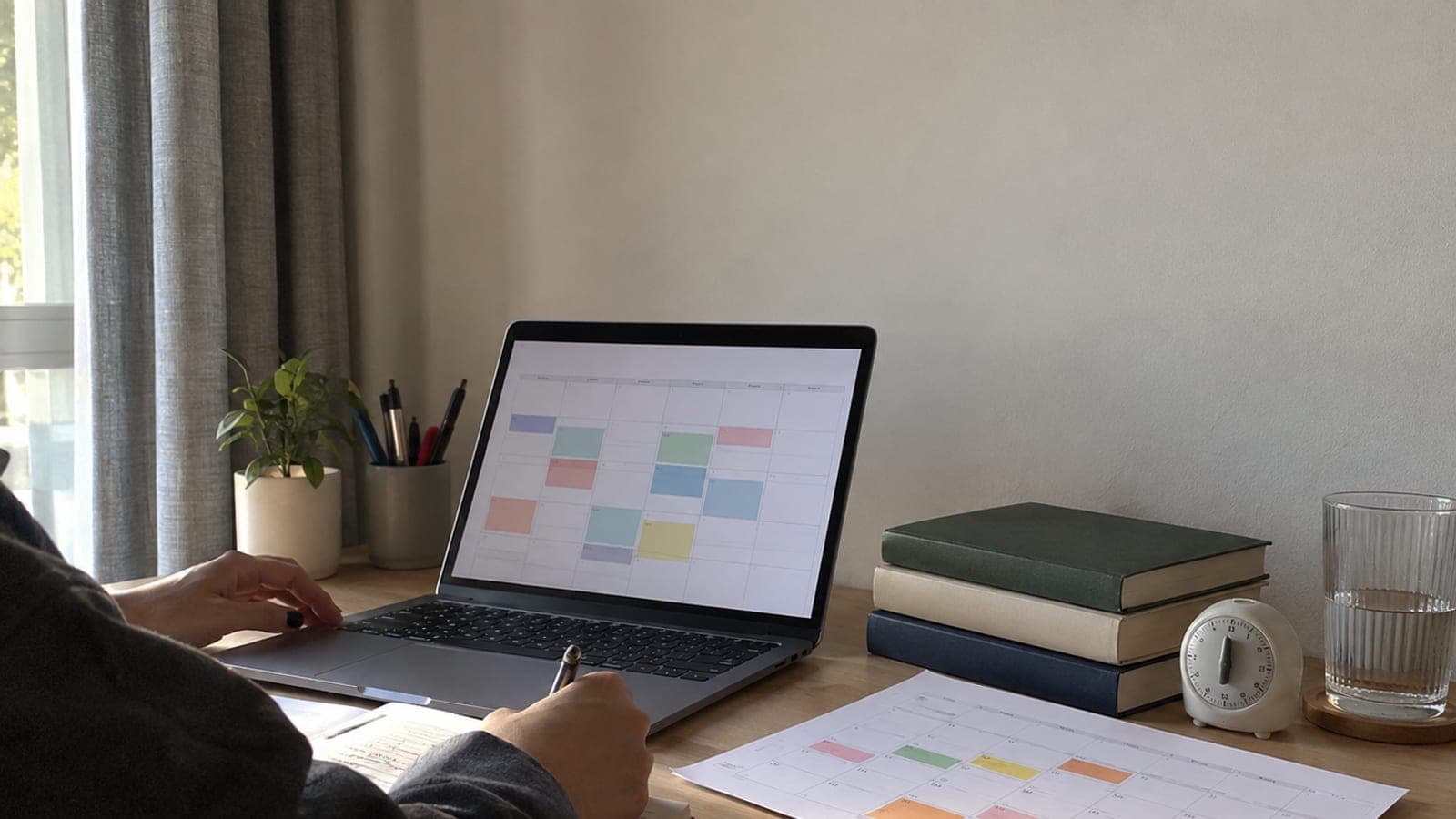
Short answer
Count the days between today and the exam date, list your topics in a Google Sheets table, mark the hours you are genuinely free each week, and place every topic into Google Calendar as 50-minute blocks on a fixed day. Add a 10-minute break after each block, plus one practice exam and 90 minutes of review each week. Revise the plan once a week in a 20-minute Sunday evening session.
What you need
Step by step
Count the days left
Confirm the official exam date from the exam board's guide. Open Google Calendar, click that day, type "EXAM DAY" as the event name and press Save. Write down how many days remain from today, because you cannot set a block length until you divide the topic count across those days.
List topics in a table
Create a new Google Sheets file and label column A Subject, B Topic, C Estimated Time (min) and D Status. Enter each topic's time as a multiple of 50, such as 50, 100 or 150. Put =SUM(C2:C200) under column C; without the total minutes you cannot tell how many blocks each topic deserves.
Map your free hours
In Google Calendar, open the view menu at the top right and choose Week. Enter school, tutoring, work, commuting and sleep as real events with their real times. Count the gaps that remain: a plan built without knowing how many 50-minute blocks you actually have collapses in week one.
Place topics on the calendar
Take the next topic from Sheets, click an empty block in Google Calendar, and title it in the form "Maths - Derivatives / 50 min". Under More options, set Notification to 10 minutes before. Divide the total minutes by the days remaining and cap the day at four to six blocks; anything more will not be followed.
Set up the 50/10 cycle
Open the Clock app on your phone, set a 50-minute timer on the Timer tab, then set a second timer for the 10-minute break. Schedule your study hours under Settings > Digital Wellbeing on Android or Settings > Focus > Do Not Disturb on iPhone. Holding an uninterrupted 50-minute block is not realistic while notifications keep arriving.
Add spaced review slots
After each topic block is on the calendar, copy the same event to 1 day, 7 days and 30 days later as a 20-minute "Review". Open the event and choose Custom from the Recurrence menu to set all of this in one pass. Without spaced review, most of what you learned fades within three weeks.
Fix the practice exam days
Once a week, schedule a printed practice exam at the same clock time the real exam starts, and match the duration exactly to the guide. Put a 90-minute "Practice exam analysis" block on the following day. Shade wrong answers yellow in column D of your sheet; weak topics get priority in the next week's plan.
Run the weekly revision
Create a weekly recurring "Plan revision / 20 min" event in Google Calendar every Sunday at 20:00. Shade finished topics green in Sheets and move unfinished ones to next week. If your completion rate stays under 70 percent two weeks in a row, cut one block from each day.
Tips
Watch out
The most common mistake is writing a 10-12 hour daily plan and abandoning it in week one. Instead of filling every gap on paper, measure the number of blocks you can really hold and leave 20 percent slack. Also confirm the exam date from the official exam board guide rather than social media; a plan built on the wrong date shifts your entire calendar.
Frequently asked questions
+How many hours a day should I study?
Count blocks instead of hours: for a student attending school, three to four 50-minute blocks on weekdays and six to eight at the weekend is a sustainable range. Measure for two weeks first, then increase.
+Is a paper planner or Google Calendar better?
Google Calendar takes less effort because it sets review intervals and reminders automatically. If you want a paper planner alongside it, print the weekly view via Settings > Print.
+How do I make up a day I missed?
Do not pile the missed block onto the next day; move it to the buffer day you left empty that week. If the same block slips twice, split the topic into two separate 25-minute blocks.
+How does the plan change with 30 days left?
Stop learning new material and give about two thirds of your blocks to practice questions and review. Raise practice exams from one to two per week and spend 90 minutes analysing each one.
+Where do I find the topic breakdown?
Use the official exam guide and topic headings published by the exam board, or the ministry's sample question booklets and syllabus list for school-level exams. These change yearly, so download the current year's document.
Sources and verification
Published: September 13, 2026. tell us. Adapted from a Turkish source; exam-board references (ÖSYM, MEB) were generalised to "the exam board" and the ministry.
This content is for information only; for official procedures the relevant institution’s current announcements take precedence. Details: disclaimer.