How do you fix a black screen on a Roku TV or smart TV?
If you hear sound but see nothing, start with the simplest fix and narrow down the fault by elimination.
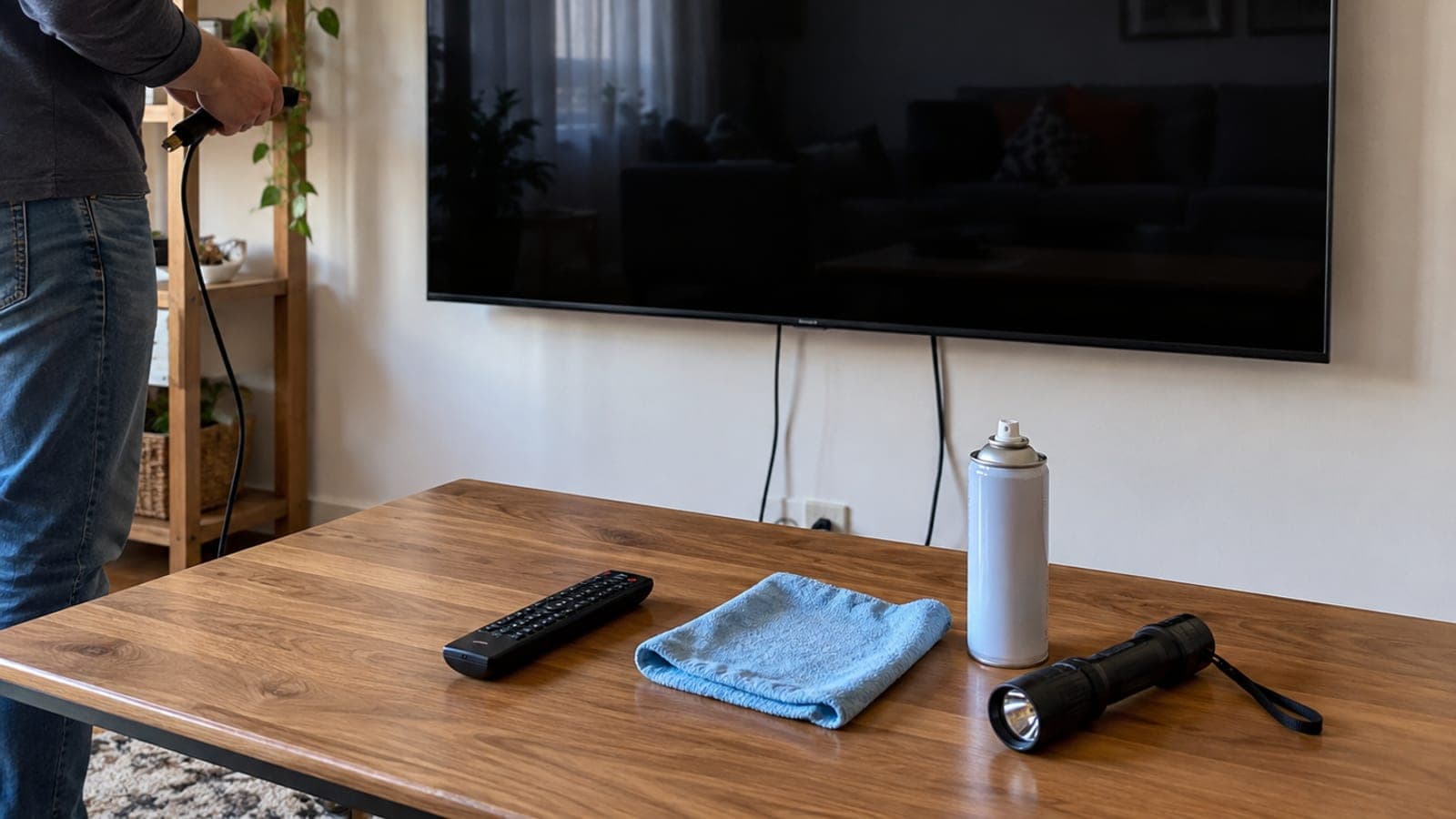
Short answer
First confirm you are on the correct HDMI input. Then unplug the TV, wait two minutes, hold the power button down, and plug it back in. If it persists, clean the HDMI cable and port, then test with a different device and a different TV. A flashlight test reveals a failed backlight. A factory reset is the last step.
What you need
Step by step
Select the right input
Press the Source (or Input) button on your remote and pick the input your device is plugged into. The HDMI ports on the back of the TV are labeled HDMI 1, HDMI 2 and so on, so check which one holds the cable and switch to that exact input. Choosing the wrong source is the single most common cause of a black screen.
Run a power cycle
Unplug the TV and wait two minutes. While it is unplugged, hold the power button on the TV itself down a few times to drain residual charge, then plug it back in and turn it on. A smart TV behaves like a computer, and this simple reset clears frozen software most of the time.
Clean the cables and ports
Wipe both ends of the HDMI cable with a microfiber cloth and blow out the port with compressed air or an electric blower. Side-facing ports collect dust especially fast, which breaks the contact. Reseat the cable so it clicks fully into place.
Try another cable and port
Connect the same device to a different HDMI input and, if you can, with a different cable. If the picture returns, the fault is in the cable or that specific port. HDMI cables degrade over time, and this is the cheapest check you can make.
Run an elimination test
Connect the problem device to another TV you know works. If you get a black screen there too, the device is at fault. Then reverse it: plug a device you know works into the TV, and if the screen stays black, the TV is the problem.
Do the flashlight test
With the TV switched on, hold a flashlight close to the screen and look at it from a sharp angle. If you can make out faint images, the panel works but the backlight has failed. The test fixes nothing, it just confirms a hardware fault so you know what you are dealing with before visiting a repair shop.
Check the brightness settings
Using the flashlight to see the menu, open Settings > Picture and look at the brightness and backlight values. If either sits near zero, raise it. A child or an automatic energy saving mode may have pushed those values down.
Factory reset the TV
If nothing else works, go to Settings > System > Advanced system settings > Factory reset, or press the recessed Reset button on the back of the TV with a thin pin for 10 seconds. Choose the option that resets everything; your accounts and installed apps will be erased.
Tips
Watch out
A factory reset wipes every account, app, and setting, so only try it after all other steps have failed. Never open the back panel yourself: the capacitors inside hold high voltage even after the TV is unplugged, and opening it voids the warranty instantly.
Frequently asked questions
+There is sound but no picture. What is wrong?
With that symptom the fault is usually the backlight or the panel. Confirm it with the flashlight test: if you see a faint image under the light, the backlight is dead and you need a repair.
+Does a factory reset delete my data?
Yes. Accounts, installed apps, network details, and all picture and sound settings are erased. The TV boots into the initial setup screen and you have to sign in again from scratch.
+How much does a backlight repair cost?
LED strip replacement is priced by screen size and costs far less at an authorized service center than a full panel swap. It is free under warranty, so always ask about your warranty status first.
+How do I change the input if my remote is dead?
Most TVs have a physical joystick or button cluster underneath or on the back that opens the menu so you can pick a source. The manufacturer's phone app also works as a remote replacement.
+How long should the TV stay unplugged?
Two minutes is enough. Holding the power button for a few seconds during that time drains leftover charge from the capacitors and actually completes the reset.
Sources and verification
Published: September 13, 2026. tell us. Costs and warranty coverage reflect Turkish market conditions; authorized service pricing varies by brand and screen size.
This content is for information only; for official procedures the relevant institution’s current announcements take precedence. Details: disclaimer.