What should you do in the first minutes after card details are stolen?
From freezing the card to filing a dispute, the steps to take in order once your card number is exposed.
Short answer
First freeze or cancel the card in your bank's mobile app, then call customer service and report the incident. Review your account activity and open a dispute for any charge you do not recognise, reissue your virtual cards and move your automatic payment instructions, then change your online banking password and scan your device.
What you need
Step by step
Freeze the card
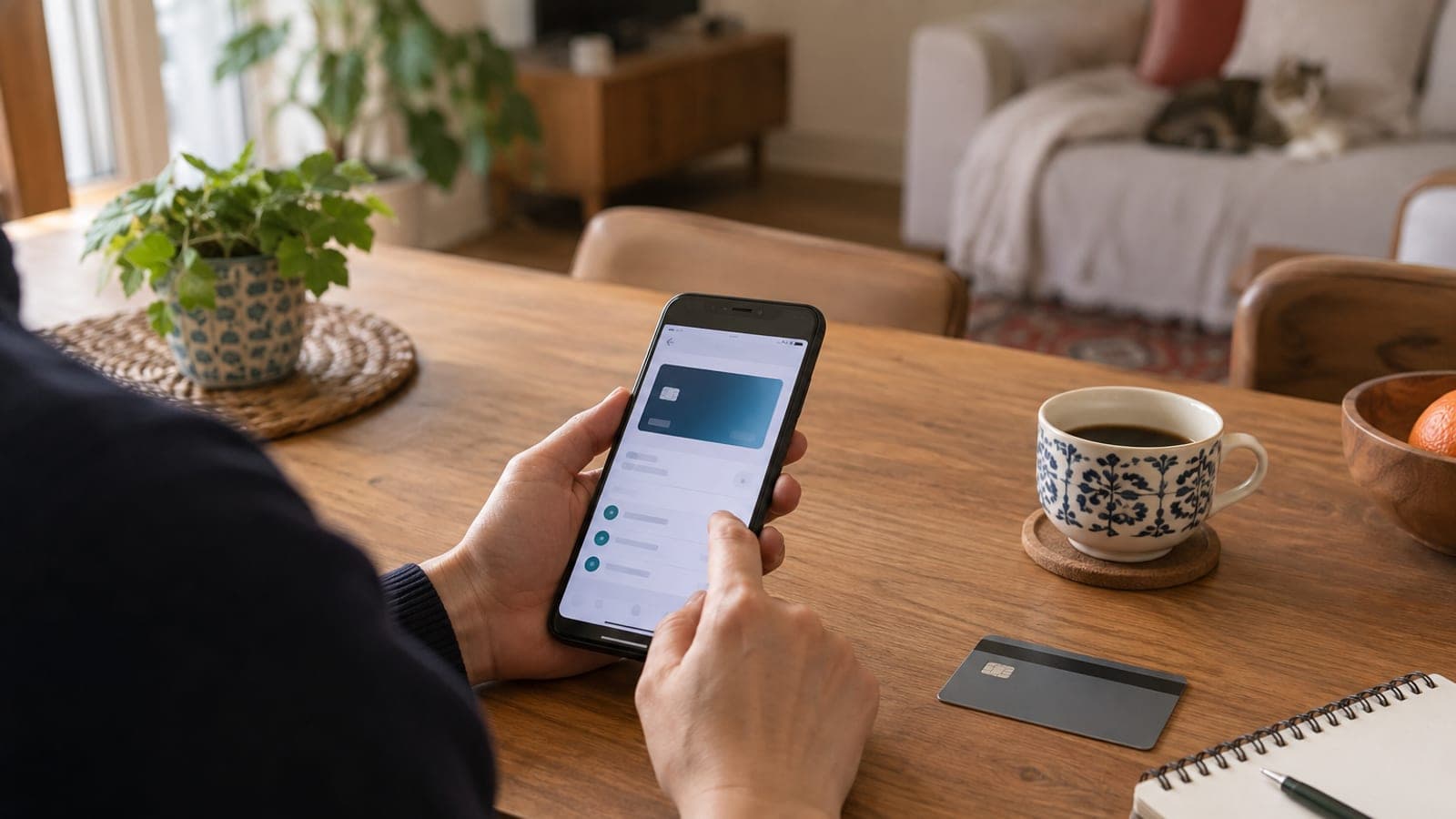
Open your bank's mobile app, go to "My Cards", select the affected card and use "Close Card", "Temporary Freeze" or "Block Card". This makes the card unusable instantly and stops any further charge attempt. Even if the physical card is still in your wallet, a card whose details were exposed must be closed.
Call the bank
Call the customer service number printed on the back of the card, choose the "lost/stolen card" option in the voice menu or ask for an agent. Say clearly that your card details were stolen and that you suspect fraud, then note down the case or reference number. Even if you already froze the card in the app, this call is what opens the incident as a formal fraud record.
Review account activity
In the app open "Account Activity" and, for the card, the "Statement" or "Current Period Spending" screen. Go through every line including pending authorisations and mark anything you do not recognise. Small test charges are usually a warning sign before a large one, so do not skip those.
Open a dispute
Tap the unrecognised transaction and start "Dispute Transaction" or "Charge Dispute"; if that option is missing, ask customer service to file the dispute for you. State that you did not make the transaction and that your card details were stolen, and attach any screenshots you have. The review and the outcome notice are handled by the bank's investigation unit.
Reissue virtual cards and instructions
In the "Virtual Card" menu cancel the existing virtual card and generate a new number. Then open "Automatic Payment Instructions" or "Bill Instructions" and move any instruction linked to the old card onto the new one. That keeps your subscriptions from going unpaid.
Reset passwords and clean the device
Change your online and mobile banking login password from the "Settings" or "Security" menu; if you reused that password elsewhere, change it there too. If you entered the details on a link, run a security scan on your phone or computer and remove any suspicious app. Turn on two-step verification for your email account as well.
Tune alerts and limits
In the card settings review "Transaction Alerts", "SMS/Push Notifications" and "International Use". Keeping online shopping enabled only when you need it and lowering the contactless limit narrows the window for new attempts. Leave these settings tight until the replacement card arrives.
File an official report
If you lost money to the fraud, file a complaint through your government's online public complaint or police reporting service, or go to the nearest police station. The bank may also ask for an official case number to support your dispute. Keep the police case number and the bank reference number together.
Tips
Watch out
Putting off the freeze because "no charges have shown up yet" is the most common mistake; stolen card details get resold, so spending can start much later. Giving a confirmation code to someone who calls claiming to be your bank and offers to "move your money to a safe account" can also seriously weaken your right to dispute.
Frequently asked questions
+I closed the card in the app. Do I still need to call the bank?
Yes. Closing it in the app stops charges, but you need to report it to the bank so the incident is logged as fraud and the dispute process can start.
+Will I get the money back for a charge I did not make?
Once the dispute is filed, the bank's relevant unit reviews it and notifies you of the outcome; confirm the process and the timeline directly with your bank.
+If only my card number was stolen, can they get into my account?
A card number alone is not enough to log in to online banking, but the risk rises if you reused passwords. Changing your login password and enabling two-step verification is still the right move.
+Will my automatic bills go unpaid once the card is closed?
Instructions tied to a closed card stop working. Move them to the new card or to your account from the "Automatic Payment Instructions" menu to avoid missed payments.
+Do I have to go to the police station?
If no money was lost, reporting to the bank is usually enough. If there was a loss, filing a complaint online or at a police station strengthens your dispute file.
Sources and verification
Published: September 14, 2026. tell us. Menu names are translated from a Turkish bank app; wording varies by bank and country, and the official complaint channels differ outside Turkey.
This content is for information only; for official procedures the relevant institution’s current announcements take precedence. Details: disclaimer.