How do you close an Instagram account for good?
How to temporarily deactivate or permanently delete an Instagram account, including the 30-day cancellation window.
Short answer
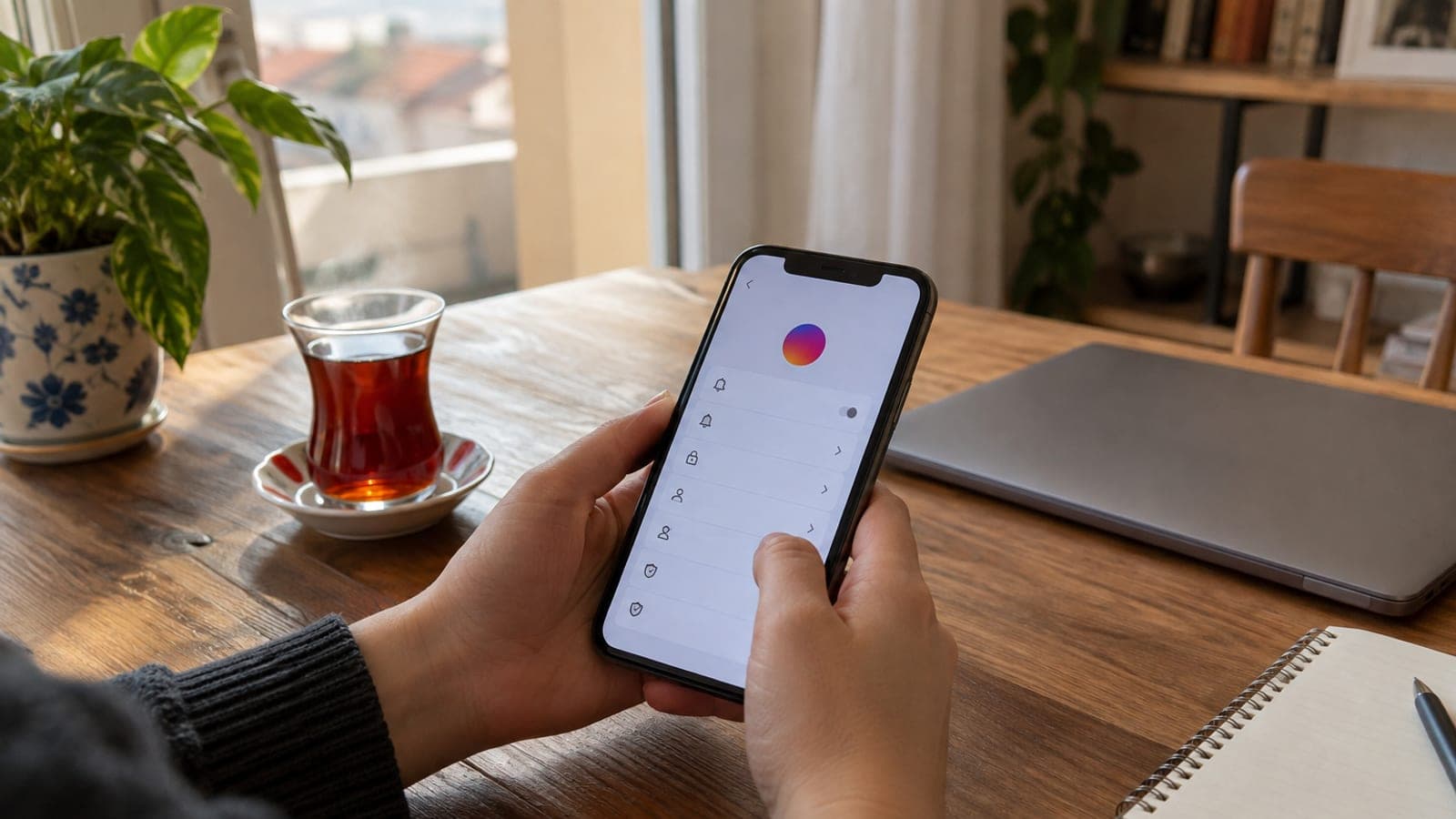
In the app, tap the three lines on your profile, then Settings and privacy > Accounts Center > Account settings > Account ownership and control > Deactivation or deletion. Pick your account, choose Deactivate account for a break or Delete account to close it permanently, then enter your password to confirm. Deletion is final after 30 days; logging in during that window cancels it.
What you need
Step by step
Download your data
Go to Settings and privacy > Accounts Center > Your information and permissions > Download your information. Select the account, tap "Download your information", then pick "All time" and the HTML format. The link to your photos, messages and comments arrives by email within 48 hours, so grab it before you delete anything.
Cancel subscriptions and unlink apps
If you have Meta Verified or any in-app subscription, cancel it first, because app store billing keeps running even after the account is gone. Then open Settings > Website permissions > Apps and websites and remove any service you sign into with Instagram, otherwise you lose access to those logins.
Open Accounts Center
Switch to the profile tab, tap the three horizontal lines at the top right and choose Settings and privacy. Tap the Accounts Center row at the very top. Under the Account settings heading, open "Account ownership and control".
Tap Deactivation or deletion
Select the "Deactivation or deletion" row, then pick the Instagram account you want to close from the list. If a Facebook account shares the same Accounts Center, both are listed separately, so check the username before you continue.
Choose a break or permanent deletion
"Deactivate account" hides your profile, photos and comments, and everything returns the moment you log back in. "Delete account" wipes all content permanently after 30 days, and you may never get that username back. Select the option you want and tap "Continue".
Pick a reason and confirm with your password
Choose a reason from the list, such as "I spend too much time here". Type your password, then tap "Deactivate account" or "Delete account" at the bottom. Instagram signs you out of the app automatically once you confirm.
Stay logged out for 30 days
If you chose permanent deletion, do not sign in from any device for 30 days, because a single login cancels the request. After the window closes, full removal from Meta's servers can take up to 90 days. Deleting the app from your phone does not close the account.
Tips
Watch out
Once the 30-day window passes, permanent deletion cannot be undone: photos, videos, messages, followers and your username are gone, and Instagram support cannot restore them. The most common mistakes are deleting without a backup and leaving other services still linked to your Instagram login.
Frequently asked questions
+Can I get my account back after deleting it?
Yes, if you log in with your old password within 30 days of the request, the deletion is cancelled and the account returns as it was. After 30 days there is no way back.
+What is the difference between deactivating and deleting?
Deactivating only hides your account and content, and everything comes back when you log in again. Deleting removes all data permanently once the 30-day window ends.
+Does uninstalling the app close my account?
No. Removing the app only takes it off your phone; your profile, photos and messages stay visible. You have to close the account through Accounts Center.
+Can I reuse the same username on a new account?
Usually not once the deletion is final. If you want to keep the username, deactivate the account instead of deleting it.
+I do not know my password, how do I close the account?
The deletion screen requires a password. Use "Forgot password?" on the login page to get an email or SMS code, set a new password, then follow the closing steps.
Sources and verification
Official pages for this process
Published: September 13, 2026. tell us. Menu labels reflect the English Instagram interface; wording can differ slightly between app versions and regions.
This content is for information only; for official procedures the relevant institution’s current announcements take precedence. Details: disclaimer.