How do you measure home internet speed and file a BTK complaint?
If you are not getting the speed you were promised, measure it properly, keep the records, go to your operator first and then to BTK.
Short answer
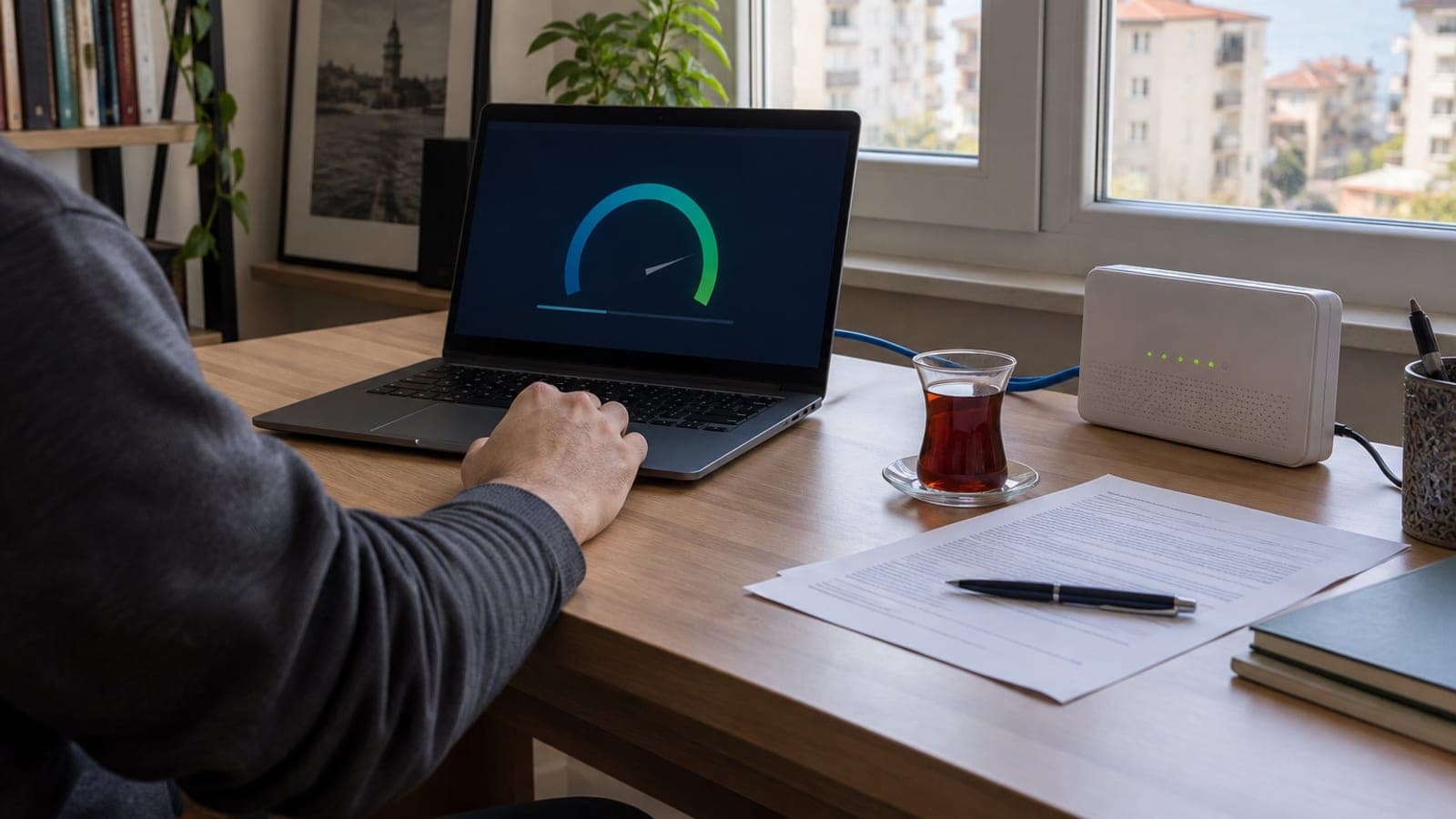
Connect your computer to the modem with an ethernet cable, turn off Wi-Fi and unplug other devices, then run the test on BTK's speed test page. Save the measurement number and a screenshot, and repeat at different hours. Open a complaint record with your operator's call center and keep the reference number; if nothing changes, submit the BTK consumer complaint form through e-Devlet.
What you need
Step by step
Find your committed speed in the contract
Open the 'My Subscription' or 'Commitment Details' screen in your operator's mobile app or online service center. Note the download and upload speeds listed next to the package name, the commitment period, and any 'up to' wording. This line is the basis of your complaint, so take a screenshot of it too.
Prepare the測 test environment
Connect the modem and the computer with an ethernet cable and switch off the device's Wi-Fi. Disconnect phones, TV boxes and consoles on the same line, and stop VPNs, updates and cloud backups. That way the number you measure reflects the real performance of the line.
Run the BTK speed test
Open BTK's speed test page in your browser and press the start button, then wait for the download, upload and latency values to appear. When the test finishes, save the measurement number it gives you along with a screenshot of the whole screen. The operator and the authority match your objection to that number.
Repeat the test at different times
Run the same measurement during busy evening hours, in the morning and on the weekend, recording the measurement number and the time each round. Build a record set that shows a consistent pattern instead of one low result. You can also add your operator's own speed test result to the file.
Open a record with your operator first
Call your operator's call center or create a request from the 'Fault / Complaint Record' section of the online service center, describing the issue as internet speed below the committed level. Take the reference number you are given and keep the confirmation SMS. BTK checks whether you contacted the operator first.
Submit the complaint to BTK
On e-Devlet, search for 'Consumer Complaint' and choose the consumer complaint service listed under the Information and Communication Technologies Authority; the authority's own complaint portal works too. Fill in the operator, your subscriber number, the complaint subject and the operator reference number.
Attach your documents to the form
In the description field, briefly explain your test setup and that the result stayed below the committed speed. Upload the speed test screenshots, the commitment form or contract page, and your invoice to the attachments section. Missing documents slow the file down while it is routed to the operator.
Track the application and use your rights
Save the application number shown after submission and follow the status from the 'My Applications' or tracking screen; notifications arrive by SMS and email. If the problem persists, send the operator a written termination or commitment cancellation request. The authority's response determines the final assessment.
Tips
Watch out
Applying with a single low measurement or a result taken over Wi-Fi usually leads nowhere. Going straight to the authority without opening a record with your operator means the file is routed back to the operator first and the process drags on. Avoid giving inaccurate information on the form; measurement and reference numbers are verified by the other side.
Frequently asked questions
+Is a speed test I ran over Wi-Fi accepted as valid?
Wireless measurements are not considered reliable because of walls, distance and channel interference. Use a measurement taken over an ethernet cable in your complaint.
+Can I complain directly to BTK without contacting my operator?
You can submit the application, but the authority first checks whether the operator was notified. Files that include an operator reference number move faster.
+Which speed test result is taken as the basis?
BTK's own speed test result and its measurement number are the basis for the application. Third party test sites only count as supporting evidence.
+Can I exit without a penalty if I cannot get the committed speed?
That is assessed according to the terms of your commitment form and the regulations in force. Whether you have a penalty free termination right depends on the answers from BTK and the operator.
+How long does the application take to resolve?
The timing varies with the subject of the complaint and how quickly the operator responds. You can follow the current status from the tracking screen and the notifications you receive.
Sources and verification
Official pages for this process
Published: September 14, 2026. tell us. Applies to Turkey: BTK is the Information and Communication Technologies Authority, and e-Devlet is the national e-government portal.
This content is for information only; for official procedures the relevant institution’s current announcements take precedence. Details: disclaimer.