How do you get an e-Devlet password in Turkey?
Three ways to obtain a Turkish e-Devlet password: a sealed envelope from PTT, your mobile banking app, or e-signature.
Short answer
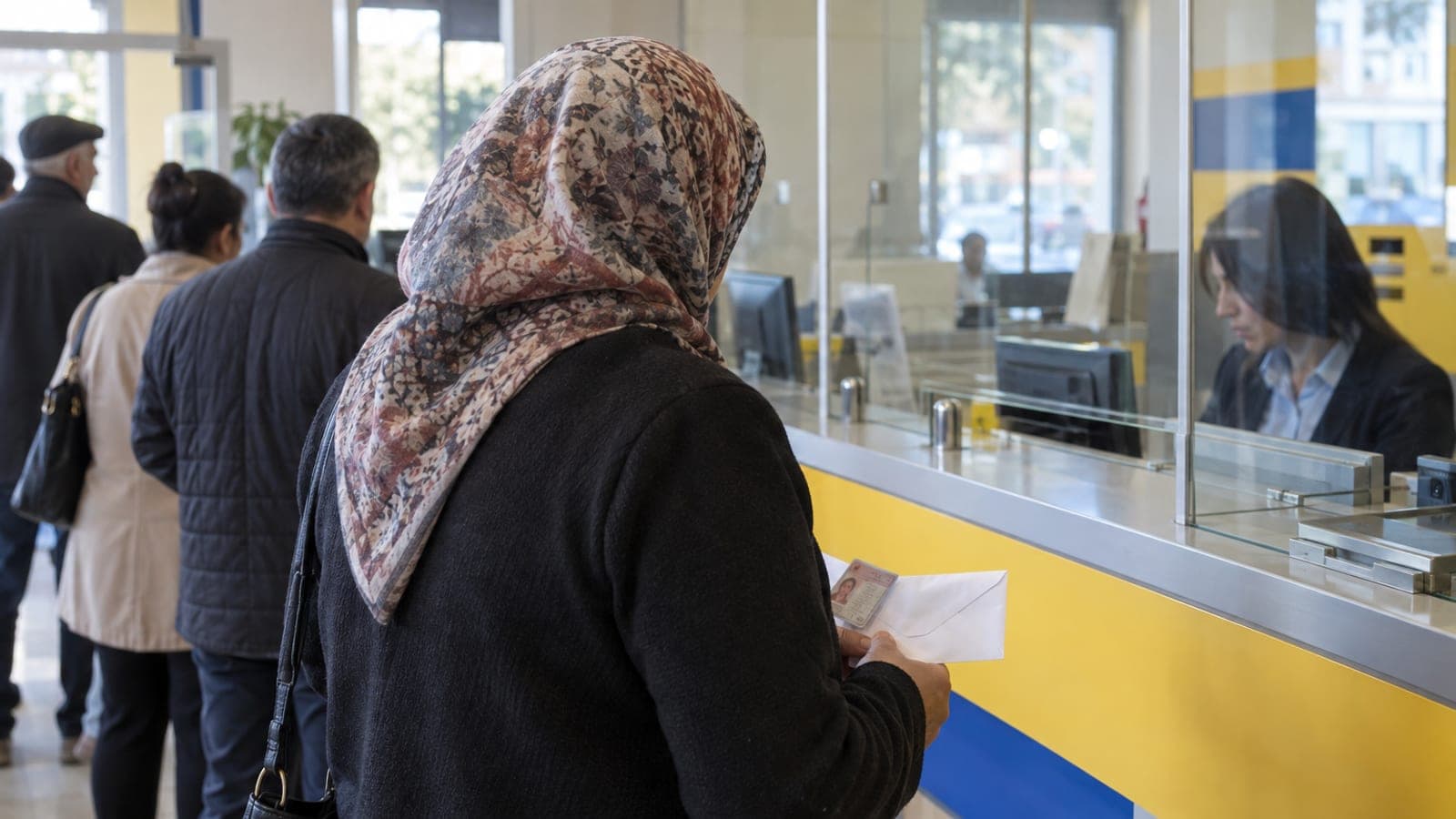
The most common route: take your Turkish ID card to any PTT branch and ask for an "e-Devlet şifresi". The password is handed to you in a sealed envelope for a small fee. Alternatively, create one instantly from the "e-Devlet" section of your internet or mobile banking app, or sign in at turkiye.gov.tr using an e-signature or mobile signature.
What you need
Step by step
Pick your route
There are three options: a sealed envelope handed over at a PTT branch, instant creation through internet or mobile banking, or creation at turkiye.gov.tr with an e-signature or mobile signature. PTT is the safest bet if you have no Turkish bank account or e-signature. The banking route takes minutes and needs no trip to a branch.
Go to a PTT branch with your ID
When taking a queue number, choose "e-Devlet Kapısı Şifre Zarfı" or "e-Devlet şifresi". Hand over your ID at the counter; the clerk verifies your identity and collects the service fee. This is done in person only, so you cannot send someone else with your ID.
Check the sealed envelope at the counter
The clerk gives you a sealed envelope containing a single-use password. Before you leave the counter, confirm the envelope is not torn and the seal has not been opened. Also read the ID number printed on the envelope once to make sure it is yours.
Try creating it in your banking app instead
If you would rather skip the envelope, open your mobile banking app and type "e-Devlet" in the search box, or look under "Başvurular" or "Diğer İşlemler" for the "e-Devlet Şifresi" step. After the bank's identity check, the password appears on screen or arrives by SMS. If you use this route, jump straight to signing in.
Sign in for the first time at turkiye.gov.tr
Open turkiye.gov.tr in your browser, click "Giriş Yap" at the top right and select the "e-Devlet Şifresi" tab. Enter your ID number and the password from the envelope, then complete the security check. Always confirm the address bar reads turkiye.gov.tr before typing anything.
Replace the password with one you choose
On first sign-in the system sends you to the password change screen. If it does not, open "Hesabım" under your name at the top right and use "Şifre Değiştir". Choose a password with upper and lower case letters, digits and a special character that you use nowhere else. The envelope password stops working at that point.
Set up contact details and two-step verification
Under "Hesabım", open "İletişim Bilgilerim", enter your mobile number and email address, and confirm the verification codes. Then switch on "İki Aşamalı Kimlik Doğrulama" so every sign-in asks for an SMS code. Password recovery also runs through these details.
Open a service to confirm it works
Search for "Nüfus Kayıt Örneği" or "Adli Sicil Kaydı" and request the document. If it opens, your account is fully active. Add the services you use often to "Favorilerim" to save time on later visits.
Tips
Watch out
An e-Devlet password is personal: handing it to someone else gives them full access to your tax, property, health and criminal record data. The most common mistake is entering it on fake sites that imitate e-Devlet. Before signing in, check that the address bar shows turkiye.gov.tr and the connection is secure.
Frequently asked questions
+Does getting an e-Devlet password cost money?
A service fee applies to the envelope issued at PTT; confirm the current amount at the counter or on PTT's official site. The banking and e-signature routes usually carry no extra charge.
+Can someone else collect the password for me?
No. The PTT transaction requires identity verification, so it must be done in person. Ask a PTT branch about powers of attorney or other special cases.
+Can people under 18 get an e-Devlet password?
Applications for children are made with and at the request of a parent or legal guardian. Check the required documents with a PTT branch or the civil registry office.
+I am a foreign national. Can I get a password?
People who hold a foreigner ID number and a Turkish residence permit can apply at a PTT branch. Accepted documents depend on your situation, so ask the branch before you go.
+How many wrong attempts lock my account?
The account is temporarily locked for security after several consecutive failed attempts. The attempt limit and waiting period can change, so follow the notice on the sign-in screen.
Sources and verification
Official pages for this process
Published: September 12, 2026. tell us. Menu and counter terms are given in Turkish as they appear on screen and at PTT branches, since the interface is not fully translated.
This content is for information only; for official procedures the relevant institution’s current announcements take precedence. Details: disclaimer.