How do I really free up space when phone storage is full?
The order of operations that permanently frees 8-20 GB on a full Android or iPhone, with no fake cleaner apps involved.
Short answer
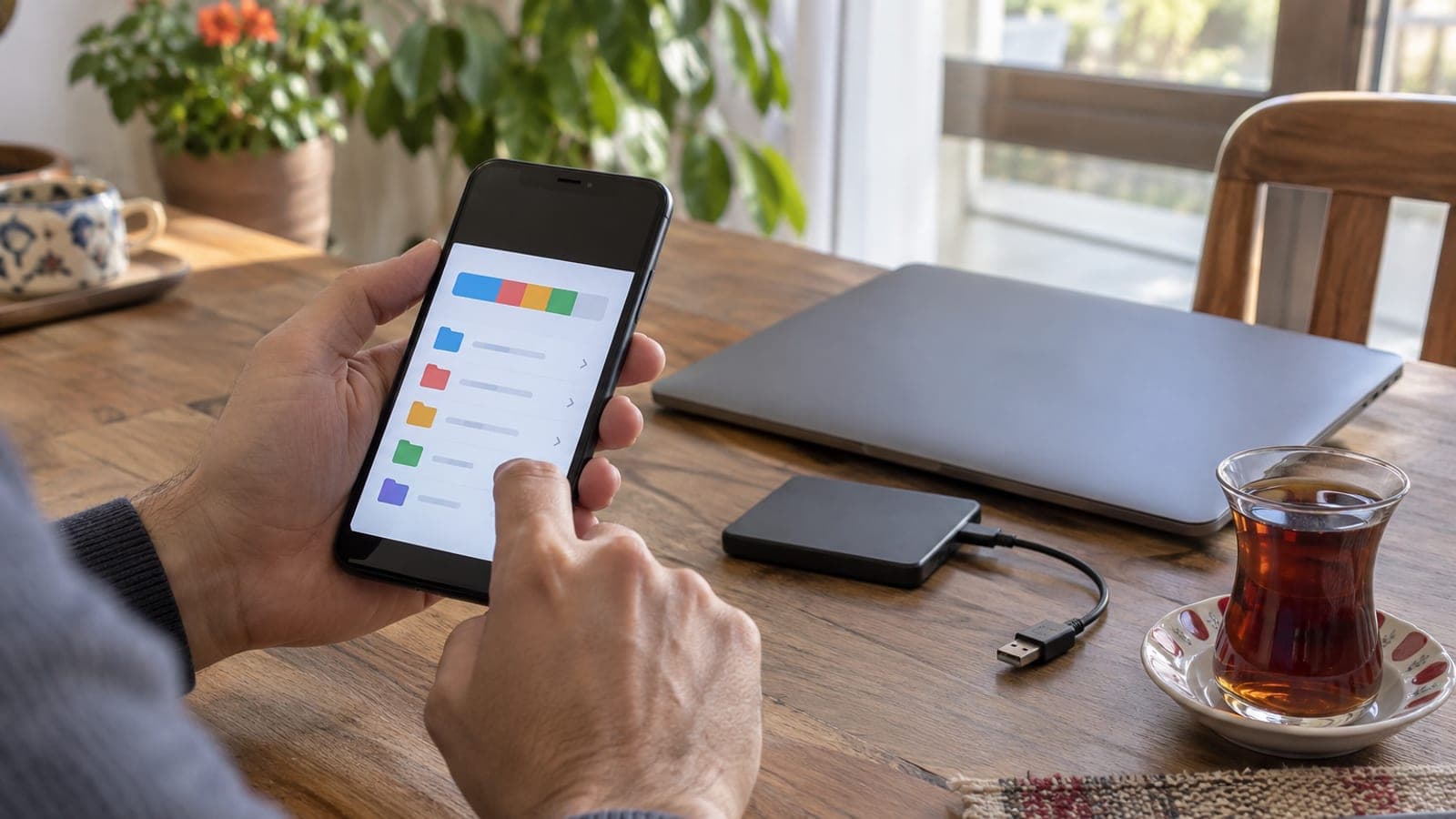
Open Settings > Storage first to see what is actually eating the space; it is usually photos, videos and WhatsApp media. Back your photos up to the cloud and tap "Free up space" in Google Photos, delete files over 5 MB from WhatsApp > Manage storage, clear app caches, then empty the trash folders for good. A typical run frees 8-20 GB in 20-30 minutes.
What you need
Step by step
Measure what is full
On Android open Settings > Storage (on Samsung, Settings > Battery and device care > Storage); on iPhone open Settings > General > iPhone Storage. Write down the top three items on the list. Attacking those three beats deleting at random, and it frees several times more space in the same amount of time.
Back photos up to the cloud
Open Google Photos > profile picture > Photos settings > Backup, turn it on and choose "Over Wi-Fi only". On iPhone go to Settings > Apple ID > iCloud > Photos. Delete nothing until the backup finishes; watch the progress bar at the top of the app. A 10 GB gallery takes 20-40 minutes on decent Wi-Fi.
Remove the copies that are already backed up
In Google Photos tap profile picture > Photos settings > Free up space; only the on-device copies of files that reached the cloud are removed. On iPhone, Settings > Photos > "Optimize iPhone Storage" does the same job automatically. This step alone usually frees 3-10 GB.
Trim WhatsApp media
Open WhatsApp > Settings > Storage and data > Manage storage. Use the "Larger than 5 MB" section to select and delete videos, then clean out the heaviest chats one by one. Turn off Auto-download on the same screen so the storage does not fill back up within a month.
Empty the Downloads folder
Open Files by Google, or My Files > Internal storage > Download on Samsung, and switch sorting to "Size". PDFs, APKs and duplicate files forwarded from WhatsApp pile up here. On iPhone the same place is Files > On My iPhone > Downloads. Expect 1-3 GB.
Clear app caches
On Android go to Settings > Apps > the app > Storage > Clear cache. Instagram, YouTube, TikTok and your browser hoard a few GB between them; this deletes temporary files, not your data. iPhone has no such button, so use Settings > Safari > Clear History and Website Data instead.
Empty the trash permanently
Deleted files keep holding their space for a while. Open Google Photos > Library > Trash (60 days), Gallery > Recycle bin (30 days), or on iPhone Photos > Albums > Recently Deleted, and choose "Delete All". Skip this step and the space you freed will not show up.
Uninstall apps you never open
In the storage list, delete anything you have not opened in the last three months. On iPhone, Settings > App Store > Offload Unused Apps removes the app while keeping its data. Then restart the phone and check the new free space in Settings > Storage.
Tips
Watch out
Do not tap "Free up space" or delete from the gallery before the backup finishes; photos that never synced to the cloud are gone for good. Also, deleting media from a WhatsApp chat does not remove it on the other person's phone, but it is permanent on yours. The "Clear app data" button gets confused with cache: it also wipes chats, game saves and login sessions.
Frequently asked questions
+Can I free up space without deleting any photos?
Yes. Back the photos up to the cloud and tap "Free up space"; the images stay in Google Photos and only the copy on your phone goes away.
+What if Google's 15 GB of free space is already full?
You can move up to a paid 100 GB Google One plan, or move your videos to a computer or external disk and delete them from the cloud.
+Does adding a memory card solve the problem?
Most new models have no card slot. If yours does, you can move photos and videos via Settings > Storage > SD card, but apps stay in internal storage.
+Do I need to do a factory reset?
No. Working through the steps in order is usually enough; a reset erases everything and the storage fills up again in a few months with the same habits.
+Does the WhatsApp backup also fill up phone storage?
The backup goes to Google Drive, but the media folder left on the phone takes up space separately. Check both from the Manage storage screen.
Sources and verification
Published: September 14, 2026. tell us. Menu names follow the English interface labels on Android, Samsung One UI and iOS; localized builds use direct translations of the same items.
This content is for information only; for official procedures the relevant institution’s current announcements take precedence. Details: disclaimer.