How do you turn on Wi-Fi Calling (VoWiFi) and VoLTE?
Switch on VoLTE and Wi-Fi Calling in about 10 minutes for clear calls in basements, elevators and thick-walled homes.
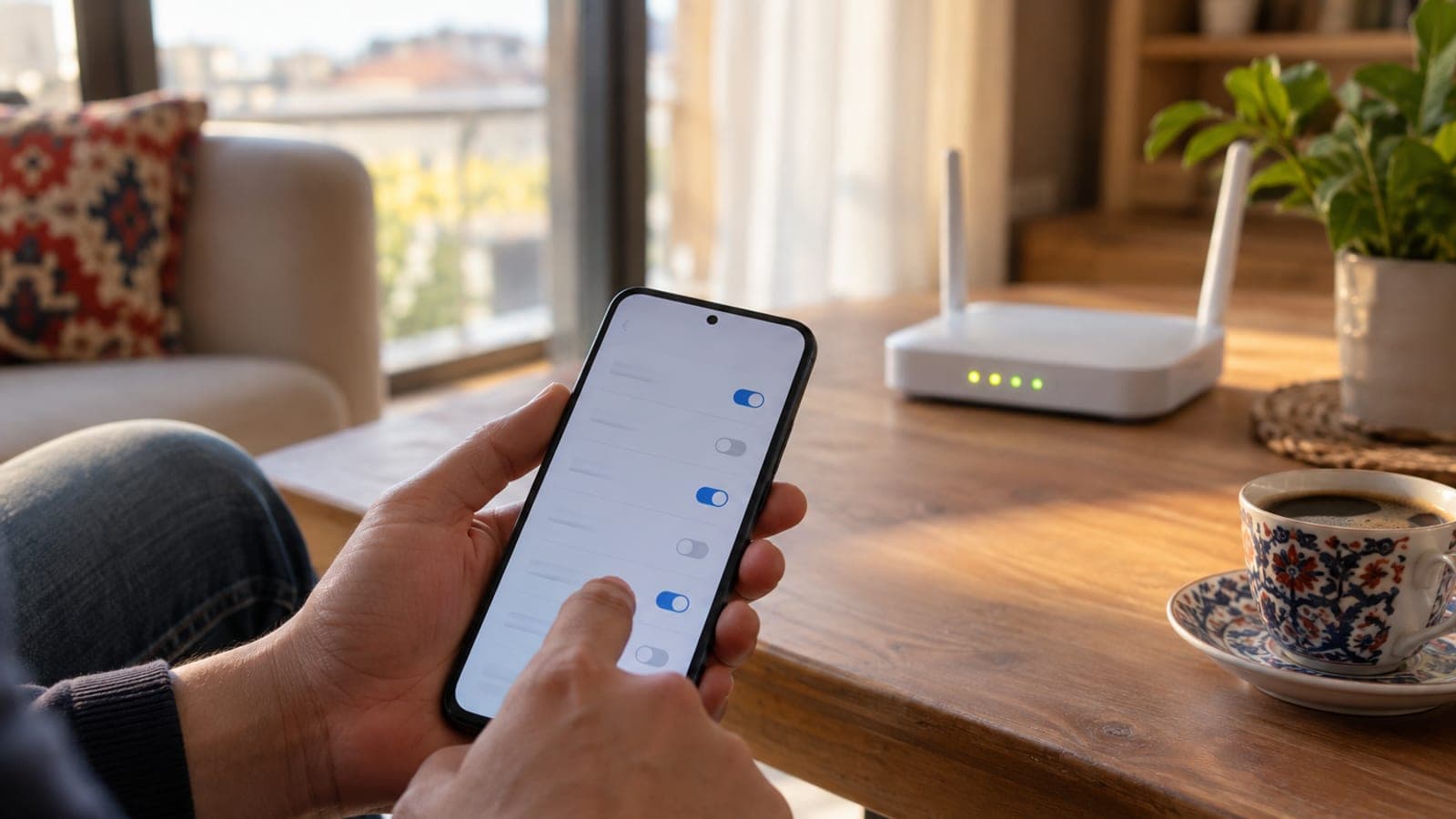
Short answer
On Android, open Settings > Connections > Mobile networks > VoLTE calls, then Settings > Connections > Wi-Fi Calling. On iPhone, go to Settings > Cellular > Cellular Data Options > Voice & Data > LTE, VoLTE On, then Settings > Phone > Wi-Fi Calling. Test it by turning on Airplane Mode, re-enabling Wi-Fi and placing a call. The whole job takes 10 minutes and costs nothing extra.
What you need
Step by step
Confirm the line and handset support it
Open your carrier app and check under My Line or My Plan that the line runs on 4.5G/5G. Prepaid, corporate and very old plans often ship with Wi-Fi Calling disabled, so request activation from the app's call settings menu or through the carrier's customer service line. The change usually reaches the network within 5-10 minutes.
Update the phone and set network mode to 4G/5G
On Android go to Settings > Software update > Download and install; on iPhone use Settings > General > Software Update. Then on Android open Settings > Connections > Mobile networks > Network mode and pick 5G/LTE/3G/2G (auto). If the network mode stays locked on 3G, the VoLTE switch never appears at all.
Turn on VoLTE
On Samsung, enable Settings > Connections > Mobile networks > VoLTE calls. On Xiaomi, go to Settings > SIM cards & mobile networks > tap the SIM > Enable VoLTE. On iPhone, choose Settings > Cellular > Cellular Data Options > Voice & Data > LTE, VoLTE On. Losing signal for 10-20 seconds while the phone re-registers is normal.
Turn on Wi-Fi Calling
On Samsung, enable Settings > Connections > Wi-Fi Calling. On Xiaomi, use Settings > SIM cards & mobile networks > Wi-Fi calling. On iPhone, open Settings > Phone > Wi-Fi Calling and switch on Wi-Fi Calling on This iPhone. This step will not work while VoLTE is off, so keep the order.
Enter your emergency address
When iPhone shows the notice after you enable Wi-Fi Calling, accept it and enter your full home or work address if the carrier asks for one. That address is the location dispatchers receive when you call emergency services over Wi-Fi. Update the field whenever you move.
Run an Airplane Mode test
Switch on Airplane Mode, then turn Wi-Fi back on manually and connect to your router. The status bar should read VoWiFi or Wi-Fi Calling. Call your second phone, talk for 30 seconds and confirm the audio has no lag.
Reset network settings if it fails
If the switch is missing or calls will not connect, use Settings > General management > Reset > Reset network settings on Samsung, or Settings > General > Transfer or Reset iPhone > Reset > Reset Network Settings on iPhone. This clears saved Wi-Fi passwords, so keep your router password handy. Restart the phone and repeat steps 3 and 4.
Tips
Watch out
When you dial emergency services over Wi-Fi, the carrier reads your location from the emergency address saved in settings, so an outdated address sends crews to the wrong place while you are in another city. A power cut also shuts down the router and disables Wi-Fi Calling completely, so keep an eye on regular mobile coverage for emergencies.
Frequently asked questions
+Does Wi-Fi Calling cost extra?
No. Domestic calls come out of the regular minutes in your plan, use only a tiny amount of Wi-Fi data, and are not deducted from your mobile data allowance.
+My phone shows no VoLTE option at all, what should I do?
Usually the cause is outdated software, a network mode locked to 3G, or a handset imported from abroad. Update the software, set network mode to automatic, and ask your carrier whether the line is enabled for 4.5G.
+Can I use Wi-Fi Calling while abroad?
Carriers generally support it, but some countries block it or bill it at international rates. Check the international Wi-Fi Calling terms in your carrier app before you travel.
+Will the call drop when I leave the house?
With VoLTE on, the phone hands the call from Wi-Fi to the mobile network without a break. With VoLTE off, the call drops the moment you leave Wi-Fi range, which is why both need to be enabled.
+Does Wi-Fi Calling affect WhatsApp calls?
No. WhatsApp and similar apps already run over the internet; VoWiFi only affects regular calls placed to a phone number.
Sources and verification
Published: September 14, 2026. tell us. Menu paths follow Samsung One UI, Xiaomi HyperOS and iOS naming; wording may differ slightly on other Android skins.
This content is for information only; for official procedures the relevant institution’s current announcements take precedence. Details: disclaimer.