How do I update linked accounts after a phone number change?
A step-by-step guide to updating your e-Devlet, banking, WhatsApp and Google accounts in the right order after switching to a new number.
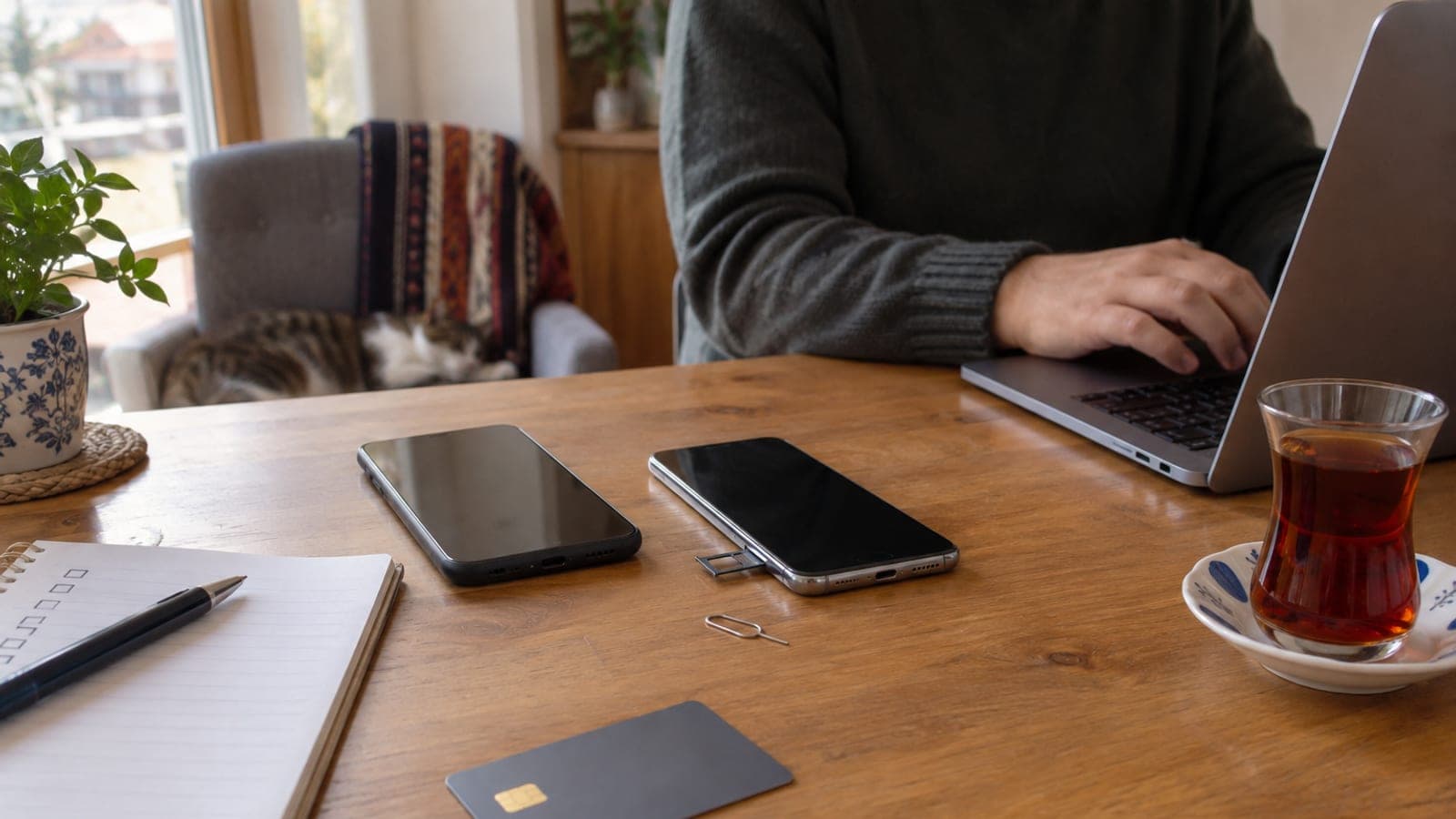
Short answer
Keep the old line active for at least 15 days. Update in this order: email and your Google/Apple account first, then e-Devlet and banks, and WhatsApp plus social media last. In each account follow "Profile > Security > Phone number" and enter the SMS code sent to the new number. The whole job takes about 2-3 hours.
What you need
Step by step
List every account before closing the old line
Scan "Settings > Apps" on your phone and search your inbox for "SMS verification" to write down every account tied to your number. Do not skip banks, e-Devlet, Google, WhatsApp, Instagram, courier apps and toll accounts. Keep the old line open for at least 15 days, because verification texts stop arriving once it is cancelled.
Update your email and Google account
In Google, open "Manage your Google Account > Personal info > Contact info > Phone", tap the pencil icon, remove the old number and add the new one. On Apple devices use "Settings > Apple Account > Name, Phone Numbers, Email". Do this first: the password reset chain for most other accounts runs through here.
Change your mobile number on e-Devlet
Sign in at turkiye.gov.tr and update your mobile number under "My User Information > My Contact Information". The verification text goes to the new line. If the number does not match your carrier records, you will need to visit a PTT branch with your ID for a new e-Devlet password, which costs roughly 30 TL as of 2025.
Update each bank's mobile app
In every banking app, change the number under "Settings > My Personal Information > Contact Information". Most banks send a confirmation text to the old number or ask for card approval at an ATM. If no confirmation arrives, use "Other Transactions > Information Update" at an ATM instead.
Move your WhatsApp number
With the new SIM inserted, open WhatsApp and follow "Settings > Account > Change number". Enter the old and new numbers, then tap "Next" and use "Notify contacts" so your chats and groups carry over. If you delete and reinstall the app instead, you will be dropped from your groups.
Review social media and shopping accounts
On Instagram use "Settings > Accounts Center > Personal details"; on X use "Settings and privacy > Your account > Account information > Phone". In delivery and shopping apps the number often doubles as your login, so update it in your profile first, then sign out and sign back in with the new number.
Rebuild two-step verification
Accounts that use Google Authenticator or Microsoft Authenticator keep working after a number change, but update the recovery number anyway. For critical accounts, download and print the backup codes. That way you can still get in even if you lose the line entirely.
Cancel the old line and do a final check
After 15 days, sign in to every account on your list and confirm the number shown on the "Security" screen. Once they all show the new number, cancel the old line at a carrier store with your ID. Keep a copy of the cancellation request in case stray invoices show up later.
Tips
Watch out
Once your old number is cancelled, the carrier can reassign it to someone else within 6 to 12 months. Password reset texts for any account you forgot to update will go to that person, which can lead to your bank or email account being taken over. Confirm every verification number is changed before you close the line.
Frequently asked questions
+How do I move WhatsApp if my old number is already cancelled?
Install WhatsApp with the new SIM, register with the new number, then restore the backup from your old phone. You may need to be re-added to groups, because the transfer method needs a text sent to the old number.
+I cannot change my e-Devlet number online. What should I do?
The line must be registered in your own name with the carrier. If it belongs to someone else, either transfer ownership or take your ID to a PTT branch and get a new e-Devlet password.
+I ported the same number to another carrier. Do I need to update my accounts?
No. Porting keeps the number itself unchanged, so nothing needs updating and your texts simply arrive through the new carrier.
+Do I have to visit a branch to change my number at the bank?
Most banks let you do it in the mobile app or at an ATM. A branch visit with ID may be required if your account has been dormant for a long time or your identity details are out of date.
+How long does all of this take?
About 2-3 hours of hands-on work is enough. Plan to finish within a single day, since bank approvals and e-Devlet verification can add waiting time.
Sources and verification
Official pages for this process
Published: September 14, 2026. tell us. Service names such as e-Devlet, PTT and HGS are Turkish government or national systems; steps and fees reflect Turkey as of 2025.
This content is for information only; for official procedures the relevant institution’s current announcements take precedence. Details: disclaimer.