How do you get a civil registry record copy from e-Devlet?
Steps for querying and downloading your barcoded Turkish civil registry record copy as a PDF through e-Devlet.
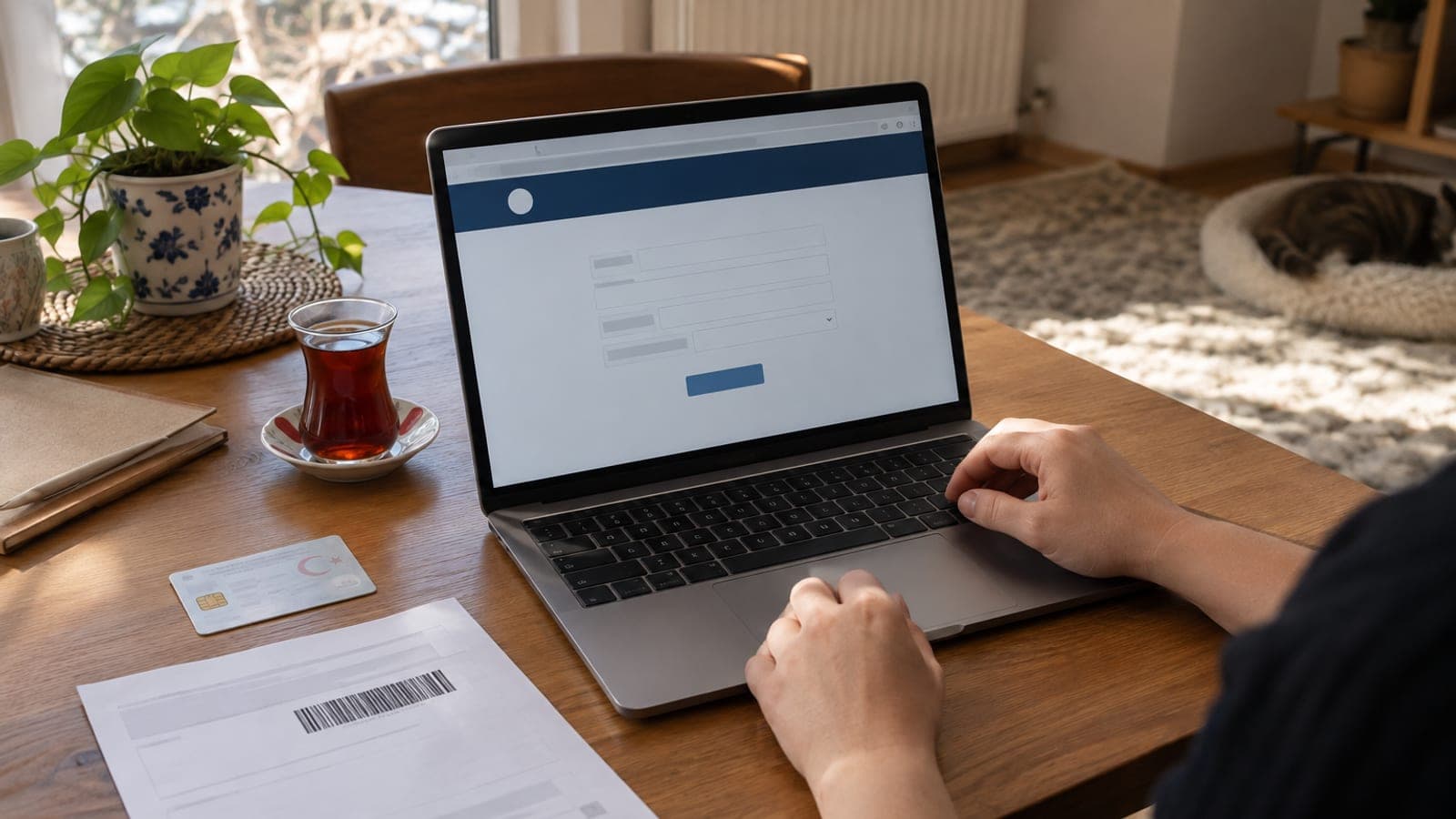
Short answer
Sign in at turkiye.gov.tr, search for "Nufus Kayit Ornegi Belgesi Sorgulama" and open the service. Pick the document type and the institution it will be submitted to, run the query, then save the barcoded document as a PDF with the download or print option.
What you need
Step by step
Sign in to e-Devlet
Go to turkiye.gov.tr in your browser and press the "Giris Yap" button at the top right. On the "e-Devlet Sifresi" tab, enter your Turkish ID number and password. If you have no password, you can collect one from a PTT branch or sign in with your ID card, mobile signature, or internet banking.
Search for the service
Type "Nufus Kayit Ornegi" into the search box at the top. From the results, choose the "Nufus Kayit Ornegi Belgesi Sorgulama" service run by the Directorate General of Civil Registration and Citizenship Affairs. Read the description on the service page and press "Basla".
Choose the document type and purpose
Under "Belge Turu", select what you need: a record copy for yourself, a family declaration showing parents, spouse and children, or a detailed (vukuatli) record copy. Then pick the receiving institution from the "Belgenin Verilecegi Yer" or "Kullanim Amaci" list, since some institutions only accept a document issued in their own name.
Run the query and review the document
Once the fields are filled in, press "Sorgula". Your registry details appear on screen along with a document preview carrying a barcode and verification code at the top. Check your name, surname and the record details before going further.
Download or print the PDF
Use the "Belgeyi Indir" or "Yazdir" option at the bottom of the page. On a phone, save the file to your Files or Downloads folder. For institutions that do not need paper, you can send the PDF by email or upload it to their own application system.
Verify the barcode
Institutions that want to confirm authenticity enter the barcode number into the "Belge Dogrulama" service on e-Devlet. You can run the same check yourself before handing the document over, to confirm it still shows as valid.
Confirm the institution accepts it
Ask the institution whether it accepts a barcoded e-Devlet printout. Courts, land registry offices and consulates sometimes require a signed and stamped wet-ink copy, which you have to request from a civil registry office or the neighbourhood muhtar.
Tips
Watch out
Barcodes on e-Devlet documents stay valid only for a limited time, after which the verification query returns no result. Get the document close to the date you will use it, since an old printout can be refused because it cannot be verified. The file also contains your ID number and family details, so do not leave it on shared computers or in shared folders.
Frequently asked questions
+Is a record copy from e-Devlet officially valid?
Most institutions accept it because it is barcoded and verifiable. Even so, courts, land registry offices and some overseas procedures may ask for a wet-signed copy from a civil registry office, so check with the institution first.
+Is there a fee for the civil registry record copy?
No separate fee is charged for this query service on e-Devlet. You can confirm the current situation from the description on the service page.
+Can I get a record copy on someone else's behalf?
The system only produces documents for people who share a registry link with you. For anyone else you need a power of attorney and a visit to a civil registry office.
+I have no e-Devlet password, how do I get the document?
You can collect a password envelope from a PTT branch with your ID, or sign in using mobile signature, e-signature, internet banking, or your ID card over NFC. You can also apply in person at a civil registry office or the muhtar.
+The PDF will not download, what should I do?
Turn off your browser's pop-up blocker and try a different browser. If the problem continues, open the same service on your phone and use the "Yazdir" option to save it as a PDF.
Sources and verification
Official pages for this process
Published: September 15, 2026. tell us. Service and button names are given as they appear in Turkish on turkiye.gov.tr.
This content is for information only; for official procedures the relevant institution’s current announcements take precedence. Details: disclaimer.