How do you use the Surface Connect port?
What the magnetic Surface Connect port on Microsoft Surface devices actually does, and how to use it the right way.
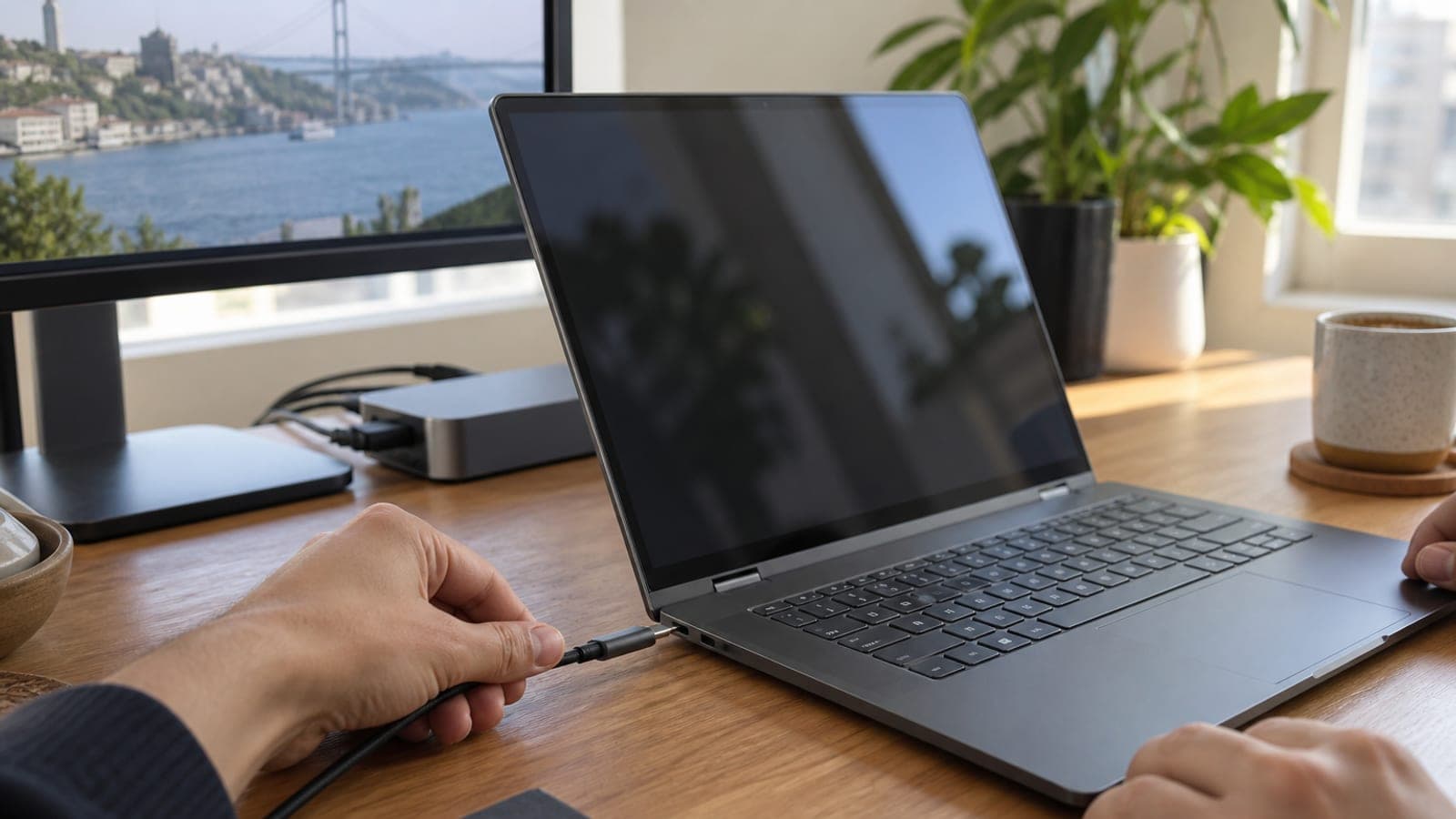
Short answer
Surface Connect is a magnetic, Microsoft-only port found on Surface devices. Hold the charger tip near the port and the magnet pulls it into place on its own. The same port carries power (up to 127 W), video over DisplayPort and data at once, so with a Surface Dock attached you get two 4K monitors and your USB gear through a single cable.
What you need
Step by step
Locate the port on your device
On Surface Pro models the port sits on the right edge above the keyboard hinge; on Surface Laptop models it is on the right side. From the outside it looks like a thin slot about as thick as an SD card, with gold contact pads inside. Do not confuse it with the USB-C port, since the two can sit side by side.
Let the charger snap on magnetically
Bring the cable tip close to the port and the magnet will pull it in and align it, so there is no need to push. If the connector is upside down, rotate it 180 degrees and try again. When the small LED on the connector lights up, the connection is good.
Confirm the charging power
In Windows, open Settings > System > Power & battery and check the charging status. A higher-wattage adapter works fine on lower-power devices, but not the other way around: run a Surface Laptop Studio that expects 127 W on a 65 W adapter and the battery will drain under load.
Attach a dock for video output
Plug Surface Dock 2 into the Surface Connect port, then connect your monitors to the dock's DisplayPort or USB-C outputs. Dock 2 can drive two 4K displays at 60 Hz. Press Win + P in Windows to pick the display layout, and go to Settings > System > Display for finer adjustments.
Run your USB devices through the dock
Connect the keyboard, mouse, external drive and Ethernet cable to the ports on the back of the dock. The USB ports on Surface Dock 2 reach up to 10 Gbps per device, which is plenty for an external SSD. Sitting down at the desk then means one magnetic cable connects everything.
Unplug the cable properly
Grip the connector by its body and pull it straight back; do not yank the cable sideways. The magnet is deliberately kept weak, so if someone trips over the cable it pops off instead of dragging the device off the desk. That is the port's single biggest advantage.
Tips
Watch out
The market is full of cheap third-party Surface adapters. Most lack voltage protection and certification, and they can permanently damage the mainboard power circuitry or the battery while also putting your warranty at risk. Use a genuine adapter, or at minimum a CE-certified one with a wattage rating that matches your device.
Frequently asked questions
+Do the Surface Connect port and USB-C do the same job?
Largely yes. Both carry power, video and data, but USB-C with Thunderbolt offers universal accessory support and Thunderbolt 5 is faster. Surface Connect's only edge is the magnetic tip that seats easily and releases when tugged.
+Can I charge my Surface over USB-C?
Most models with a Surface Connect port also have a second USB-C port that charges the device. Power delivered over USB-C is usually lower, though, so a device under load charges more slowly.
+Will an adapter with higher wattage than my device damage it?
No. The device only draws the power it needs, so you can use a genuine 127 W adapter on a lower-power Surface Pro. The reverse causes trouble: a low-wattage adapter on a power-hungry device is a problem.
+Is a Surface Dock easy to find these days?
New stock is very limited; they mostly turn up on the used market or through overseas orders. Since newer Surface models moved to USB-C, buying a Thunderbolt dock is both easier and more useful.
+The cable keeps falling off on its own. Is it faulty?
Usually not a fault, it is how the design works. Clean the contact surface and leave the cable slack rather than taut; if it still will not hold, the magnet in the connector may have weakened and the cable needs replacing.
Sources and verification
Published: September 11, 2026. tell us. In Turkey, genuine Surface adapters and docks are mainly available through the used market or imports, so verify wattage and certification before buying.
This content is for information only; for official procedures the relevant institution’s current announcements take precedence. Details: disclaimer.