How do you change your Wi-Fi password from the modem interface?
Reach your modem's browser panel and set a new wireless password in about five to ten minutes.
Short answer
From a device connected to the modem, type 192.168.1.1 in your browser (some models use 192.168.0.1). Log in with the username and password printed on the modem's label. Open the Wireless or WLAN menu, go to Security, type a new password of at least 8 characters in the WPA2 key field, then press Apply or Save. The setting takes effect in 30 to 60 seconds.
What you need
Step by step
Connect to the modem
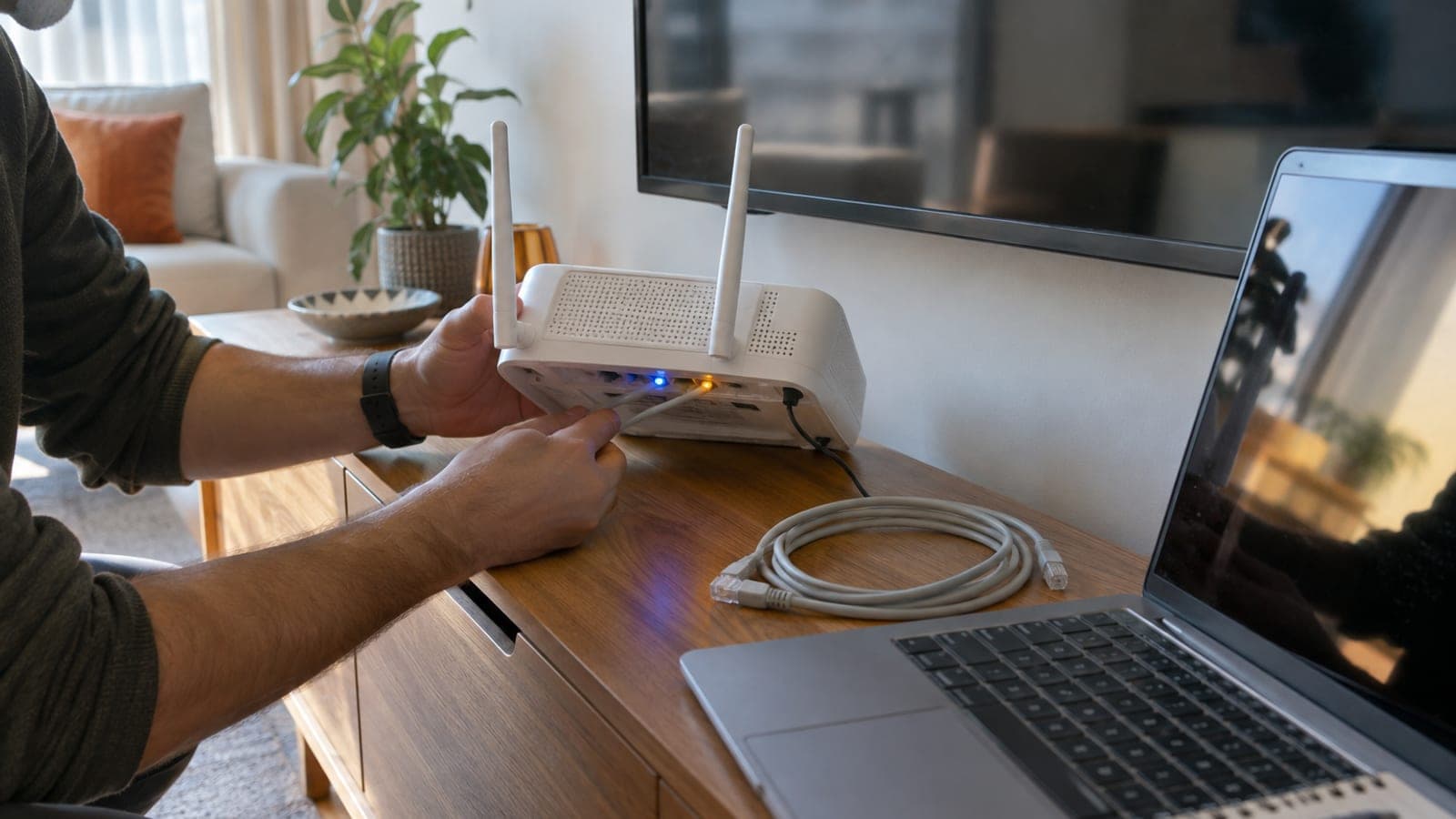
Plug your computer into one of the modem's yellow LAN ports with an Ethernet cable, or join the existing Wi-Fi network. A wired connection is better because changing the password will not drop you mid-save. If you use a phone, turn mobile data off or it will never reach the modem panel.
Open the panel address
Type http://192.168.1.1 in the browser address bar and press Enter. Most ZTE, Huawei and Airties modems from major providers use this address, while some Huawei and ZTE models answer at 192.168.0.1 or a provider hostname. If nothing loads, check the address printed on the modem label.
Log in with the admin credentials
Enter the details from the modem label. Common defaults are admin with admin, admin with an 8-digit code on the label, or admin with the provider name. On first login the modem may force you to set a new panel password, so write that one down too.
Open the wireless menu
On ZTE go to Network > WLAN > Security, on Huawei go to WLAN > WLAN Basic Configuration, on Airties go to WIRELESS > Wireless Settings, and on provider-branded stations look for Wi-Fi > Wi-Fi Settings. Some panels hide these fields until you switch to the Advanced Settings tab at the top.
Enter the new password
Set the encryption type to WPA2-PSK (AES) or mixed WPA2/WPA3, and never pick WEP or Open. Type your new password into the field labelled WPA Pre-Shared Key, WPA Passphrase, Wi-Fi Password or Network Key. Use 8 characters minimum, 12 to 16 ideally, with no spaces or non-English letters.
Save and update both bands
Press Apply, Save or Submit. If the modem lists 2.4 GHz and 5 GHz as separate networks, for example HOME_ABCD and HOME_ABCD_5G, repeat the change on the second one. The setting activates within 30 to 60 seconds and some models reboot the modem.
Reconnect your devices
On phones and laptops tap the network and choose Forget This Network or Remove, then connect again with the new password. As long as the old password stays saved, the device will keep throwing authentication errors. Do not forget quiet devices like printers, smart TVs, robot vacuums and security cameras.
Use the provider app as a fallback
If you cannot reach the panel at all, most providers let you change the key from their mobile app. Look for a section like Internet > Modem Management, Account > Modem Settings, or Home Internet > Wi-Fi Settings, then update the password there and save.
Tips
Watch out
Pushing a pin into the RESET hole restores the factory Wi-Fi password, but it also wipes your internet username, VLAN and IPTV settings. Rebuilding the connection then requires the provider's PPPoE details, and most people end up calling support. Treat reset as a last resort.
Frequently asked questions
+192.168.1.1 will not load, what should I do?
Turn off mobile data and any VPN, and type the address with http:// into the address bar rather than the search box. If it still fails, run ipconfig on Windows, find the Default Gateway value and try that address.
+How many characters should a Wi-Fi password be?
WPA2 requires at least 8 characters and allows up to 63. For real protection use 12 to 16 characters mixing upper and lower case letters, digits and punctuation.
+Will changing the password cut off my internet?
No, your subscription is unaffected. The wireless link drops for 30 to 60 seconds and every device needs the new password, while anything connected by cable keeps working.
+I do not know the panel password, can I recover it?
Check the label on the underside of the modem first, since most models print it there. If it is missing or was changed earlier, try the provider's app or call customer service.
+Do I need to change 2.4 GHz and 5 GHz separately?
Yes, if the modem lists them as two separate networks. When band steering or smart connect is enabled, a single password covers both bands.
Sources and verification
Official pages for this process
Published: September 14, 2026. tell us. Menu names follow the English versions of ZTE, Huawei, Airties and provider-branded modem panels; localised firmware may show different wording.
This content is for information only; for official procedures the relevant institution’s current announcements take precedence. Details: disclaimer.