How do you securely wipe an old phone before selling it?
Back up, sign out of your accounts, confirm encryption, then factory reset so the data cannot be recovered.
Short answer
Back up first (Google One or iCloud), then WhatsApp separately, then pull the SIM and memory card. On Android remove the Google account under Settings > Passwords and accounts; on iPhone use Settings > Apple ID > Sign Out to clear Activation Lock. Finish with the factory reset: Android Settings > System > Reset options, iPhone Settings > General > Transfer or Reset iPhone. Allow 45-90 minutes.
What you need
Step by step
Run a full backup
On Android open Settings > Google > Backup and tap "Back up now", then check that Google Photos shows backup "Complete". On iPhone use Settings > Apple ID > iCloud > iCloud Backup > "Back Up Now". Over Wi-Fi this takes 15-40 minutes; if storage runs out, buy the 50 GB plan for one month and cancel afterwards.
Handle WhatsApp and banking apps separately
In WhatsApp go to Settings > Chats > Chat backup and tap "BACK UP" to save to Google Drive or iCloud; this backup is independent of the phone backup. Sign out of banking and government apps and move any security tokens to the new device. If you use Google Authenticator, transfer the codes before wiping or you will lock yourself out.
Remove the SIM, memory card and pairings
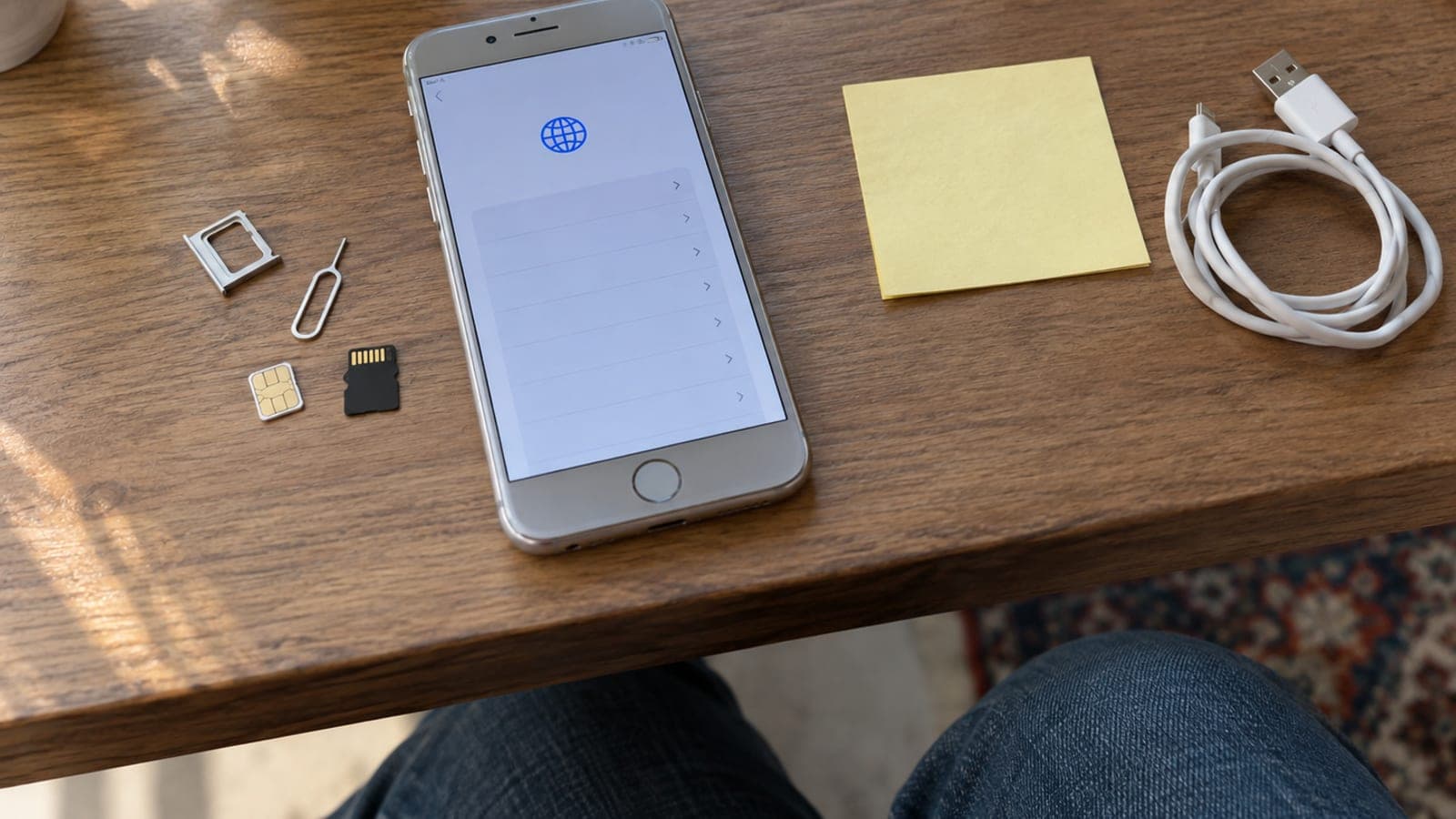
Eject the SIM tray with the pin and take out the microSD card if there is one; a factory reset does not erase the memory card on most phones. In Settings > Bluetooth use "Forget this device" for saved cars and headphones. Unpair any smartwatch, otherwise it can conflict with the new owner's setup.
Sign the accounts out of the device
Skip this and the phone stays locked for the buyer. On Android go to Settings > Passwords and accounts > Google > "Remove account"; on Xiaomi also sign out of the Mi Account, on Samsung the Samsung Account. On iPhone, Settings > Apple ID > "Sign Out" at the bottom is what releases Activation Lock.
Confirm the storage is encrypted
Android 6 and later plus every iPhone are encrypted by default, and a reset destroys the key so the leftover data is unreadable. On Android check that Settings > Security > Encryption and credentials says "Encrypted". If you never set a screen lock, add a temporary PIN before resetting so encryption is active.
Perform the factory reset
On Android follow Settings > System > Reset options > Erase all data (factory reset) and enter your PIN. On iPhone use Settings > General > Transfer or Reset iPhone > Erase All Content and Settings. It takes 5-15 minutes; wait until the phone boots to the welcome screen.
Stop at the setup screen and log the details
After the reset, leave the phone on the "Hello" or language selection screen and enter no accounts, so the buyer sets it up with their own. Compare the IMEI on the box with the one in Settings > About phone and write it down. A short signed handover note at the sale prevents later disputes.
Tips
Watch out
If you reset without signing out of your Apple ID, Activation Lock stays on and the phone is unusable for the buyer; on Android, resetting before removing the Google account triggers device protection the same way. Resetting before you see the backup marked complete means permanent loss of photos and WhatsApp history.
Frequently asked questions
+Does a factory reset really erase the data?
On encrypted devices yes, because the reset destroys the encryption key and the remaining data becomes unreadable. On unencrypted models older than Android 6, recovery software can still find fragments.
+Do I need to wipe the memory card too?
Keeping the card yourself is safest. If you sell it, run a full format on a computer, since a quick format does not truly erase the data.
+The screen is cracked and I cannot reach the menus. What now?
Sign in to your account from a computer and send a remote erase through android.com/find for Android or Find My in iCloud for iPhone; the device wipes as soon as it connects to the internet.
+Do I have to cancel my mobile line after the reset?
No. Because you removed the SIM card, the line stays yours and you simply put it into the new phone.
+Why should I record the IMEI?
In theft cases or later disagreements, the IMEI is the only concrete way to show when the device left your hands and who received it.
Sources and verification
Published: September 14, 2026. tell us. Menu paths follow stock Android and iOS naming; Samsung and Xiaomi skins may label the account and reset menus slightly differently.
This content is for information only; for official procedures the relevant institution’s current announcements take precedence. Details: disclaimer.