How do you transfer data to a new phone?
Real menu steps for moving photos, contacts and WhatsApp to a new phone over a cable, on Android, iPhone and between the two.
Short answer
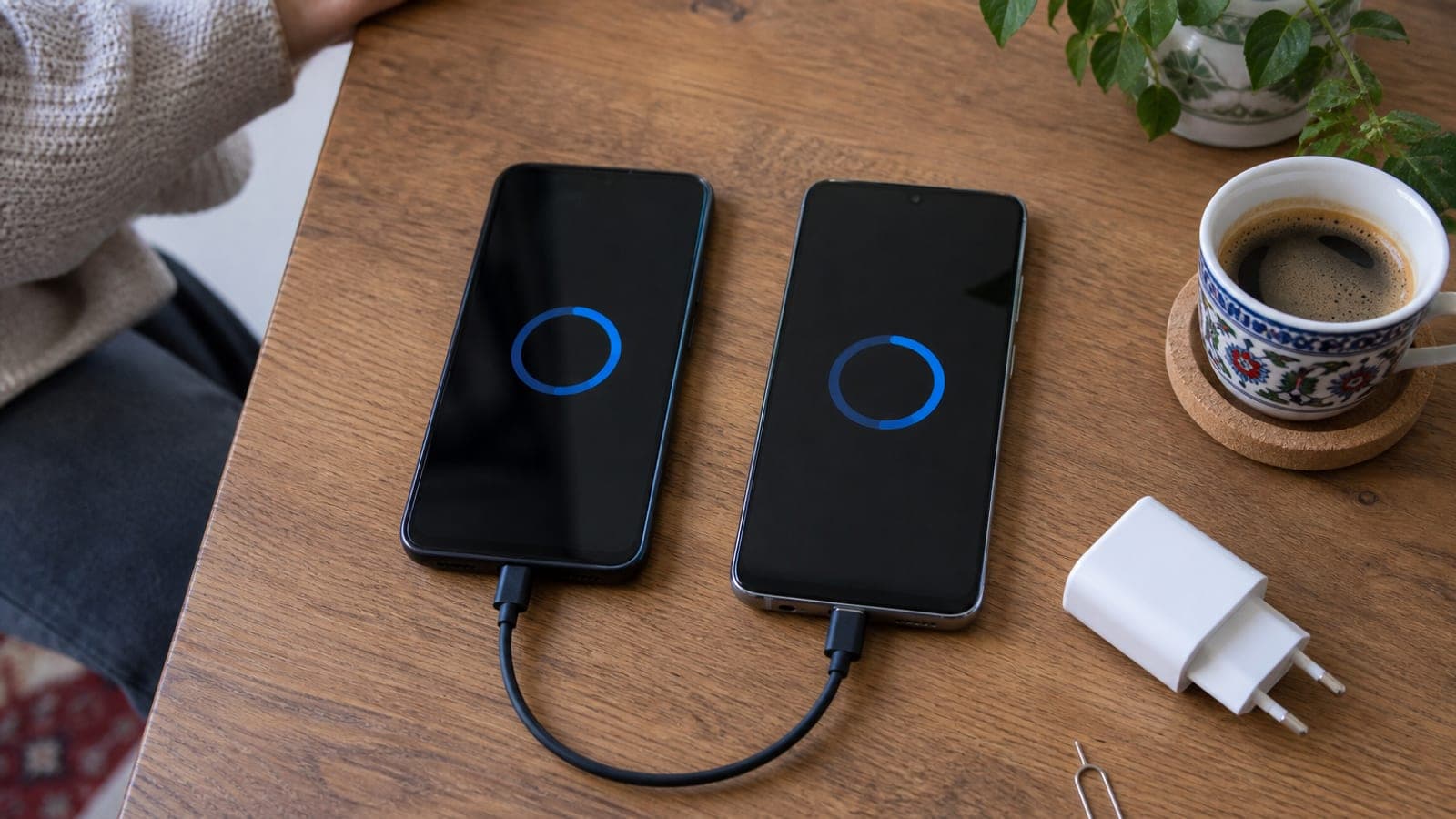
Staying on the same platform, use the setup wizard: on Android pick 'Copy your apps & data' > 'Use a cable'; on iPhone place the old handset alongside and use Quick Start > 'Transfer from iPhone'. Switching platforms, use the 'Move to iOS' app from Android to iPhone, and Smart Switch or 'Switch to Android' the other way. Over a cable, 64 GB lands in 15-30 minutes.
What you need
Step by step
Back up and charge
Charge both phones to at least 50% and put them on the same Wi-Fi network. On Android open Settings > Google > All services > Backup > Back up now. On iPhone open Settings > (your name) > iCloud > iCloud Backup > Back Up Now. If the transfer stops halfway, that backup is the only thing standing between you and lost data.
Move Android to Android
Turn on the new Android. After the language and Wi-Fi screens you reach 'Copy your apps & data': tap 'Next' > 'Use a cable' and join the two phones with the USB-C cable. On Samsung, Smart Switch takes over; you can also start it from Settings > Accounts and backup > Bring data from old device. Expect 15-30 minutes for 64 GB.
Move iPhone to iPhone
Power up the new iPhone and set it next to the old one, which shows a 'Set Up New iPhone' prompt. Scan the blue cloud animation with the camera, enter the old device's passcode, and at the data step choose 'Transfer from iPhone' instead of restoring from iCloud. A full 128 GB phone copies in 30-60 minutes.
Switch from Android to iPhone
On the iPhone's 'Apps & Data' screen choose 'Move Data from Android'. Install and open the 'Move to iOS' app from the Play Store on the old phone, type in the 6- or 10-digit code shown on the iPhone, then tick contacts, messages, photos and calendars and tap 'Continue'. It takes 20-60 minutes, so keep both phones plugged in.
Switch from iPhone to Android
On Samsung go to Settings > Accounts and backup > Bring data from old device > iPhone/iPad > 'Receive via cable' and connect the USB-C to Lightning cable. On Pixel the same flow runs through the Quick Switch Adapter in the box. With no cable, 'Receive wirelessly' pulls from the iCloud backup, but it takes roughly twice as long.
Carry over WhatsApp chats
Android to Android: install WhatsApp on the new phone, verify the number and choose 'Restore from Google Drive'. iPhone to iPhone: the iCloud backup alone is enough. Cross-platform: on the old phone open WhatsApp > Settings > Chats > Move chats, which needs a cable and a fresh WhatsApp install that has not been verified yet.
Move the line and your 2FA codes
Pop the SIM out with the ejector pin and slot it into the new phone. For eSIM, request a fresh QR code in your carrier's app; on iPhone, Settings > Cellular > Transfer eSIM also works. Then use 'Transfer accounts' in Google Authenticator to move your codes, and re-verify banking and government apps one by one.
Wipe the old phone
Open photos, WhatsApp, email and banking apps on the new phone and confirm each one works. Then, on the old iPhone, go to Settings > General > Transfer or Reset iPhone > Erase All Content and Settings; on Android, Settings > System > Reset options > Erase all data. Turn off Find My iPhone and remove the Google account first.
Tips
Watch out
Before you factory reset the old phone, open WhatsApp, photos, two-factor codes and banking apps on the new one and check each individually. Deleting an eSIM from the old device can knock your line offline temporarily, so never erase it before you have the new QR code in hand.
Frequently asked questions
+How long does a phone data transfer take?
Over a cable, 64 GB runs about 15-30 minutes and 256 GB takes 1 to 1.5 hours. Add another 20-40 minutes for apps to finish downloading in the background.
+Can WhatsApp chats move from iPhone to Android?
Yes, over a cable on Samsung and Pixel models. You need Android 12 or newer, a current WhatsApp version, and a fresh install where the number has not been verified yet.
+What happens if the transfer is interrupted?
The new phone ends up with partial data. The cleanest fix is to reset the new device from Settings and run the setup wizard again; nothing on the old phone is deleted in the process.
+Can I transfer without a cable?
Yes. Android offers a 'No cable?' option, iPhone can restore from an iCloud backup, and 'Move to iOS' works over Wi-Fi. Only the duration changes, roughly two to three times longer.
+Do my app logins come across too?
Staying on the same platform, most app sessions survive. Switching platforms, you will have to sign in again to banking, government and authenticator apps.
Sources and verification
Official pages for this process
Published: September 14, 2026. tell us. Menu names follow current Android (Samsung/Pixel) and iOS wording; labels may differ slightly by manufacturer skin or OS version.
This content is for information only; for official procedures the relevant institution’s current announcements take precedence. Details: disclaimer.